User authentication
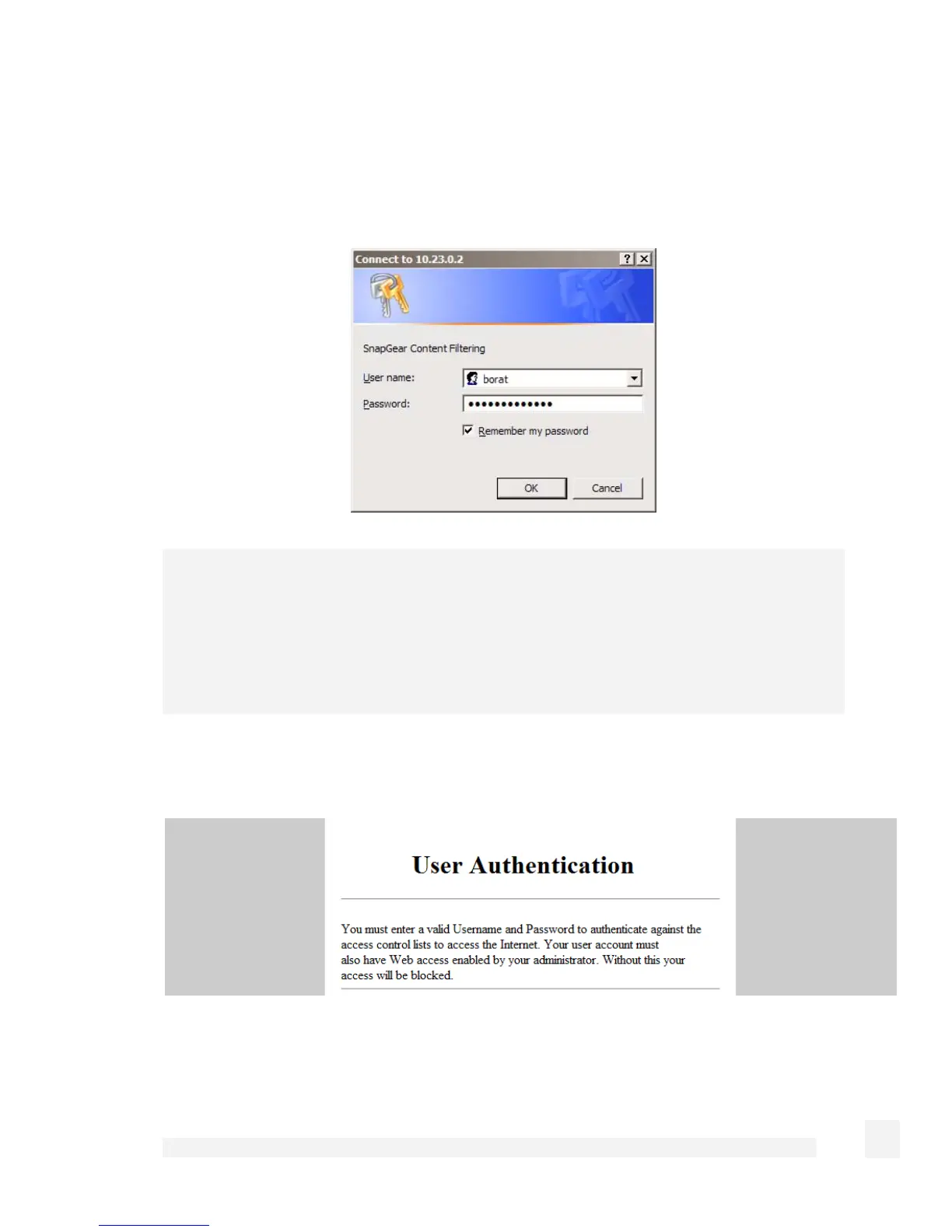
Check Require user authentication if you want to require users to authenticate
themselves before browsing the web. When attempting to access a web site on the
Internet, the browser displays a dialog similar to the following:
Note
To add or remove access controls user accounts, select Users from the main menu and
click the Local Users tab. Access controls users should generally have only Internet
Access (Access Controls) checked, with all other access permissions unchecked. See
the Users section in the chapter entitled System for further details on adding user
accounts.
Users without web proxy access see a screen similar to the figure below when attempting
to access external web content:
173
Firewall



 To Next Page