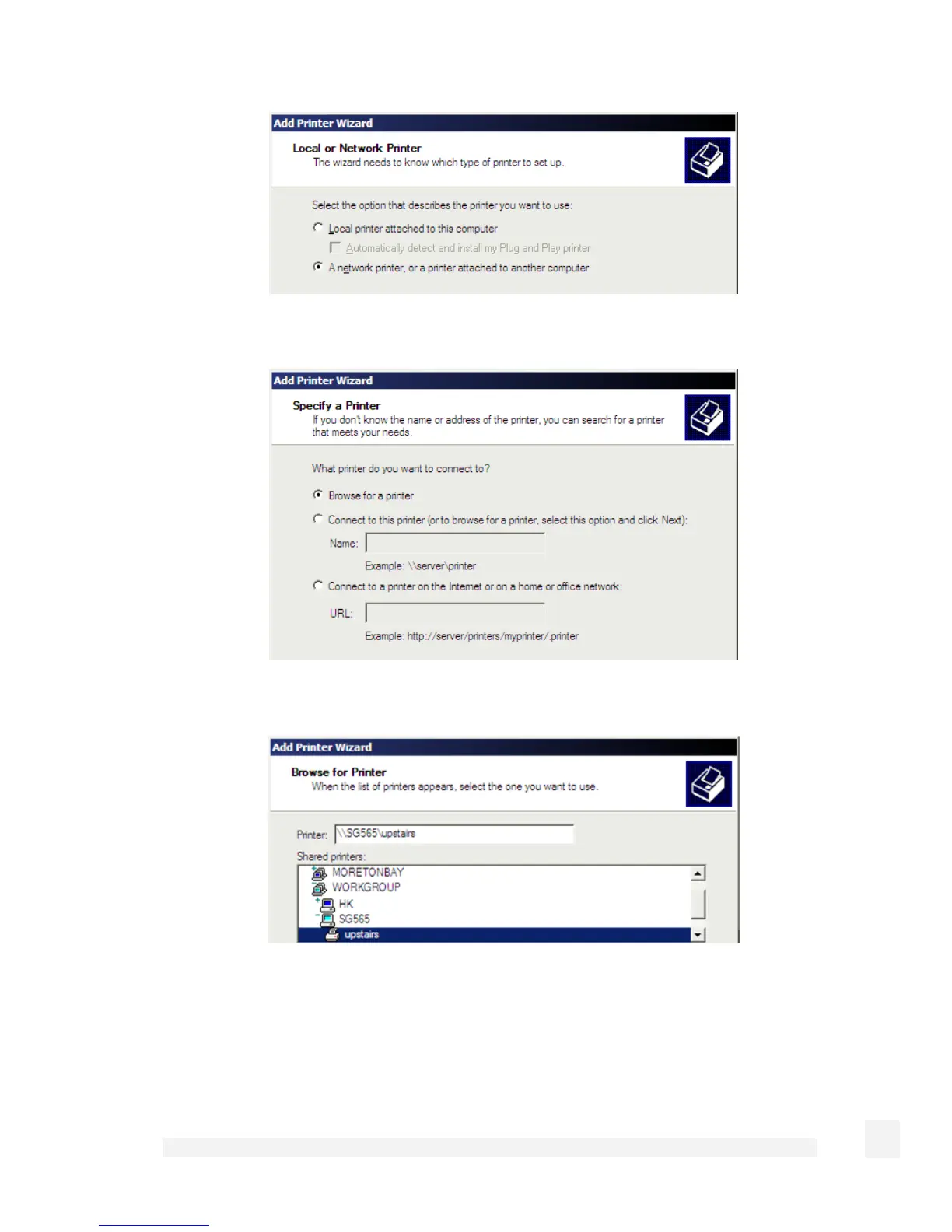
Select A network printer, or a printer attached to another computer and click Next.
Select Browse for a printer and click Next.
Locate the SnapGear unit by expanding your Windows workgroup and locating the SG by
its hostname. The hostname is set on the SnapGear unit under Network Setup
>
Advanced
> Unit Hostname. Select the printer and click Next.
264
USB



 To Next Page