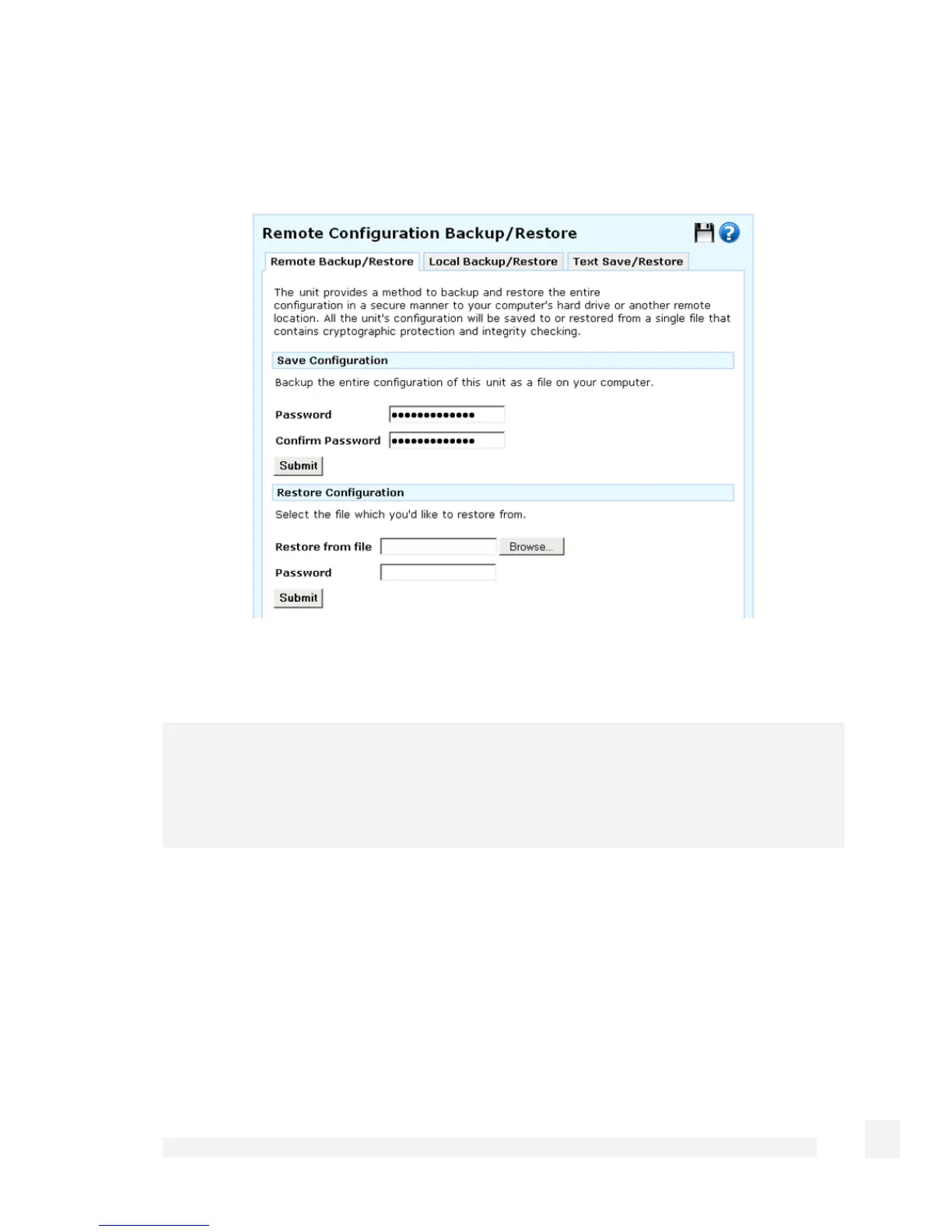
Remote backup/restore
Click the Remote backup/restore tab.
To back up your configuration, enter and confirm a Password with which to protect this
file and click Submit. Save the file in a safe place.
Note
Ensure this is a hard to guess password, as all passwords including IPSec passwords
and private keys are downloaded into your saved configuration. Ensure your password is
easy to remember, if this password is lost there is no way to restore your configuration.
To restore configuration, click Browse to locate the .sgc configuration file you previously
backed up, enter its Password and click Submit.
Local backup/restore
Click the Local backup/restore tab.
272
System



 To Next Page