Set up your PC to connect to the web management console
Note
The following steps assume you want to set up your SnapGear unit in bridged mode, so
that it sits between your PC and the LAN, transparently filtering network traffic.
If you want to set up your SnapGear unit for NAT mode or to connect directly to your ISP,
refer to
Network Address Translation (NAT) on page 148.
The SnapGear unit ships with initial network settings of:
IP address: 192.168.0.1
Subnet mask: 255.255.255.0
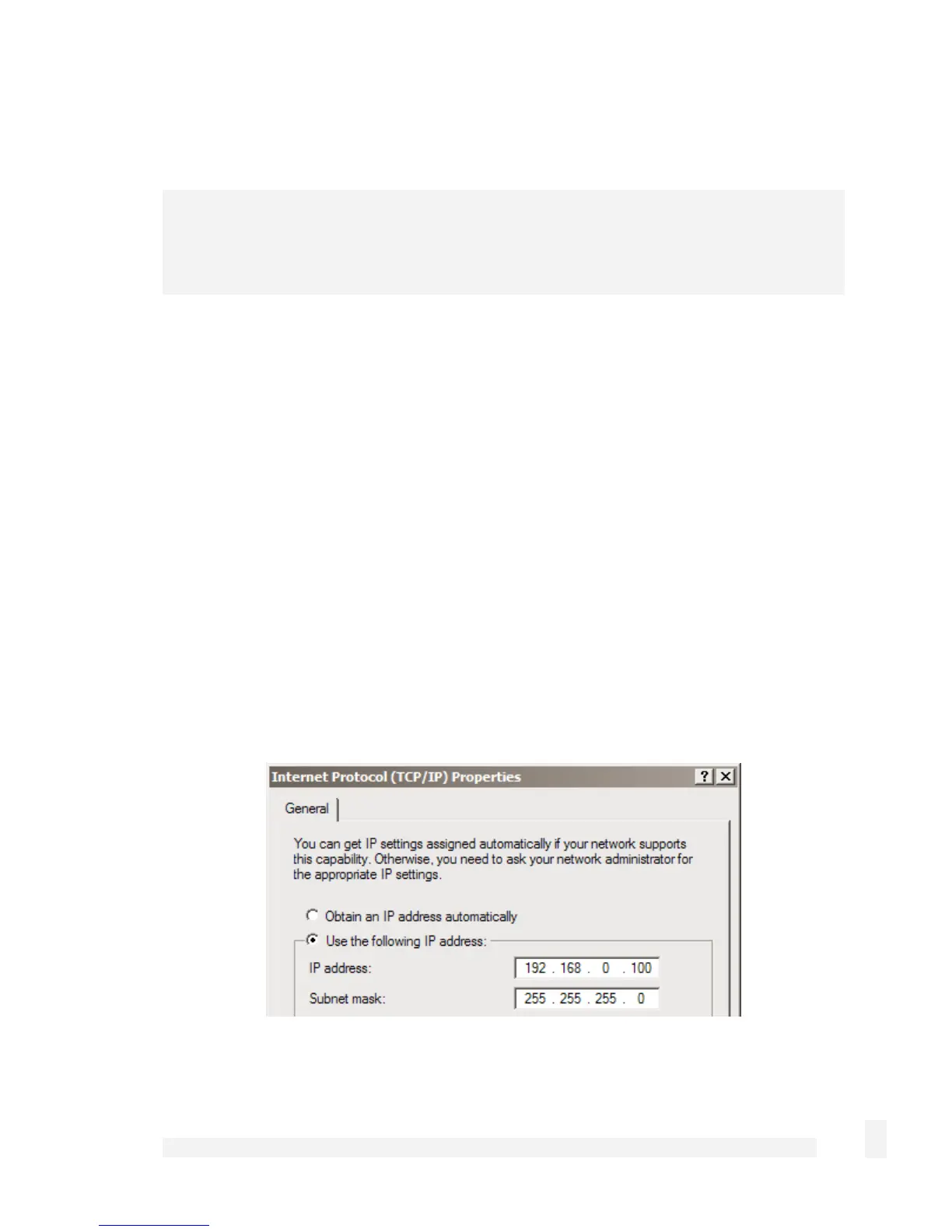
Next, modify your PC’s network settings to enable it to communicate with the SnapGear
unit.
Click Start > (Settings >) Control Panel and double-click Network Connections.
Right-click on Local Area Connection (or appropriate network connection for the newly
installed PCI appliance) and select Properties.
Select Internet Protocol (TCP/IP) and click Properties.
35
Getting Started



 To Next Page