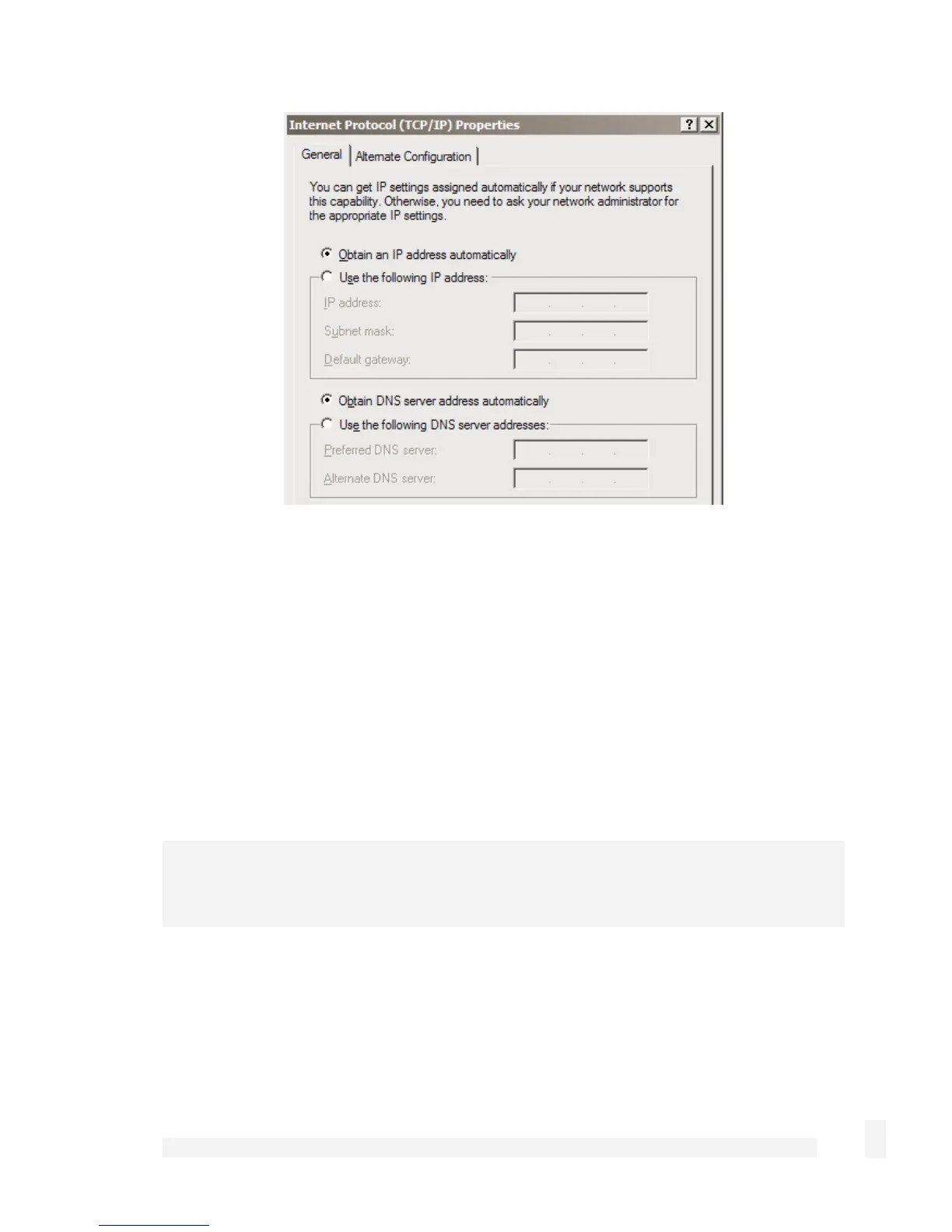
Check Obtain an IP address automatically, check Obtain DNS server address
automatically and click OK.
Attach your SnapGear unit’s Ethernet port to your LAN’s hub or switch.
Quick setup is now complete.
Manual configuration
Ensure you have two free IP addresses that are part of the subnet range of your LAN,
and ensure you know your LAN’s subnet mask, and the DNS server address and
gateway address used by PCs on your LAN.
Note
Contact your network administrator if you are unsure of any of these settings.
The first IP address is used by the web management console.
39
Getting Started



 To Next Page