Select Allow authentication for MACs in the Access Control List to disallow all but
the MAC addresses you specify, or Deny authentication for MACs in the Access
Control List to allow all but the MAC address you specify. Click Update.
Enter a MAC to allow or deny and click Add. A MAC may be removed from the list by
clicking the corresponding Delete icon.
Warning
This is only a weak form of authentication, and does not provide any data privacy
(encryption). MAC addresses may be forged relatively easily.
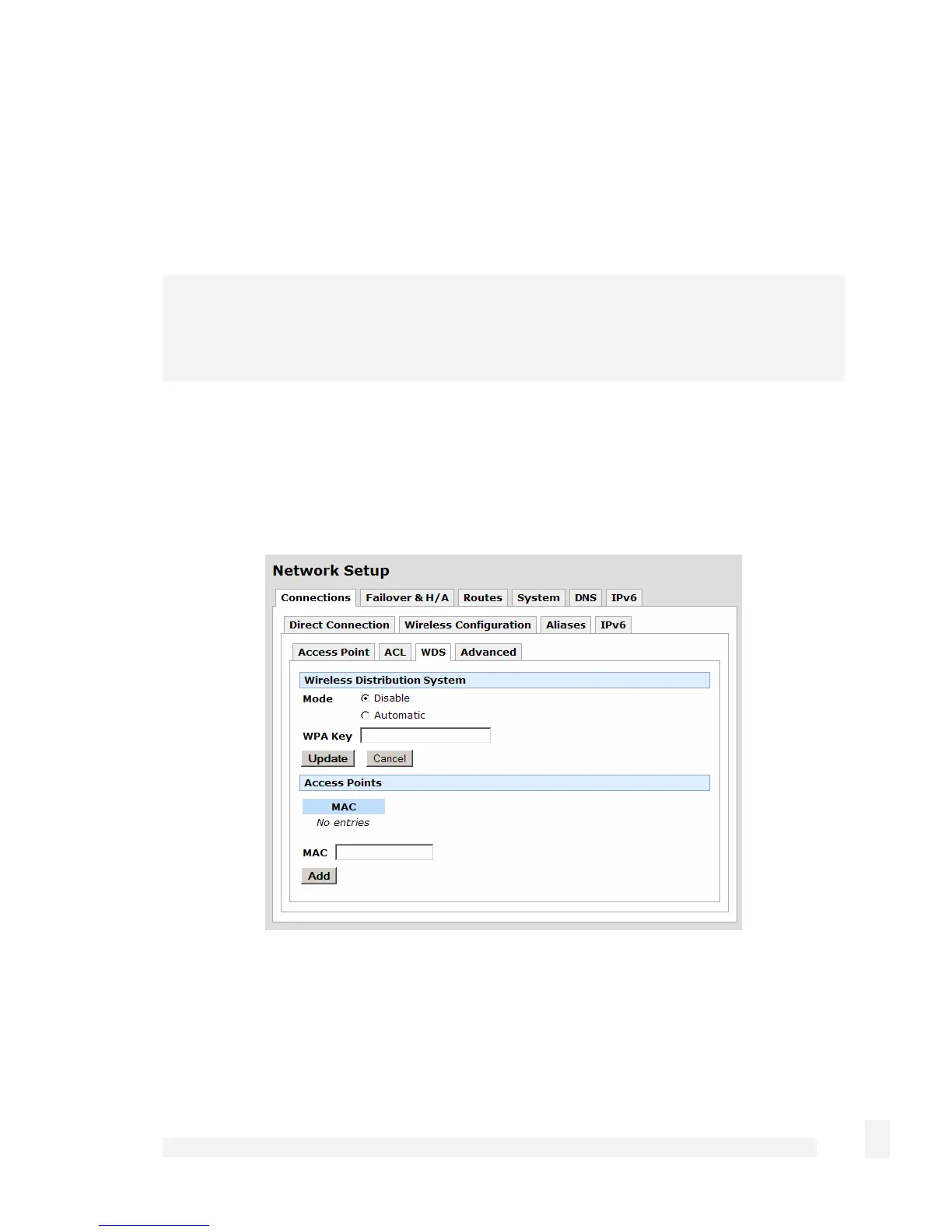
WDS
Select the WDS tab to enter WDS (Wireless Distribution System) configuratioin
information. WDS allows wireless Access Points to communicate with each other without
the need for a wired Ethernet connection.
Access Points connected using WDS must be configured with the same channel and
encryption settings. The ESSID may be the same or different. If the Access Points have
the same ESSID, then clients may transparently roam between them.
83
Network Setup



 To Next Page