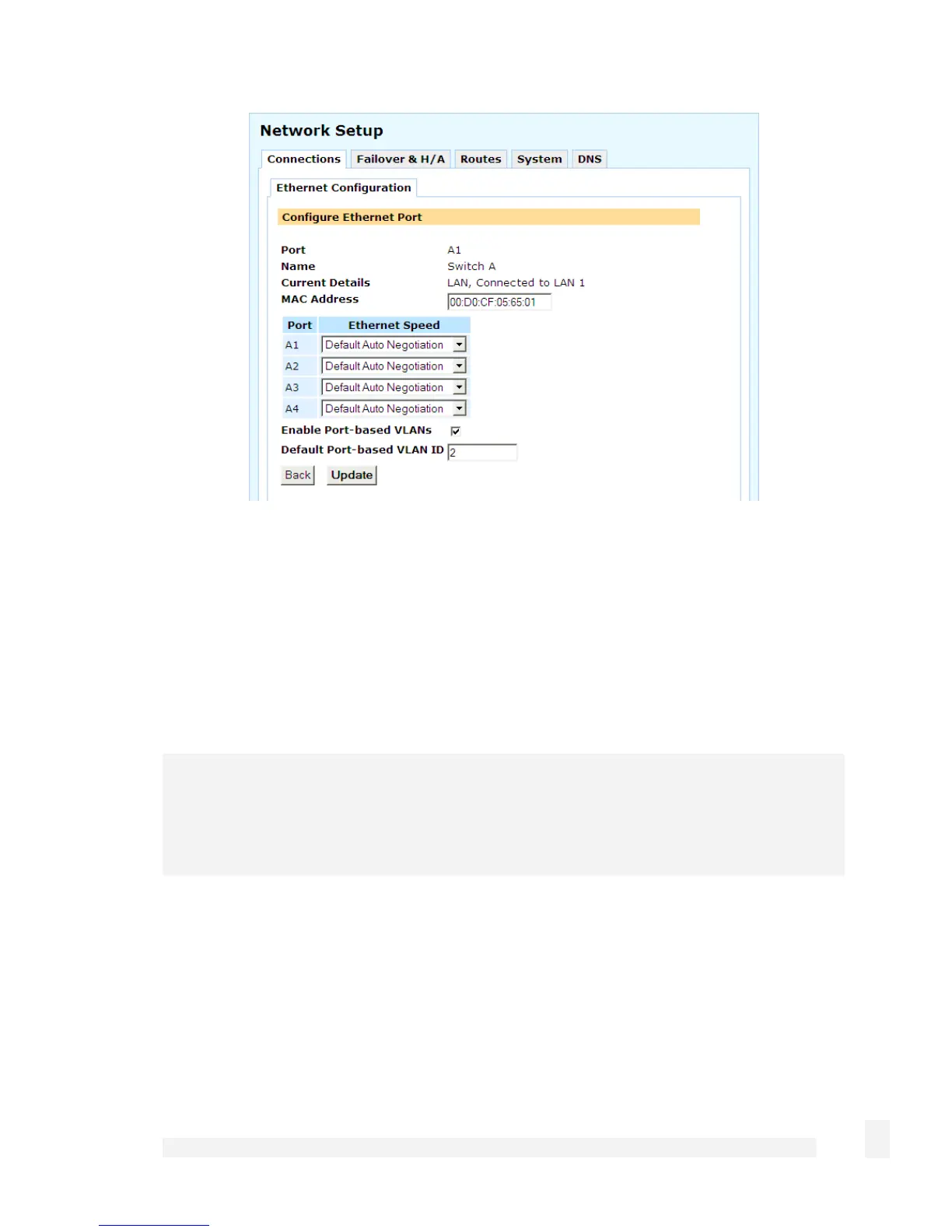
The following settings pertain to port based VLANs:
Enable port based VLANs: Check to enable port based VLANs.
Default port based VLAN ID: As the default VLAN is always untagged, typically you
only need to change this from the default setting of 2 if you want another port to
participate on an existing tagged VLAN with the ID of 2.
Adding port based VLANs
Note
If you previously selected 1 LAN Port, 3 Isolated Ports in the Switch Configuration
step of the Quick Setup Wizard, a single isolated VLAN for each port has already been
added.
Select Network Setup from the Networking menu. Under the Connection table, select
VLAN and click Add.
99
Network Setup



 To Next Page