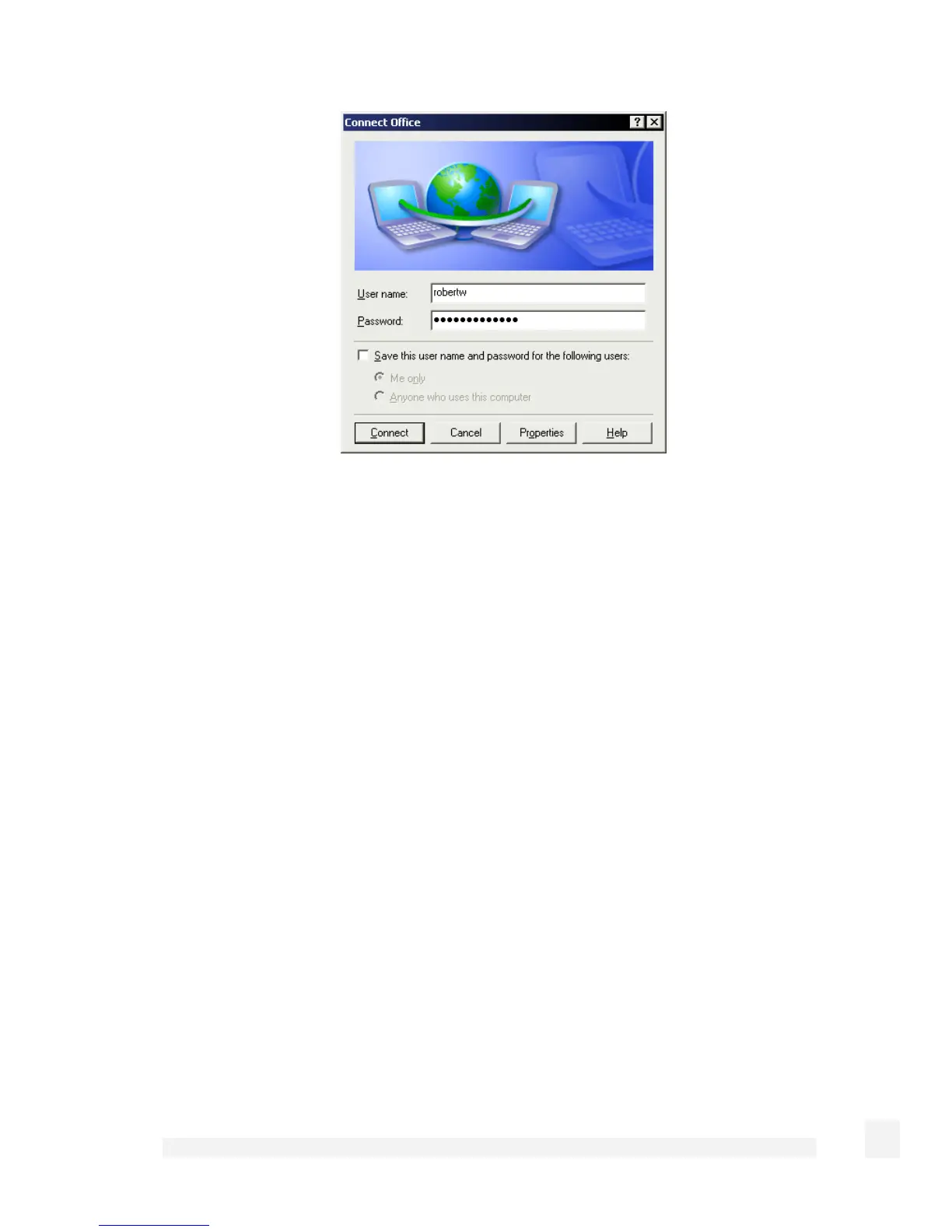
Enter a user name and password added in the Configuring user accounts for VPN server
section and click Connect.
L2TP VPN Server
To setup an L2TP/IPSec connection from a remote Windows XP client to your SnapGear
unit and local network:
Enable and configure the L2TP VPN server.
Configure IPSec tunnel settings.
Set up VPN user accounts on the SnapGear unit and enable the appropriate
authentication security.
Configure the VPN clients at the remote sites. The client does not require special
software — the SG L2TP Server supports the standard L2TP and IPSec client
software included with Windows XP.
Connect the remote VPN client.
L2TP server setup
Select L2TP VPN Server from the VPN section of the main menu.
202
Virtual Private Networking



 To Next Page