If you have set up your computer to connect to your ISP using dial up, select
Automatically dial this initial connection and your dial-up account from the pull-down
menu. If not, or if you wish to manually establish your ISP connection before the VPN
connection, select Do not dial the initial connection. Click Next.
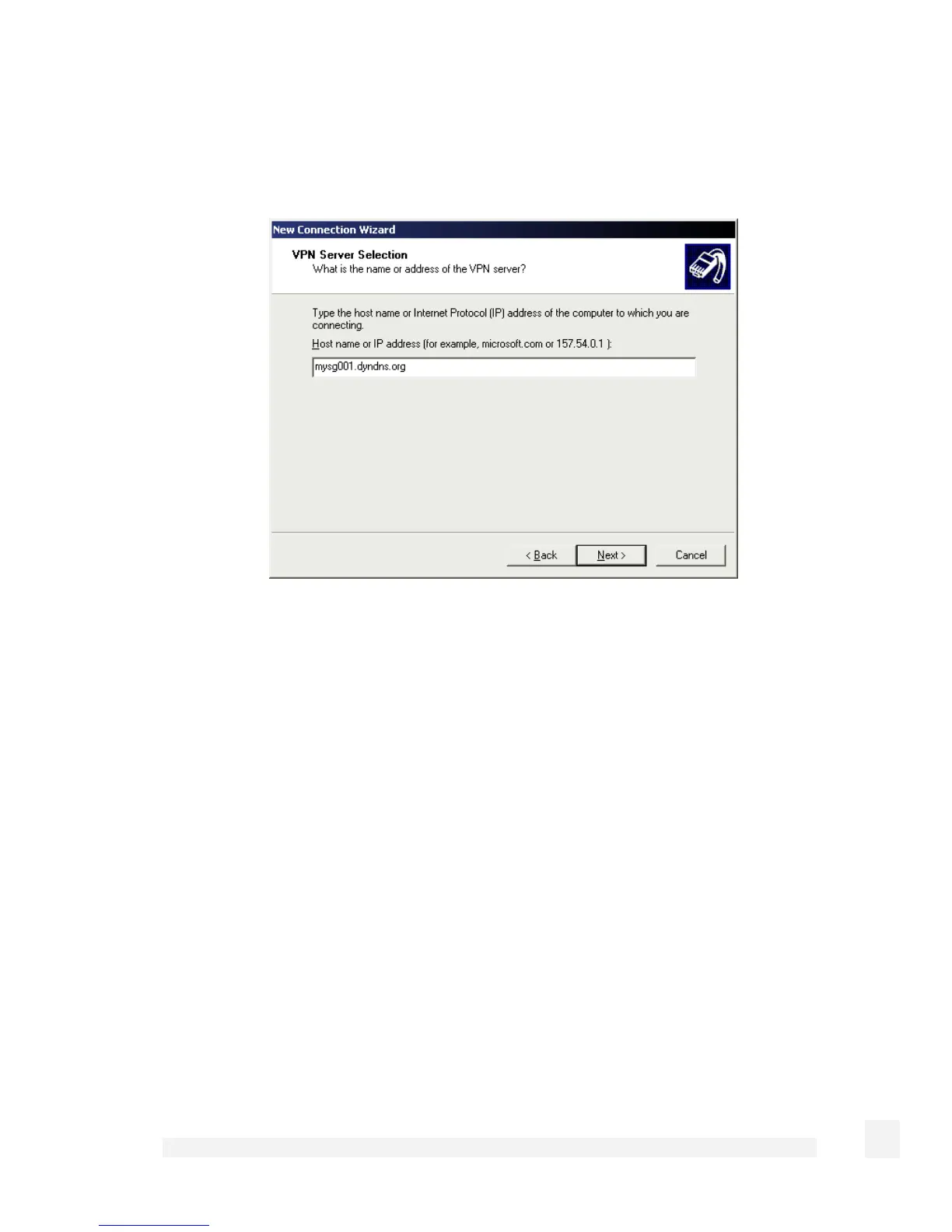
Enter the SG PPTP appliance’s Internet IP address or fully qualified domain name and
click Next. Select whether you wish make this connect available to all users and whether
you wish to add a shortcut to your desktop then click Finish.
Your VPN client is now set up and ready to connect.
Connect the remote VPN client
Verify that you are connected to the Internet, or have set up your VPN connection to
automatically establish an initial Internet connection.
Select the connection for the SnapGear unit VPN.
201
Virtual Private Networking



 To Next Page