Checking Enable Cache stores recently accessed pages’ ratings locally, to lower the
response time the next time the page is accessed. It is recommended that you leave this
checked.
Blocked requests are submitted to the central content filtering server. The user
attempting to access blocked content can be identified either through User Accounts
(see User Authentication earlier in this chapter) or the IP Address of their machine.
Click the Reports tab to connect to the central content filtering server. Enter your
Customer ID, User name and Password that were issued with your content filtering
license. Click View Reports.
Warning
The correct time/date must be set on your SnapGear unit for reporting to work. The most
effective way to do this is by using an NTP time server. See the Time and Date section
in the chapter entitled System for details.
Also note that the user name and password is not the same as the one used to access
your SnapGear unit. Check http://www.cyberguard.com/snapgear/my/ for login details.
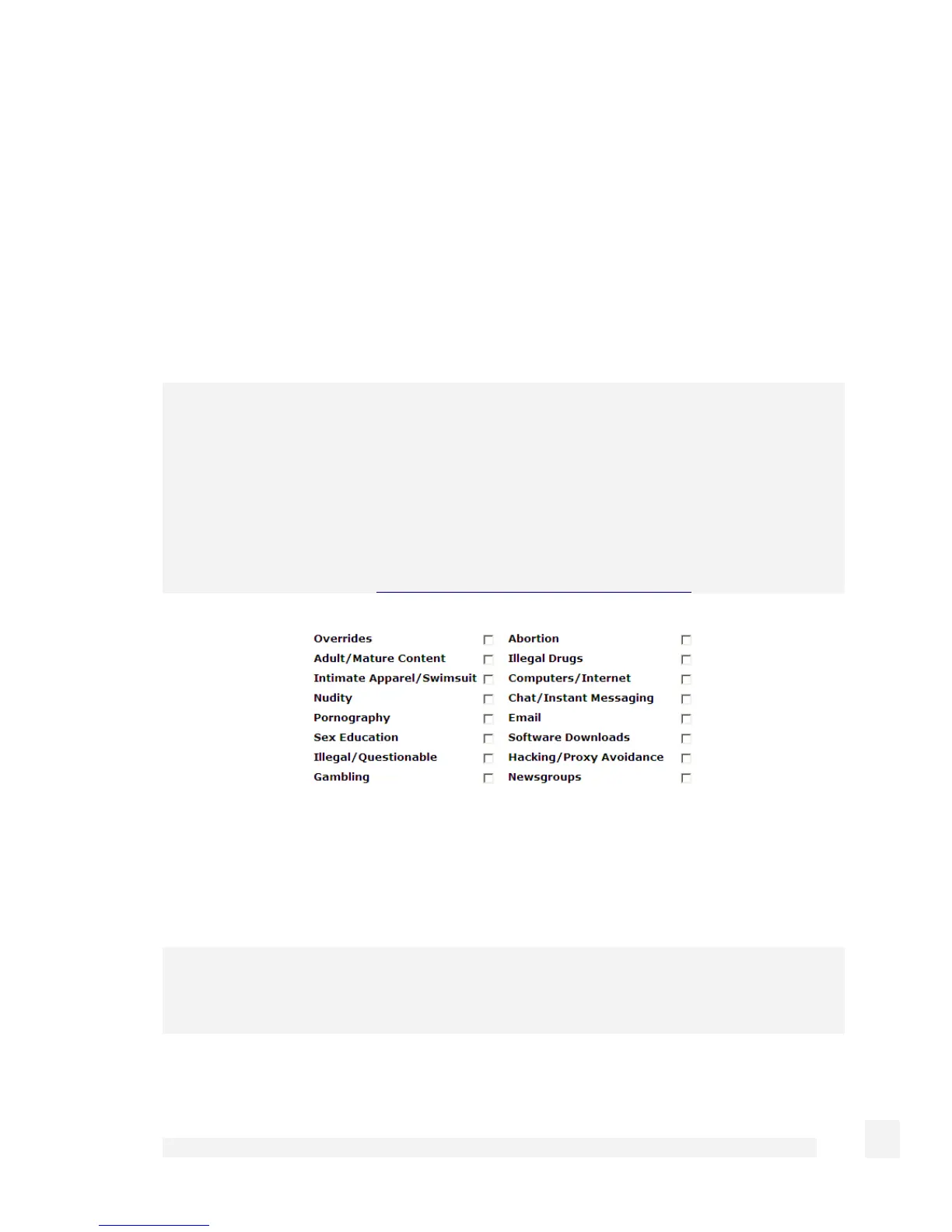
Select which categories you wish to block. Selecting Unratable blocks pages that the
central content filtering database has not yet categorized.
Antivirus
Note
SG565, SG580 and SG710 only.
182
Firewall



 To Next Page