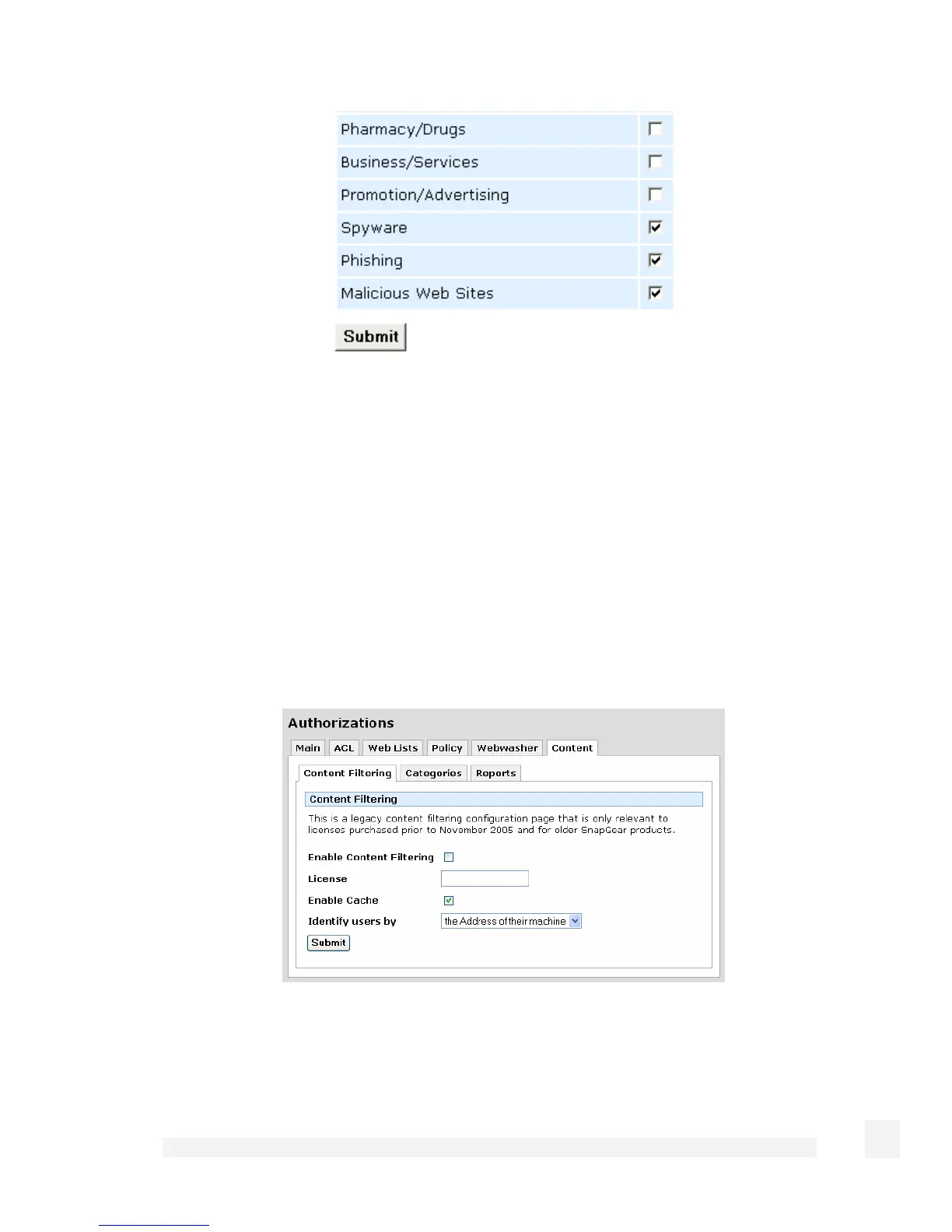
Under the Categories tab, select the Blocked Categories to block access to.
Under the Reports tab, enter your User name and Password and click View Reports to
view reporting on blocked accesses, etc.
Before content filtering can be enabled, both a certificate and a private key must be
provided.
Under the Certificates tab, enter content fitler certificate.
Under the Private Key tab, enter the content filtering private key.
Content
Check Enable Content Filtering, enter your License key, then continue to set reporting
options and which categories to block. Click Apply once these options have been set up
to enable content filtering.
181
Firewall



 To Next Page