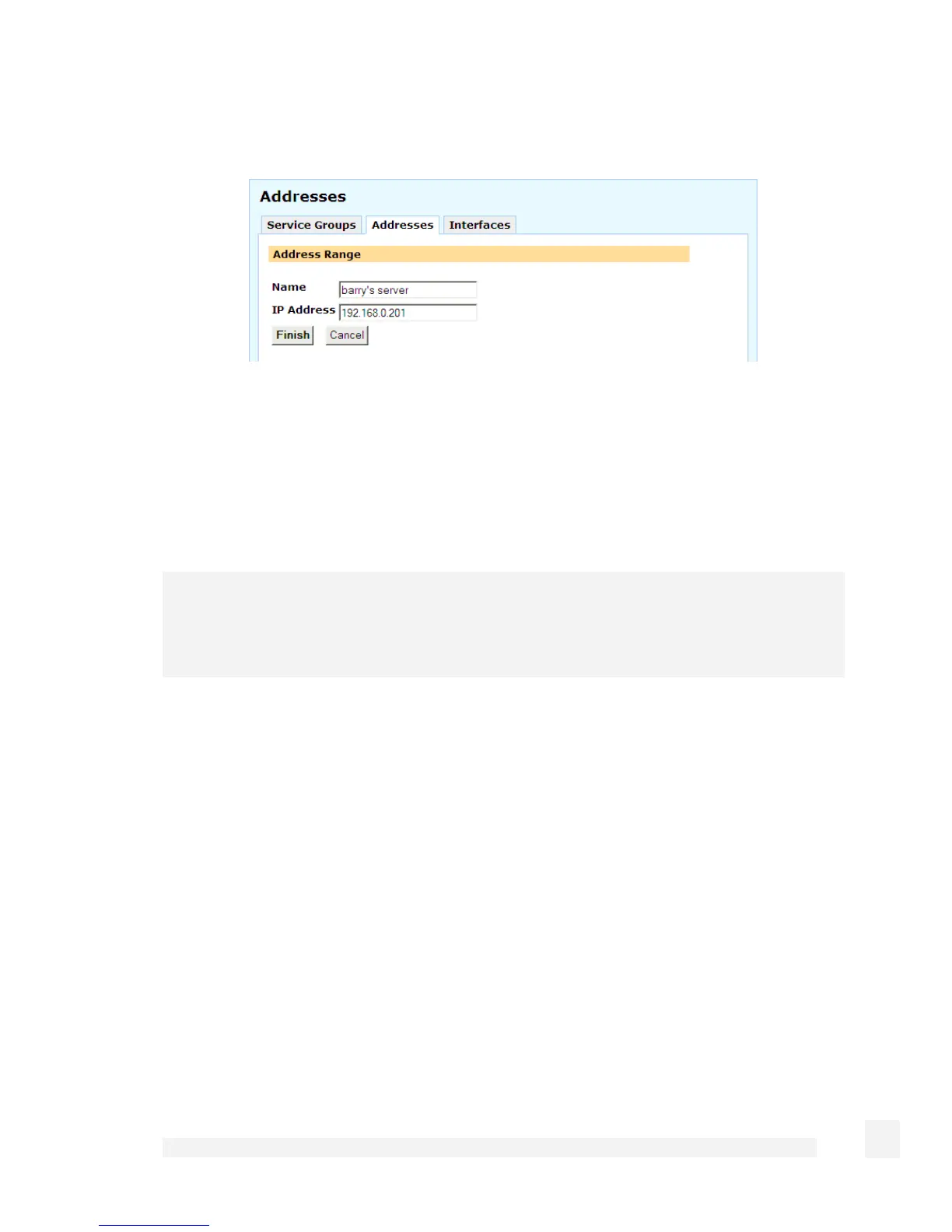
Adding or modifying an address is shown in the following figure:
You may either add a Single Address or Range or DNS Hostname. You may also
group previously added addresses together by defining an Address Group to simplify
your firewall ruleset.
Select how you would like to add the address or addresses, and click New. Either enter
the DNS Hostname, the IP Address or address range and an optional descriptive
Name, or select the addresses to group and enter a descriptive Name. Click Finish.
Warning
DNS hostnames are not generally recommended for enforcing security policies. They
are unreliable, and may cause significant delays in updating the firewall rules.
Interfaces
Packets may also be matched by incoming and outgoing Interface.
You may group the SnapGear unitnetwork interfaces into Interface Groups, to simplify
your firewall ruleset. Select the interfaces to group and enter a descriptive Name
(required). Click Finish.
143
Firewall



 To Next Page