Port forwarding to an internal mail server
The following is an example of using port forwarding to allow hosts on the Internet to
send and receive mail using a mail server on your LAN.
Warning
Precautions must be taken when configuring the mail server, otherwise you may become
susceptible to such abuse as unauthorized relaying of unsolicited email (spam) using
your server. Configuration of the email server is outside the scope of this manual.
Where possible, add packet filter rules to restrict access to the internal mail server to
trusted external hosts only.
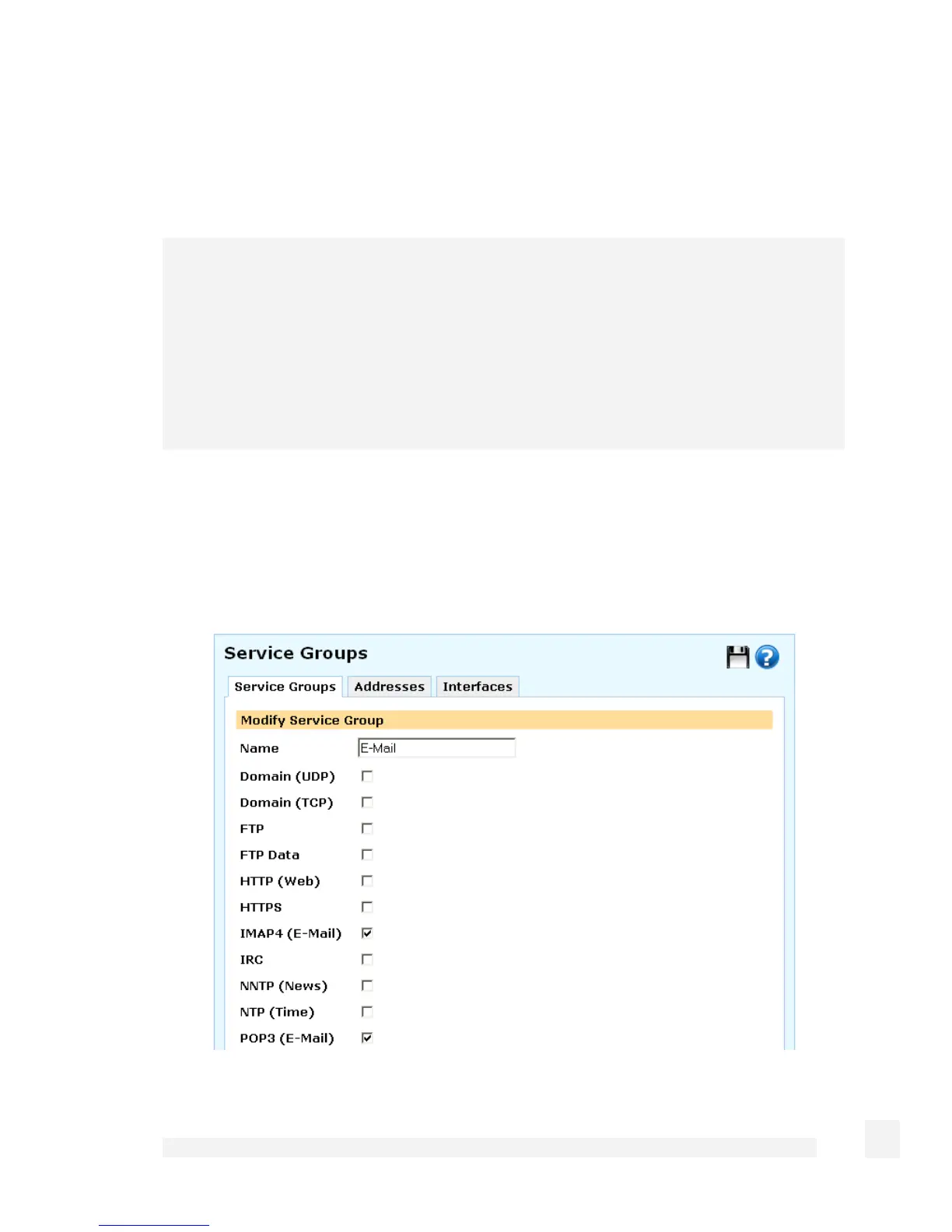
First, add a service group to group email services (SMTP, POP3 and IMAP).
Click Definitions, the Service Groups tab, then New.
Enter E-Mail in Name.
152
Firewall



 To Next Page