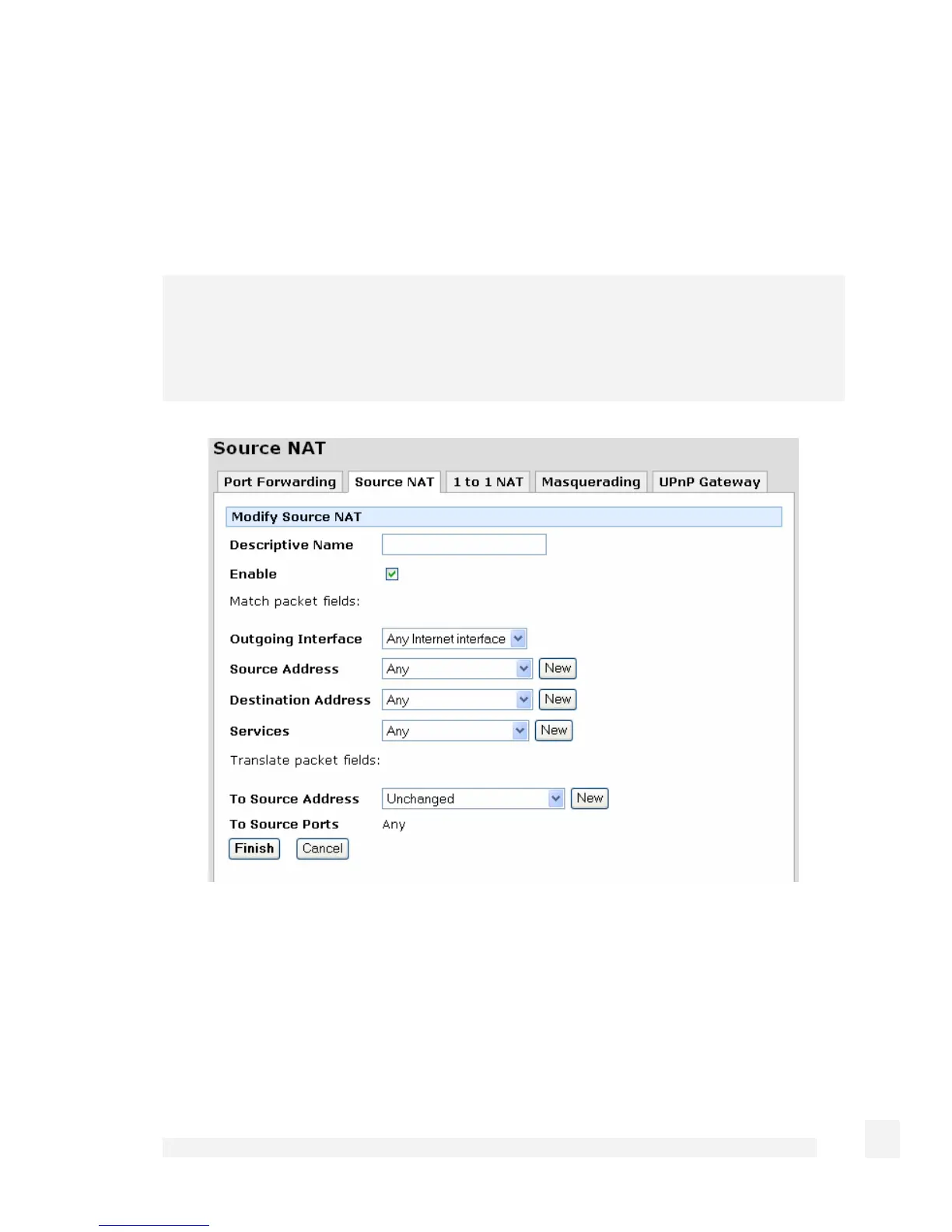
Click Source NAT. Any rules that have already been defined are displayed, you may
Edit or Disable/Enable these rules by clicking the appropriate icon. Click New to add a
new rule.
You may also add a new rule above an existing one by clicking the Add Above icon, or
below with Add Below.
Note
The first matching rule determines the action for the network traffic, so the order of the
rules is important. You can use the Move Up and Move Down icons to change the order.
The rules are evaluated top to bottom as displayed on screen.
The following fields are displayed:
Enable Uncheck to temporarily disable this rule.
Descriptive Name Enter an arbitrary name for this rule.
This rule is applied to packets that match the critera described by the next four fields.
155
Firewall



 To Next Page