Note
Each browser on the LAN now has to be set up to use the SnapGear unit’s web proxy.
Browser setup
The example given is for Microsoft Internet Explorer 6. Instructions for other browsers
should be similar; refer to their user documentation for details on using a web proxy.
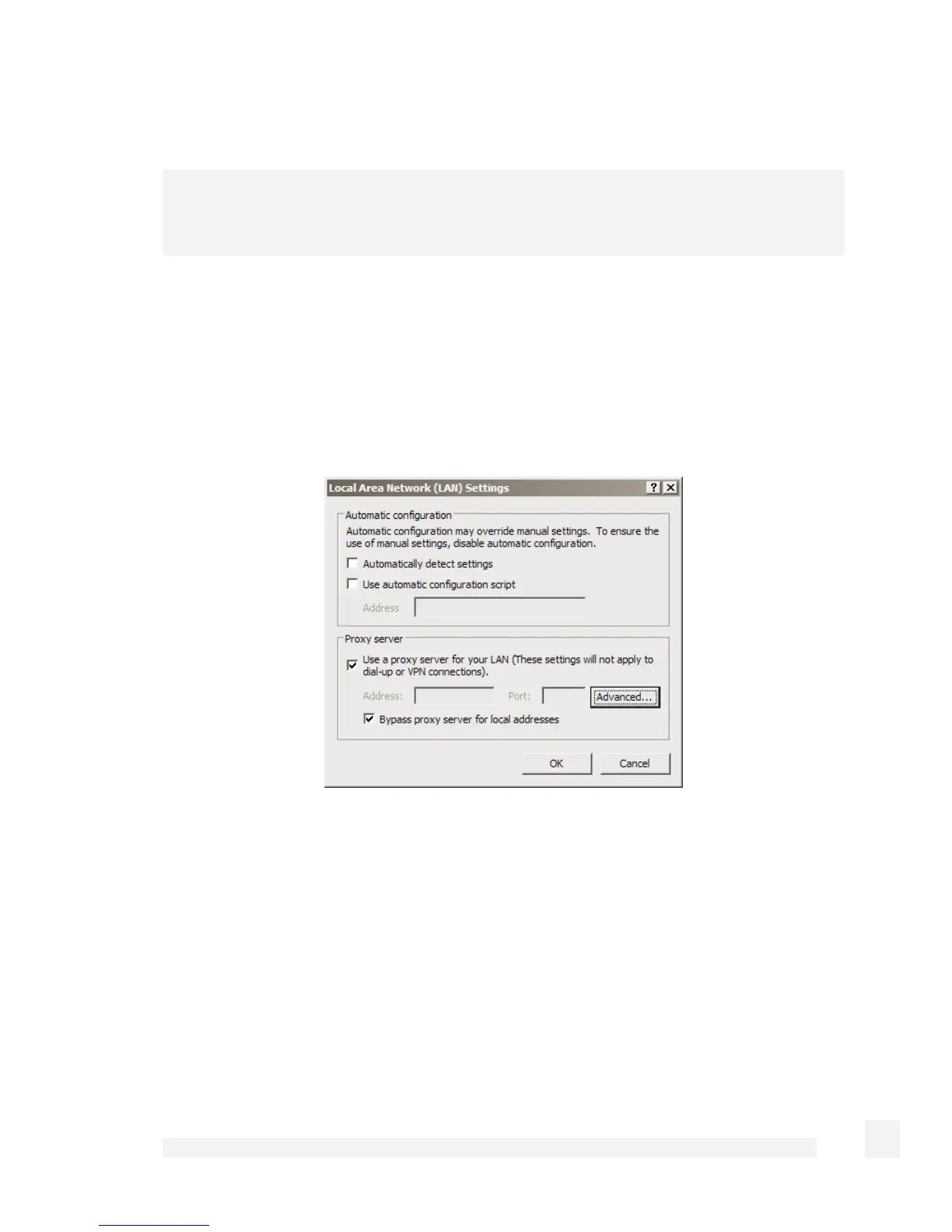
From the Internet Options menu, select Tools. From the LAN Settings tab, select LAN
Settings.
Check Use a proxy server for your LAN… and Bypass proxy server for local
addresses. All other options should remain unchecked.
Click Advanced.
174
Firewall



 To Next Page