Create a new user account:
Note
We recommend that you create a special user account to be used by the SnapGear
unit for reading and writing to the network share. If you have an existing account or
wish to make the network share readable and writeable by everyone, you may skip
the next step.
To create an account, click Start > Control Panel > User Accounts > Create a new
account. Type a name for the new account, e.g. sguser, and click Next. Typically it
is sufficient to grant this account Limited privileges. Click Create Account to create
it. Select the account you have just created under Pick an account to change.
Select Create a password. Enter and confirm a password for this account, as well as
a password hint if desired.
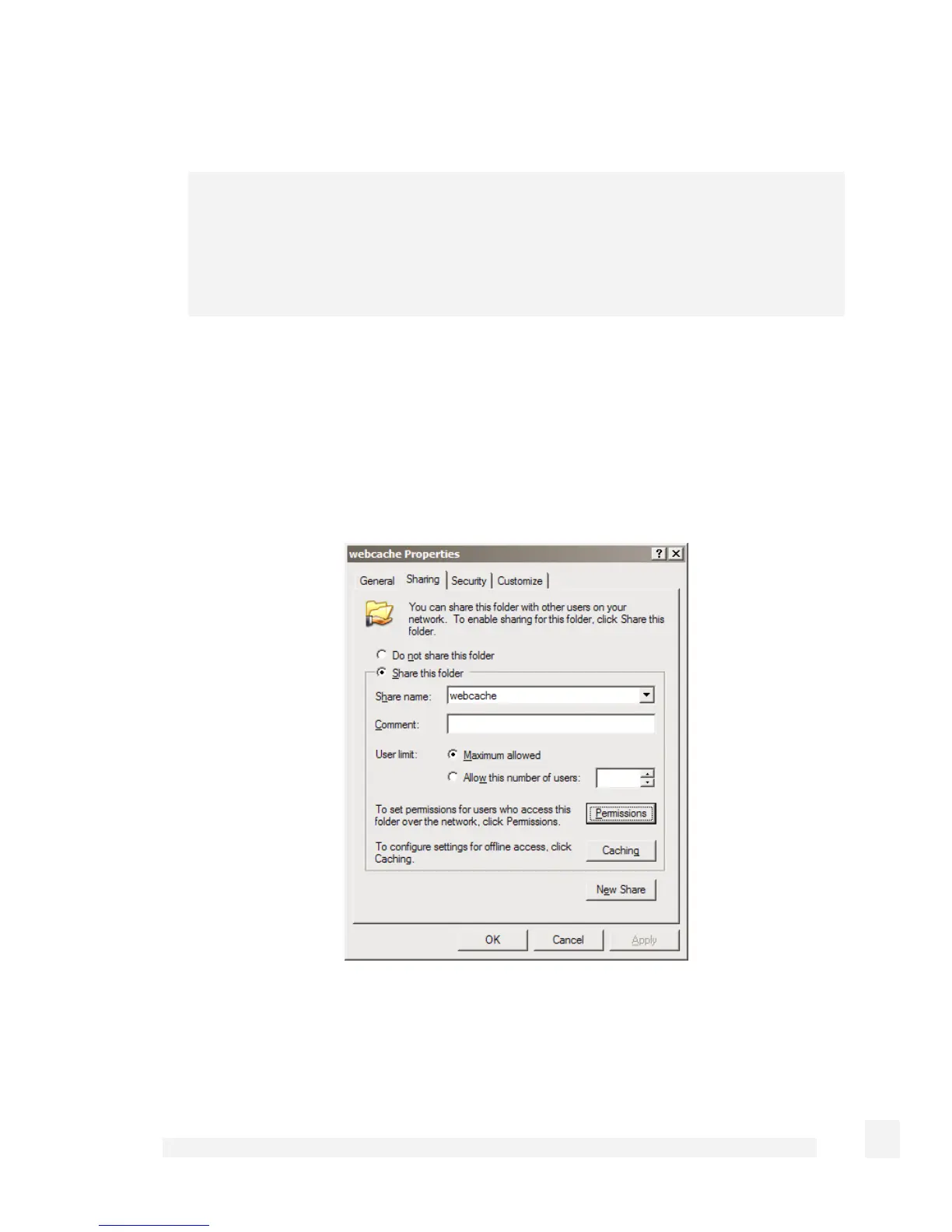
Create the network share:
Launch Windows Explorer (Start > (All) Programs > Accessories > Windows
Explorer) and open up a folder or drive to dedicate as a network share for use by the
SnapGear unit’s web cache.
185
Firewall



 To Next Page