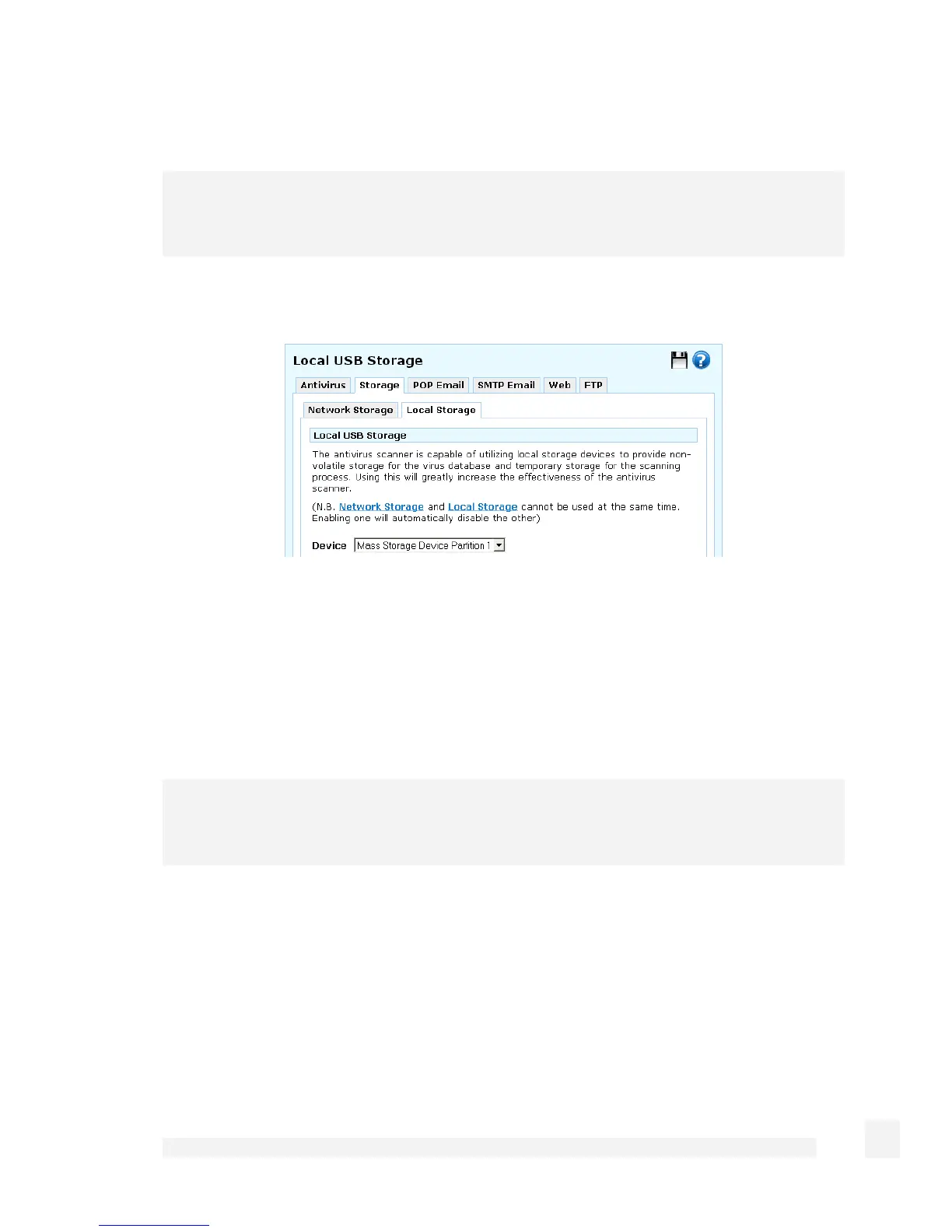
Local storage
Note
SG565 only.
Attach a USB storage device to one of the SnapGear unit’s USB ports.
Under the Storage > Local Storage tab, select the partition or device to use from the
Device pull-down menu, and click Submit.
POP email
The SnapGear unit can scan email being sent by PCs on your LAN before delivering it to
the destination mail server.
Note
Scanning of IMAP and web-based email is not supported.
This service is configured differently depending on whether you want to scan all incoming
email, or scan only email being retrieved by specific PCs on your LAN.
Scan all POP email
Check Virus check POP based email.
187
Firewall



 To Next Page