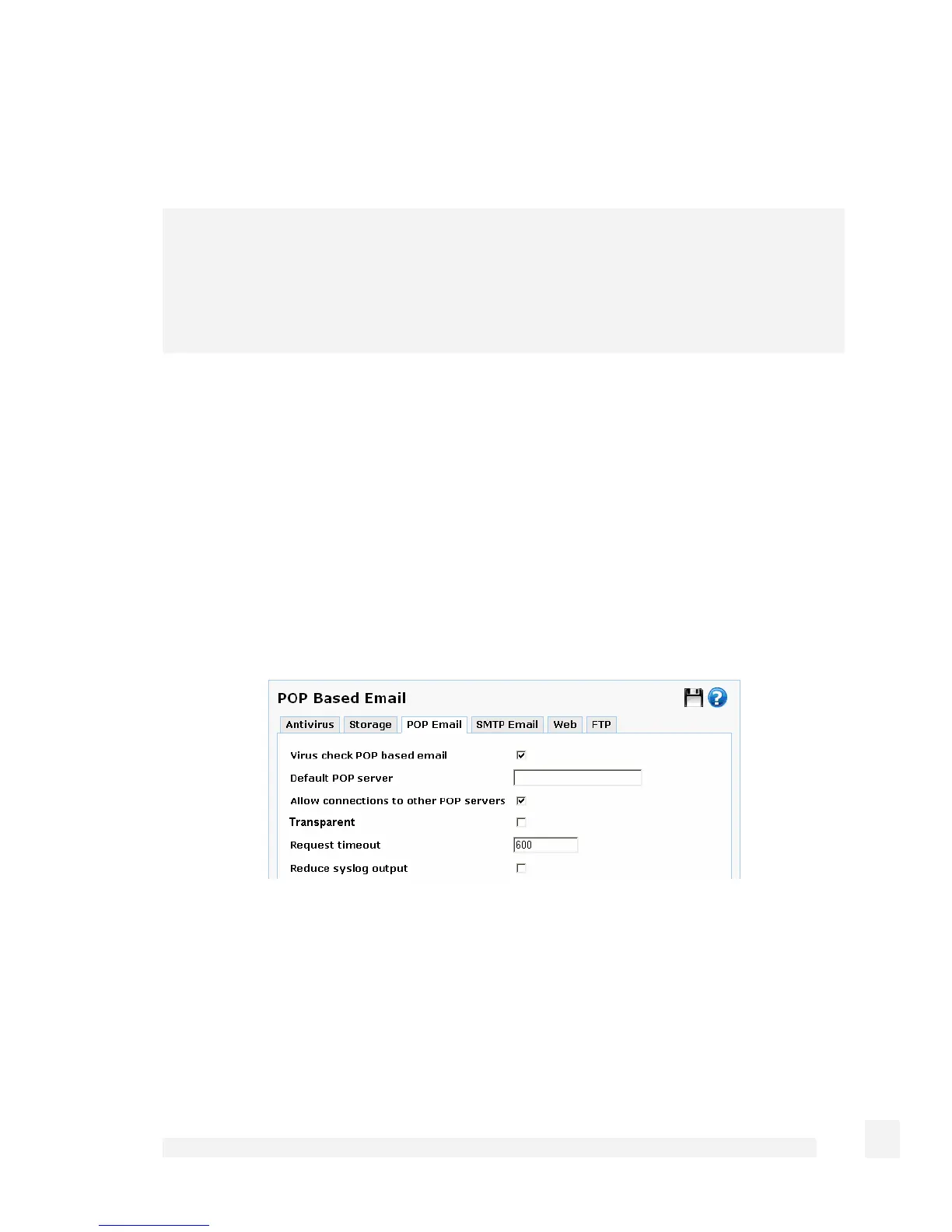
If there is no single mail server from which most of your internal email clients are
retrieving email, leave Default POP server blank and check Allow connections to
other POP servers.
Note
For each of the email clients that is not retrieving email from the default POP server (this
may be all email clients), the email client’s POP (or POP3) user name setting must be in
the form of user@mail.isp.com, rather than simply user – user is the POP login, and
mail.isp.com is the POP mail server.
Typically it is not necessary to adjust the POP protocol Request timeout.
Once POP scanning is functioning properly, you may choose to Reduce syslog output.
Click Submit.
Scan POP email for specific clients only
Check Virus check POP based email.
Uncheck Transparent.
Leave Default POP server blank and check Allow connections to other POP servers.
189
Firewall



 To Next Page