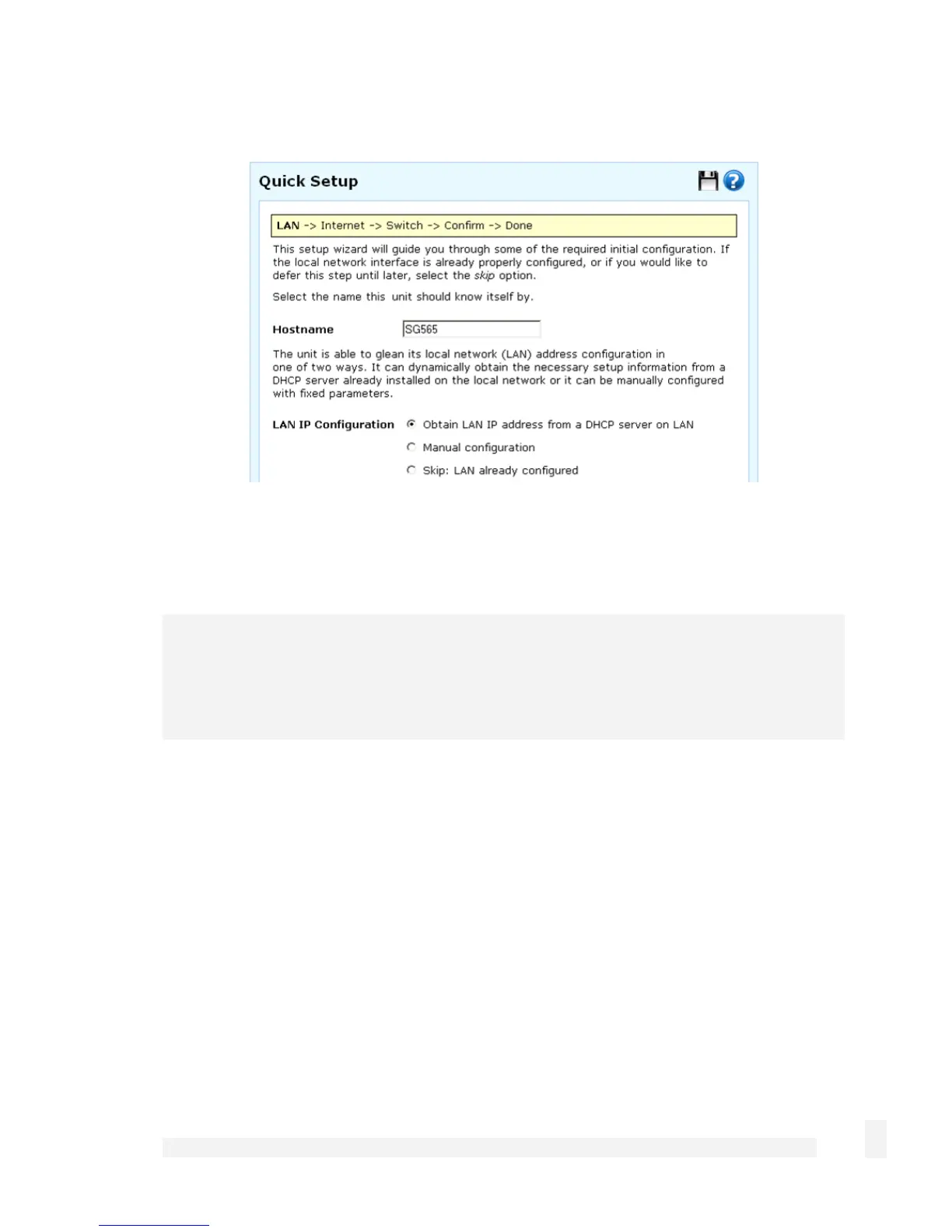
The quick setup wizard is displayed.
Changing the Hostname is not typically necessary.
Select how you would like to set up your LAN connection, then click Next.
Note
You must select Manual configuration in order to enable the SnapGear unit’s built-in
DHCP server. The SnapGear unit’s DHCP server automatically configures the network
settings of PCs and other hosts on your LAN.
Changes to the SnapGear unit’s LAN configuration do not take effect until the quick setup
wizard has completed.
1. Select how you will configure your LAN:
(recommended) Select Manual configuration to manually specify the SnapGear
unit’s LAN connection settings.
If you wish to use the SnapGear unit’s initial network settings (IP address 192.168.0.1
and subnet mask 255.255.255.0) as a basis for your LAN settings, and you do not
wish to use the SnapGear unit’s built-in DHCP server, select Skip: LAN already
configured. Skip to the step 3.
16
Getting Started



 To Next Page