PPTP
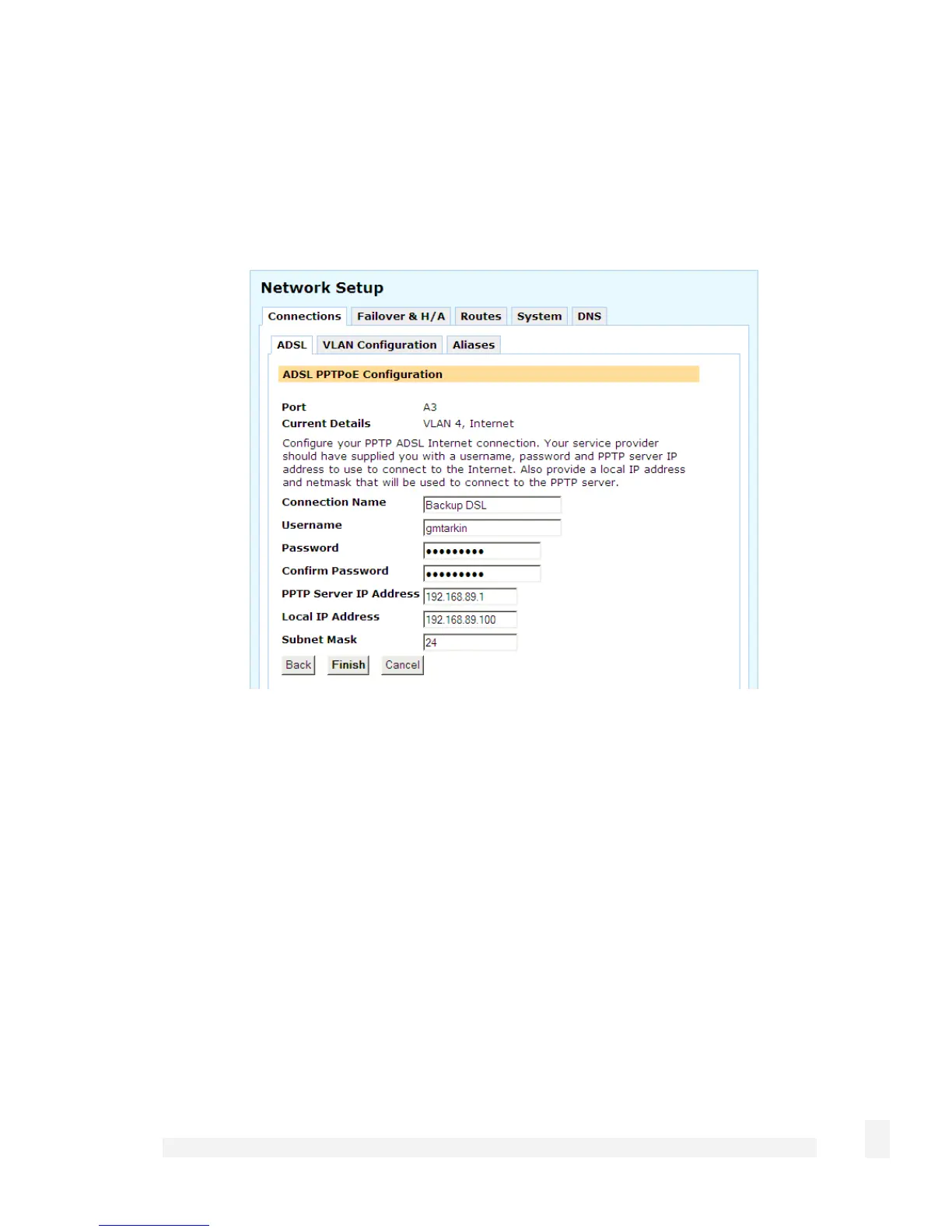
To configure a PPTP connection to your ISP, enter the PPTP Server IP Address and a
Local IP Address and Netmask for the SnapGear network port through which you are
connecting to the Internet.
The Local IP address is used to connect to the PPTP server and is not typically your
real Internet IP address. You may also enter a descriptive Connection Name if you
wish. Click Finish or Update.
DHCP
DHCP connections may require a Hostname to be specified, but otherwise all settings
are assigned automatically by your ISP. You may also enter a descriptive Connection
Name if you wish. Click Finish or Update.
Manually assign settings
For Manually Assign Settings connections, enter the IP Address, Subnet mask, the
Gateway and the DNS Address provided by your ISP.
52
Network Setup



 To Next Page