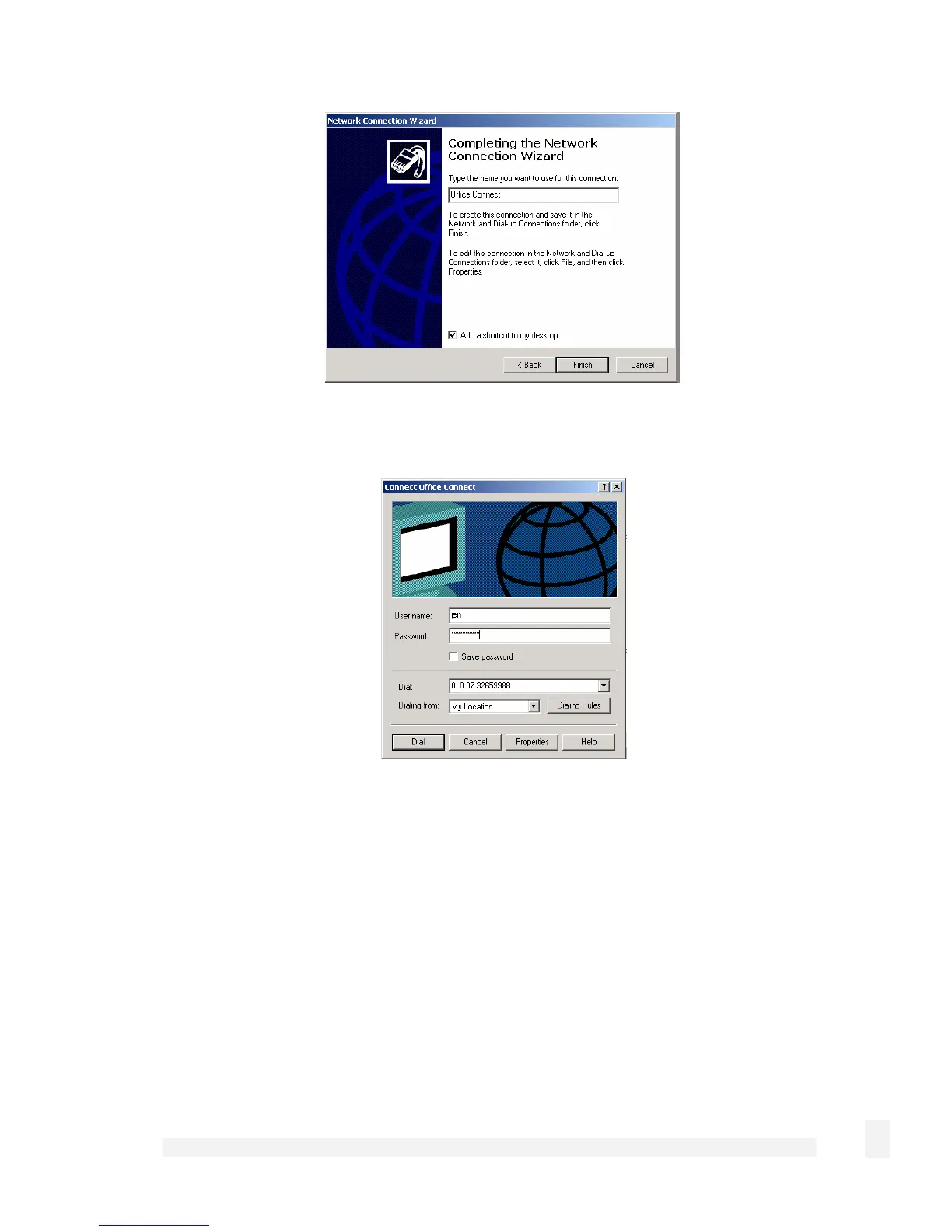
Enter a name for the connection and click Finish to complete the configuration. Check
Add a shortcut to my desktop to add an icon for the remote connection to the desktop.
To launch the new connection, double-click on the new icon on the desktop. The remote
access login screen appears as in the next figure. If you did not create a desktop icon,
click Start > Settings > Network and Dial-up Connections and select the appropriate
connection. Enter the user name and password set up for the SnapGear unit dial-in
account.
61
Network Setup



 To Next Page