Note
For window system, please note that:
Windows Driver Certification warning may pop up two or three times. Click “Ignore”, “Install” or “Run”
To check if you’re running 32 or 64-bit Windows see this.
https://support.microsoft.com/en-us/help/827218/how-to-determine-whether-a-computer-is-running-a-
32-bit-version-or-64-bit-version-of-the-windows-operating-system
On systems without the latest service release, you may get an error (0xc000007b). In that case, please install
and retry:
https://www.microsoft.com/en-us/download/confirmation.aspx?id=13523
You may need to reboot Windows.
These drivers have been tested to work up to Windows 10
STEP3. Browse to your Beagle
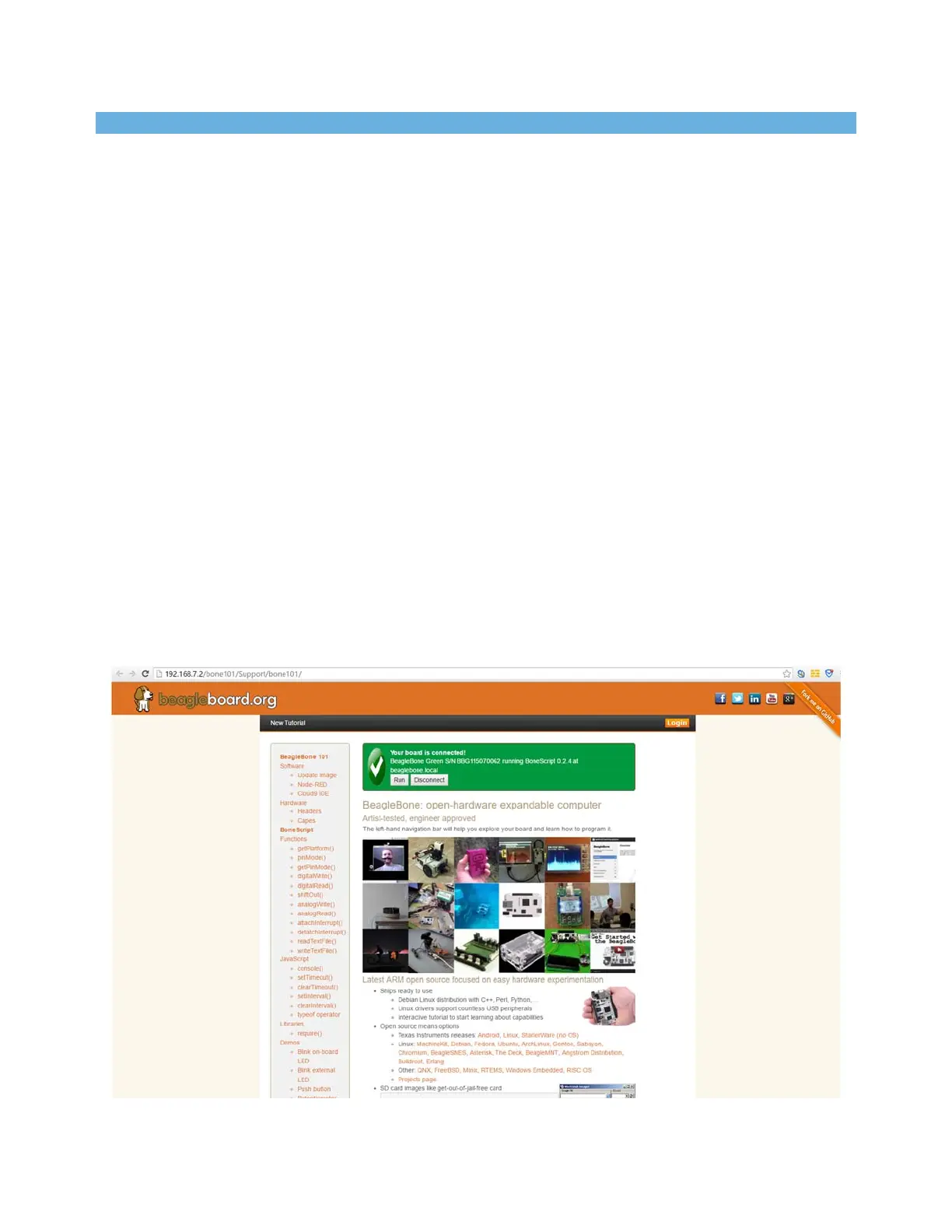
Using either Chrome or Firefox (Internet Explorer will NOT work), browse to the web server
running on your board. It will load a presentation showing you the capabilities of the board. Use
the arrow keys on your keyboard to navigate the presentation.
Click http://192.168.7.2 to launch to your BBGW. Older software images require you to EJECT
the BEAGLE_BONE drive to start the network. With the latest software image, that step is no
longer required.


 To Next Page