Notes
If this is your first time using Seeeduino XIAO, please refer to Seeeduino XIAO's wiki. If
this is your first time to use Arduino, Arduino’s website is a great resource for you to
start your Arduino journey.
Hardware Connection
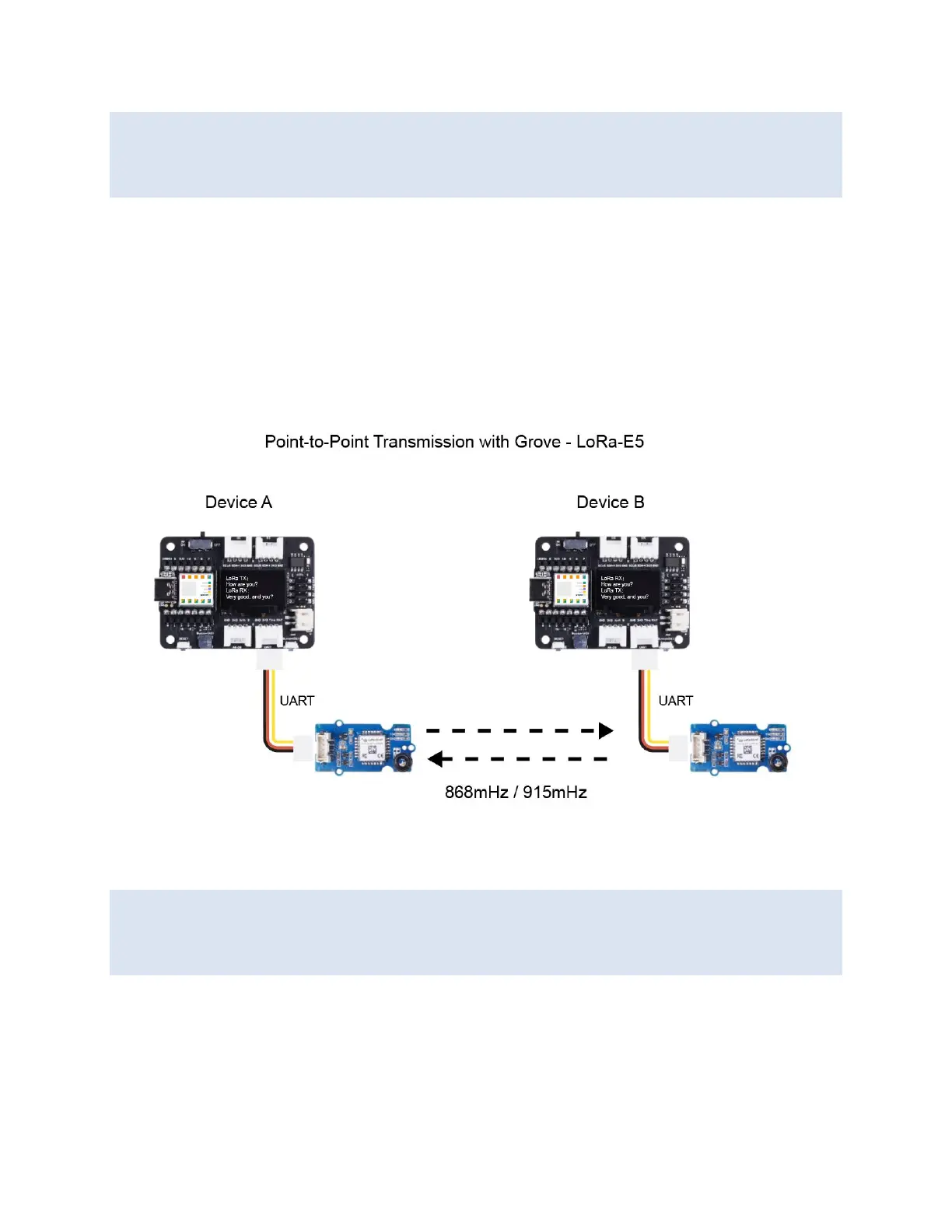
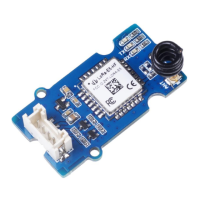
• Step 1. Connect the LoRa-E5 module directly to the "UART" slot.
• Step 2. Put DH11 into the "A0/D0" socket. As shown below.
• Step 3. Download the code, please refer to the software part.
Software Preparation
Notes
If this is the first time you work with Arduino, we strongly recommend you to see Getting
Started with Arduino before the start. Click to learn about detail about how to install an
Arduino Library
Download Library
• Step 1. Install the u8g2 library
• Step 2. Install the DHT sensor library


 To Next Page