Hardware Connection
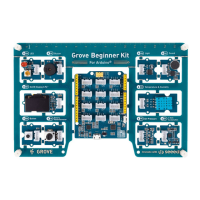
Step 1. Connect the Grove - Circular LED with the D6 port of the
Base Shield.
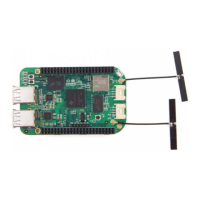
Step 2. Plug Grove - Base Shield into Seeeduino.
Step 3. Connect Seeeduino to PC via a USB cable.
Software
Note
If we don't have Grove Base Shield, We also can directly connect Grove -
Circular LED to Seeeduino as below.
Attention
If this is the rst time you work with Arduino, we strongly recommend you
to see Getting Started with Arduino
[https://wiki.seeedstudio.com/Getting_Started_with_Arduino/] before the
start.


 To Next Page