5.Troubleshooting
When operating the terminal, if the device feels abnormal,
please refer to the following problems and solutions. If the
problem still cannot be solved, please contact the seller or
service provider.
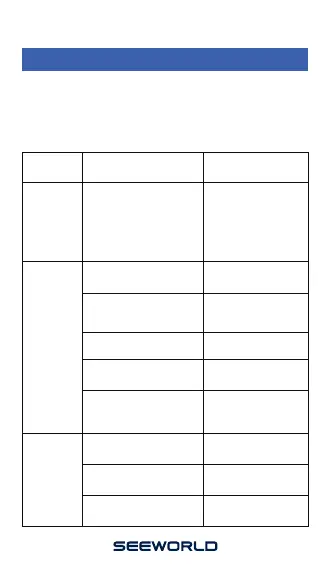
Common
Problem
Cause Solution
Poor signal
reception
Unable to
connect to
the network
Shutdown
Wipe with a clean cloth
Invalid SIM card
Use the terminal in areas
with poor signal reception,
such as near tall buildings
or in basements, where
radio waves cannot be
transmitted effectively
There is dirt on the
metal surface of the SIM
card
Contact your Internet
Service Provider
Weak signal
Please move to a
strong signal and try
again
The SIM card is not
installed
Out of GSM service area
Please move to ISP
service area
Turn on the device battery
switch
Please check whether the
SIM is installed properly
Please confirm whether
the device is switched on
Please install the SIM
card properly
Poor contact
Check that the plug is
properly connected
Check the SIM card
Use the terminal in a
location with good
signal


 To Previous Page