Step 1. When it is off, press the power button
for 5 second to switch on the power.
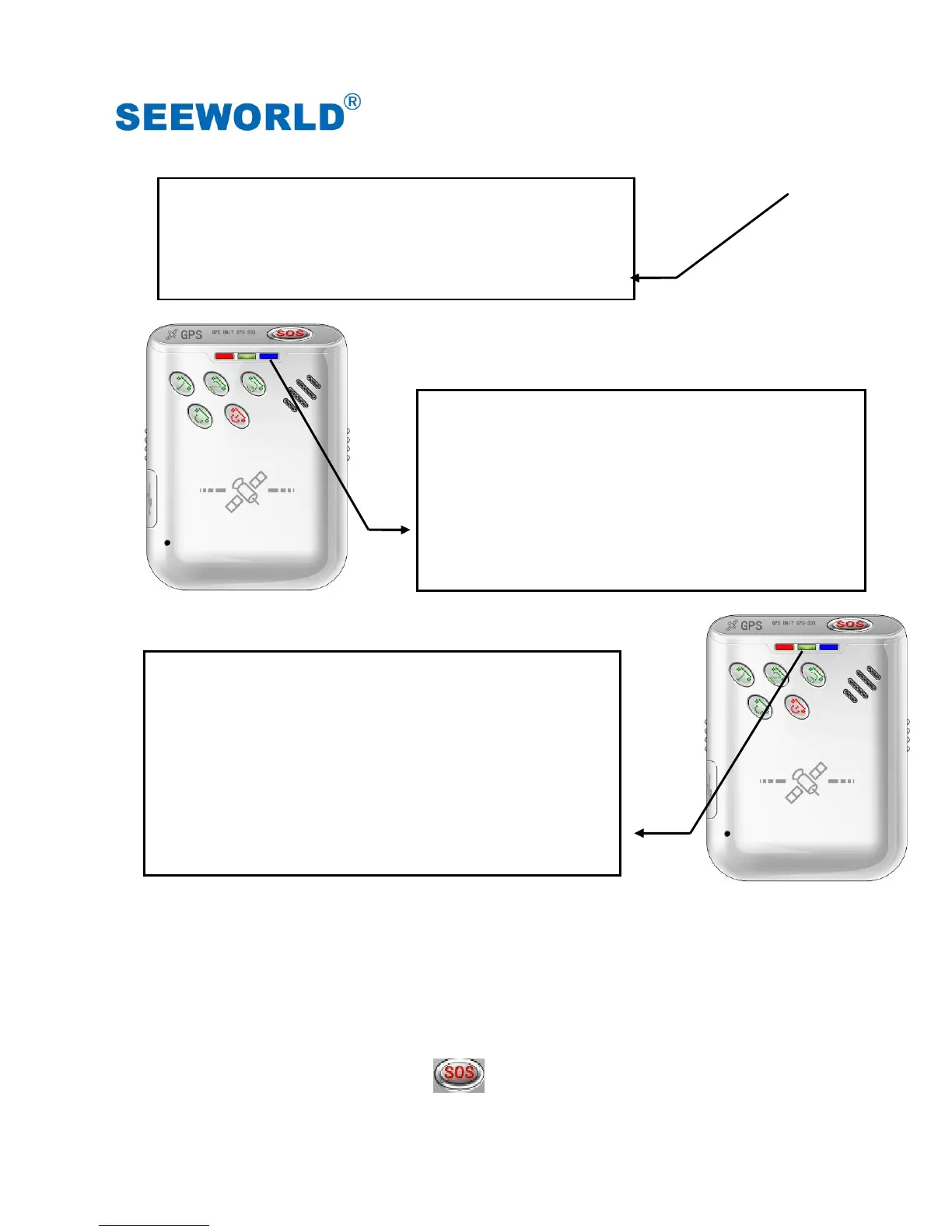
Step 2. After power on, GSM LED will light on first
(on 1 second and off 4 seconds for
searching GSM network, or on 0.05
second and off 4.95 seconds after get
GSM network).
Step 3. Some 10 seconds later, GPS LED starts to
flash (on 1 second and off 4 seconds for
searching GPS, or on 0.05 second and off
4.95 second after GPS fixed). By then, the
device is ready to work.
Note: When it is power on, but not finding SIM card or showing errors on SIM card, the three LEDs
will be on and off one by one as a circle repeatedly.
Power Off:
When it is on, press the power button for 3 seconds to switch off the power;
Power/GPS/GSM LED will shut off right now. By then, the device is turned off.
(2) SOS Emergency Help Function



 To Next Page