EasyManua.ls Logo

SEFAM DreamStar Auto Evolve - User Manual

SEFAM DreamStar Auto Evolve
54 pages
Print Icon
To Next Page IconTo Next Page
Loading...
Clinician and Home Care Provider
User Manual
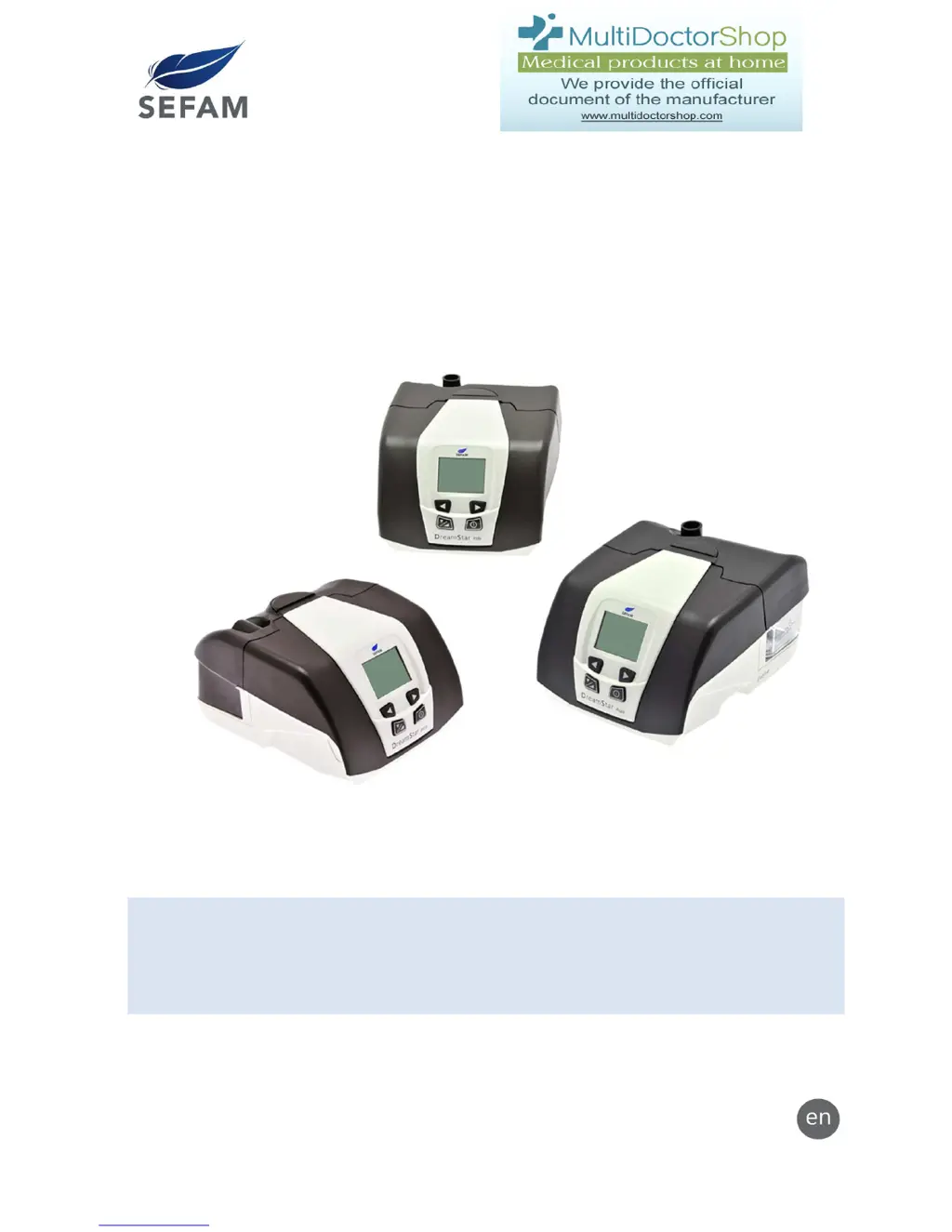
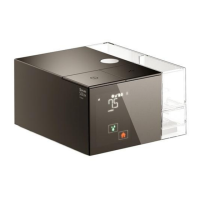
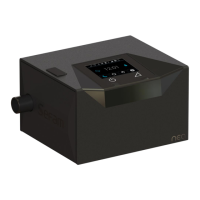
DreamStar™ Product Range
Upgradeable Humidifier Option
DreamStar™ Intro DreamStar™ Intro Evolve
DreamStar™ Info DreamStar™ Info Evolve
DreamStar™ Auto DreamStar™ Auto Evolve
DreamStar™ is a brand registered by SEFAM.

Table of Contents

Other manuals for SEFAM DreamStar Auto Evolve

Questions and Answers

  • B
    Brittney SanchezSep 9, 2025
    How to fix Er 01 error on SEFAM DreamStar Auto Evolve Medical Equipment?
    • A
      Amanda ParkerSep 9, 2025
      If your SEFAM Medical Equipment displays 'Er 01' due to a patient settings problem, reinitialize the default settings by holding down the right control button for 2 seconds until the blinking “DEF?” message appears. Accept by pressing the On/Off button. The device will then be set to the default values and can be reset to your desired settings. If the error persists, further technical assistance may be required.
  • J
    Jason FlynnAug 25, 2025
    What to do if SEFAM Humidifier shows 'LEAK' error?
    • K
      Kimberly RogersAug 25, 2025
      If your SEFAM Humidifier displays 'LEAK : ++ (or +++ or ++++)', it means the device is detecting a high level of air leak. Try adjusting your mask, mask cushion, and harness to achieve a better fit. The leak level needs to decrease until the screen displays 'LEAK : OK'. If the problem continues, it may require professional assistance.
  • D
    Daniel HawkinsAug 25, 2025
    Why does my SEFAM Humidifier show Er 02?
    • P
      Patricia HallAug 26, 2025
      The Er 02 error on your SEFAM Humidifier indicates a high motor temperature. To resolve this: 1. Unplug the device from the power source. 2. Check and clean the air intake filter. 3. Allow the device to cool down completely. 4. Plug it back in, carefully following the usage instructions. If the error persists, further assistance may be needed.
  • M
    morenomeganSep 23, 2025
    What are the white deposits in my SEFAM Medical Equipment water chamber?
    • A
      Angela WernerSep 23, 2025
      White, powdery deposits in the water chamber of your SEFAM device are likely traces of scale from tap water. Rub the traces with a sponge and mild detergent. You can also soak the water chamber in a solution of 1 part white vinegar to 9 parts water. Rinse well with tap water and dry the exterior with a clean cloth.
  • K
    Kyle BowenSep 9, 2025
    Why do I have a runny nose using SEFAM DreamStar Auto Evolve?
    • T
      Timothy RossSep 10, 2025
      A runny nose when using SEFAM Medical Equipment can be a reaction to the airflow and pressure levels. Contact your medical technical team or your attending physician for assistance.
  • M
    mooretylerSep 14, 2025
    How to fix a SEFAM DreamStar™ that won't turn on?
    • M
      Maria ReyesSep 14, 2025
      If your SEFAM DreamStar™ device doesn't turn on (no display), the power supply cord may not be correctly plugged in, there may be no power, or the device's internal fuse might be defective. Check the connections between the device, the power cord, and the power source. Plug another device into the power source to confirm that current is available. If problems persist, contact your home care provider.
  • A
    Arthur SanchezSep 4, 2025
    What does Er 102 mean on SEFAM Humidifier?
    • L
      Lisa SmithSep 4, 2025
      The Er 102 error on your SEFAM Humidifier indicates that the humidifier current is too high, and the device is operating without the heated humidification feature. Try unplugging the device from all power sources, plugging it back in, and turning it on. If the error persists, it may require professional assistance.
  • D
    Dawn McdowellSep 4, 2025
    What does Er 103 mean on SEFAM Humidifier?
    • M
      Melissa WattsSep 4, 2025
      The Er 103 error on your SEFAM Humidifier indicates that the humidifier current is too low, and the device is operating without the heated humidification feature. Try unplugging the device from all power sources, plugging it back in, and turning it on. If the error persists, it may require professional assistance.
  • C
    Christian PattersonSep 23, 2025
    What to do if water spills into my SEFAM Medical Equipment?
    • B
      Bianca RileySep 23, 2025
      If water spilled into the SEFAM device, unplug the device and allow it to dry for at least 24 hours. Re-apply power and then check for proper operation.
  • G
    gvalentineAug 29, 2025
    How to fix Er 09 on SEFAM Humidifier?
    • C
      Christopher Coleman PhDAug 29, 2025
      The Er 09 error on DreamStar™ Info / Info Evolve and DreamStar™ Auto / Auto Evolve SEFAM Humidifier indicates a Language CheckSum error. Unplug the machine from all electrical power and plug it back in. If the error recurs, it may require professional assistance.

Summary

Before You Start

Safety Precautions

Essential safety warnings and guidelines for device operation and user responsibility.

Recommended Use

Specifies the intended patient population and environment for the DreamStar™ product range.

Contra-indications

Lists pre-existing pathologies that make positive pressure therapy contraindicated for patients.

DreamStar Available Features

Heated Humidification

Describes the heated humidification feature for Evolve models and its activation.

Device Settings and Menus

Settings Definitions

Provides definitions for key parameters and terms used in device settings.

Settings Ranges and Values

Lists the settable parameters, their minimum, maximum, default values, and increments.

Setting Up DreamStar Intro;Evolve

Intro;Evolve Settings Menu Access

Details how to access and navigate the settings menu for Intro/Intro Evolve devices.

Setting Up DreamStar Info;Evolve

Setting Up DreamStar Auto;Evolve

Cleaning and Maintenance

Daily Cleaning Procedures

Instructions for daily cleaning of the water chamber.

Weekly Cleaning Procedures

Detailed steps for weekly disassembly and cleaning of the water chamber.

Material Disinfection

Procedures for surface disinfection and water chamber disinfection using chemical products.

Prohibited Cleaning Materials

Lists materials and substances that must not be used for cleaning the device.

Troubleshooting and Error Handling

Device Messages and Corrective Actions

Explains device messages like mask unplugged or leak detection and their solutions.

Error Codes and Solutions

Lists specific error codes (Er 01-Er 105) and provides detailed corrective actions for each.

Technical Specifications

Electromagnetic Compatibility (EMC)

SEFAM DreamStar Auto Evolve Specifications

General IconGeneral
BrandSEFAM
ModelDreamStar Auto Evolve
CategoryMedical Equipment
LanguageEnglish

Related product manuals