13
www.seuservice.com
9. Prize Settings Explained
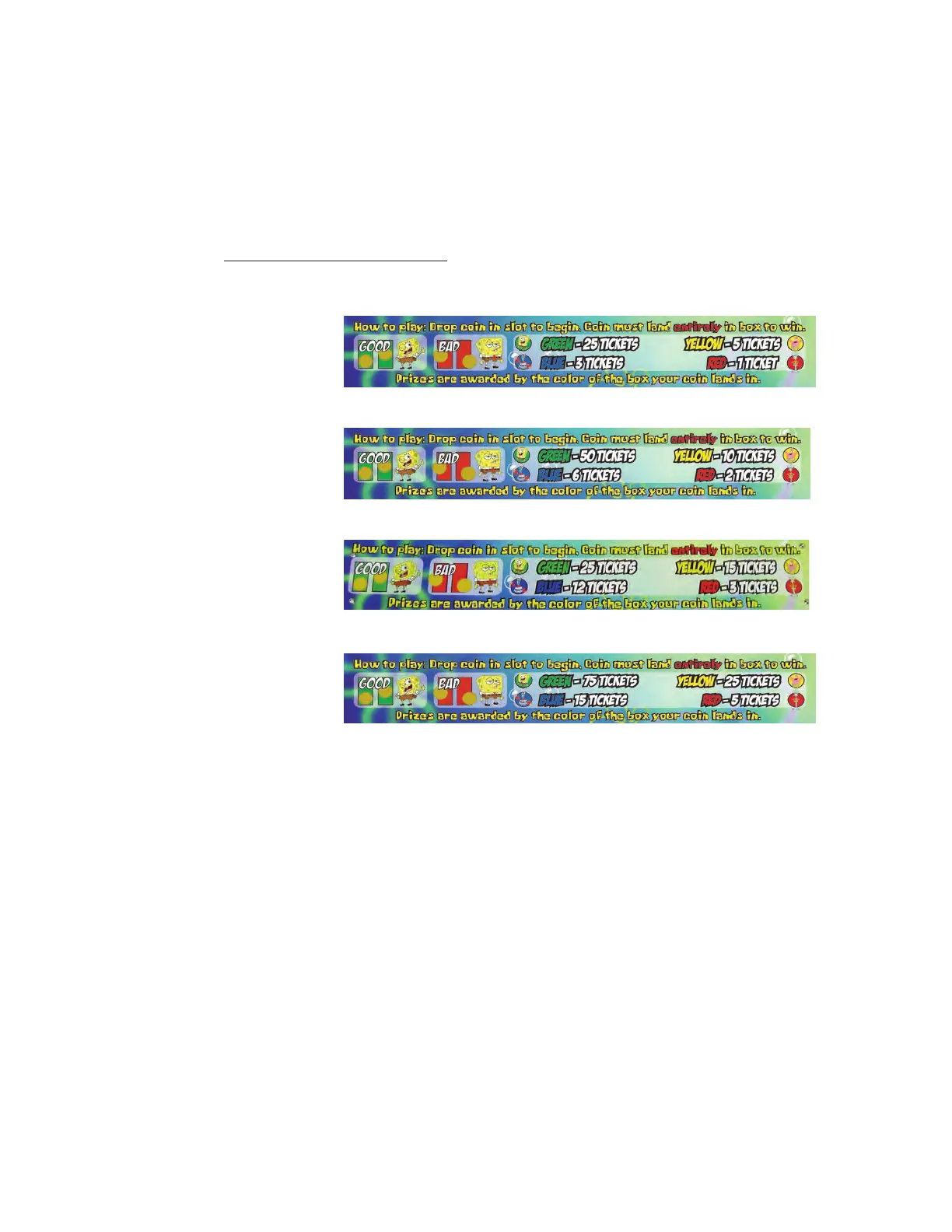
Your Spongebob Squarepants game is shipped with 4 different prize plates. Each shows a different level of
prize payout tat corresponds with the dip switch settings #1 and #2.
• SW1 & SW2 -- Coins/Game ✺ Bold denote default settings
• OFF - OFF = Payout Table 1- [3,5,1,25]
✺ ON - OFF = Payout Table 2- [6,10,2,50] (Default Setting)
• OFF - ON = Payout Table 3- [12,15,3,25]
• ON - ON = Payout Table 4- [15,25,5,75]
10. Self Test Explained
Immediately after power is applied, the LEDs in the treasure chest will scroll around then display the check-
sum of the program.












 To Next Page