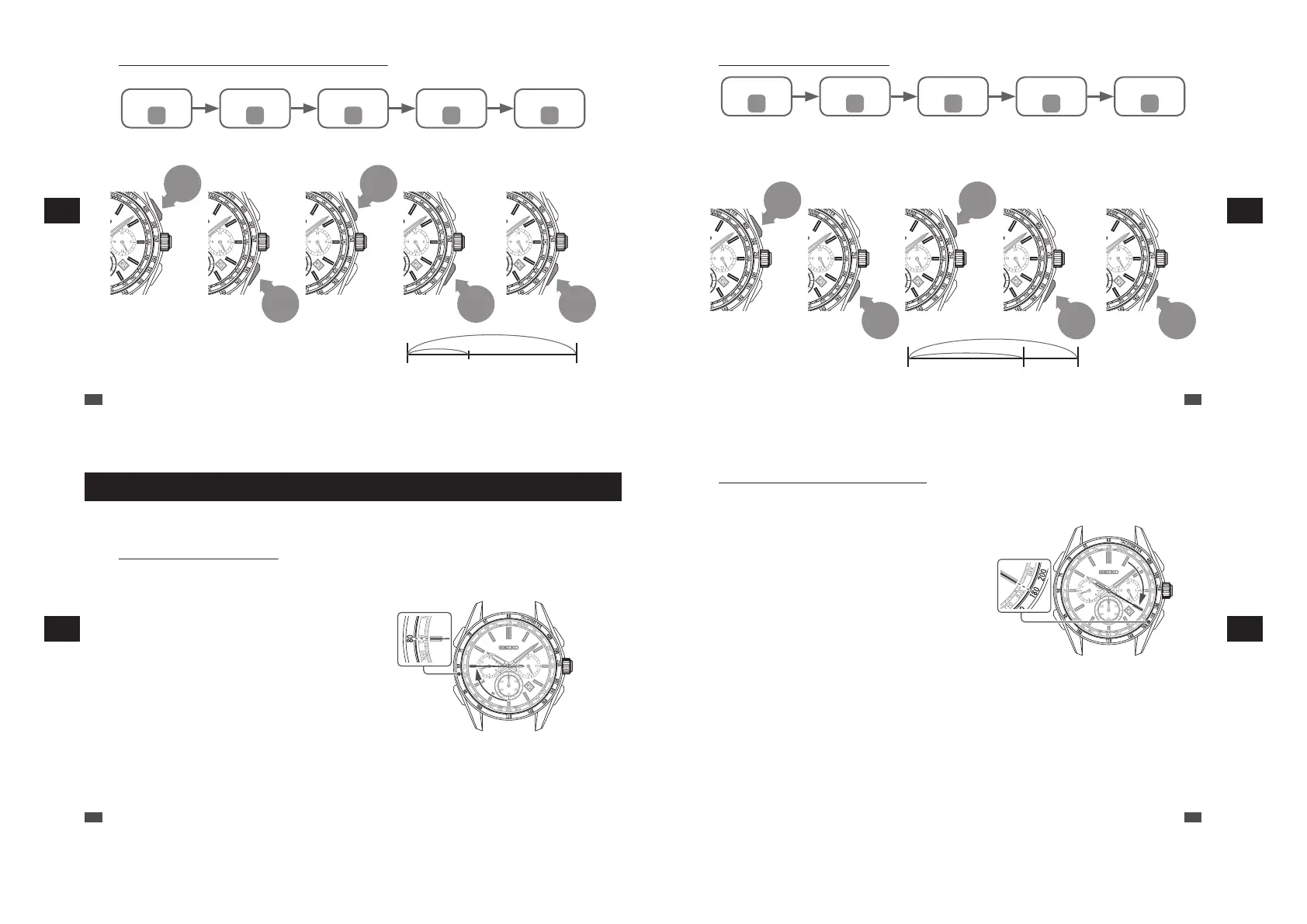
• Split time (intermediate elapsed time) measurement Ex. 5,000 meters running
* “Split time” is the time that has elapsed from the start of an activity to any given stage.
C D C D D
Start Split StopStop Reset
Start The runner passed
the P point.
The intermediate elapsed time
is displayed.
Goal (Display of goal
time)
Reset the stopwatch
to 0 minute
0 second.
Example of the
intermediate
elapsed time
Start P point Goal
Button C
Button D
Button C
Button D Button D
EN
44
5
HOW TO USE THE STOPWATCH
• Measurement of two competitors
C D C D D
Start (Split) (Stop)
Reset
Start First runner finishes.
Displays finishing time
of first runner
Second runner
finishes.
(Still displaying finishing
time of first runner)
Check time of
second runner.
Displays finishing time
of second runner
Reset the
stopwatch to
0 minute 0 second.
Ex. Measurement of two
competitors
Start First runner finishes. Second runner finishes.
Button C
Button D
Button C
Button D Button D
EN
45
5
HOW TO USE THE STOPWATCH
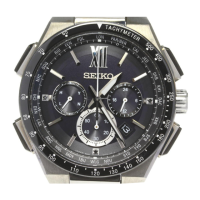
How to use the tachymeter
The numbers on the tachymeter scale can be read to determine how many seconds it takes to run
1 km or to measure the time required to complete 1 job.
•
How to measure kilometers / hour
1
Measure the time (within 1 minute) it takes to run 1 km.
2
Check the numerals on the tachymeter
scale to which the stopwatch second
hand is pointing.
Ex. :
If it takes 45 seconds to run 1 km...80 km/h
EN
46
5
HOW TO USE THE STOPWATCH
• How to measure the hourly rate of operation
1
Measure the time (within 1 minute) required to complete 1 job.
2
Check the numerals on the tachymeter
scale to which the stopwatch second
hand is pointing.
Ex. : If it takes 20 seconds to complete one
product...180 products/hour
EN
47
5
HOW TO USE THE STOPWATCH


 To Next Page