English
9
★
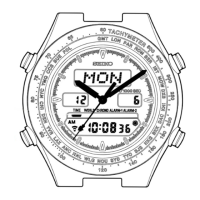
: If the watch is left untouched for 2 minutes, the digital time and month disappear and only
the day and date are shown. To show the digital time, press any one of the four buttons.
TIME/CALENDAR SETTING
● Set the digital time first before setting the analogue time, as the hands are governed by the
digital time.
● Once the time/calendar of your area is set in TIME/CALENDAR mode, those of the 28 cities
covered in WORLD TIME mode will be set automatically.
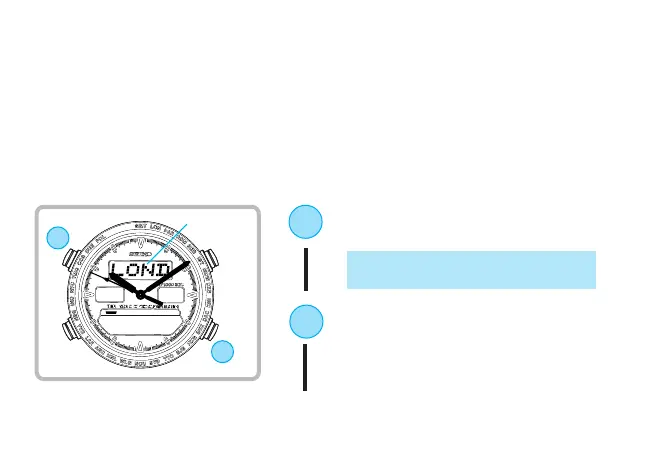
B
Press for 2 to 3 seconds to show TIME/
CALENDAR SETTING display.
* Name of the city scrolls and Second hand
automatically moves and stops.
▼
D
Press to select the city representing
your area.
▼
➡
B
D
City name


 To Next Page