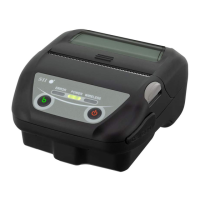
2.6 Test Print
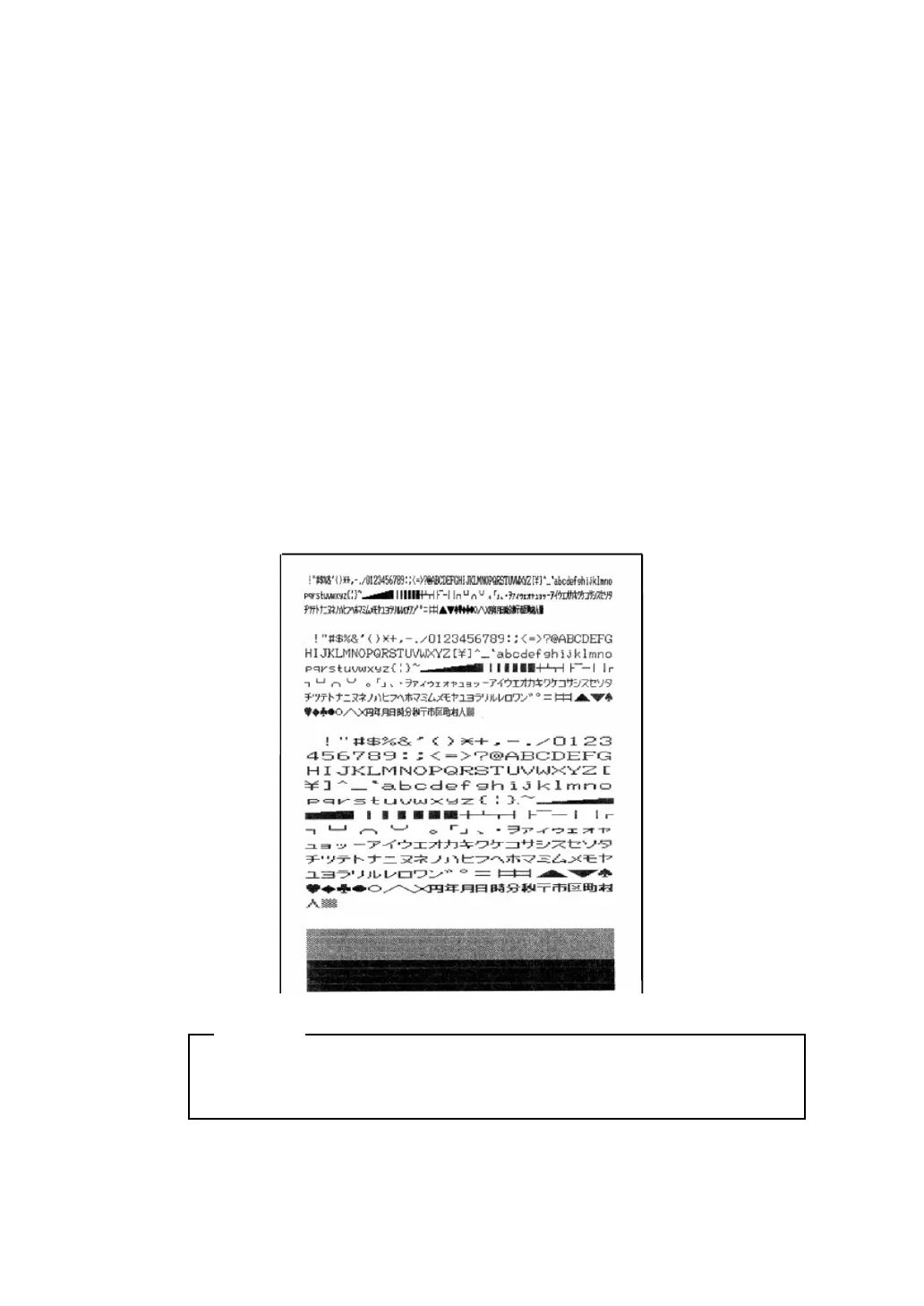
In a test print, characters 20H to FEH are printed in condensed, ordinary
and double-width modes according to the international, special
character and zero font settings of the SWDIP switches. This is followed
by a small checkered pattern and solid black pattern printed dot by dot,
after which the current settings are printed. To execute a test print follow
this procedure:
1. Turn off the power.
2. Make sure the thermal paper is inserted correctly.
3. Turn on the power while pressing the FEED button to start the
self-test.
4. Release the FEED button as soon as the self-test starts.
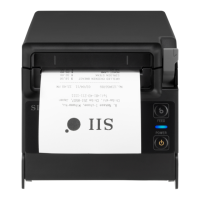
Print Sample
The printer stops automatically after the test print. DO NOT turn
off the power to the printer while it is printing.
NOTE
- 26 -


 To Next Page