- 48 -
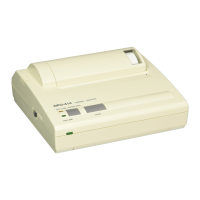
8 CARING FOR THE DPU-414 PRINTER
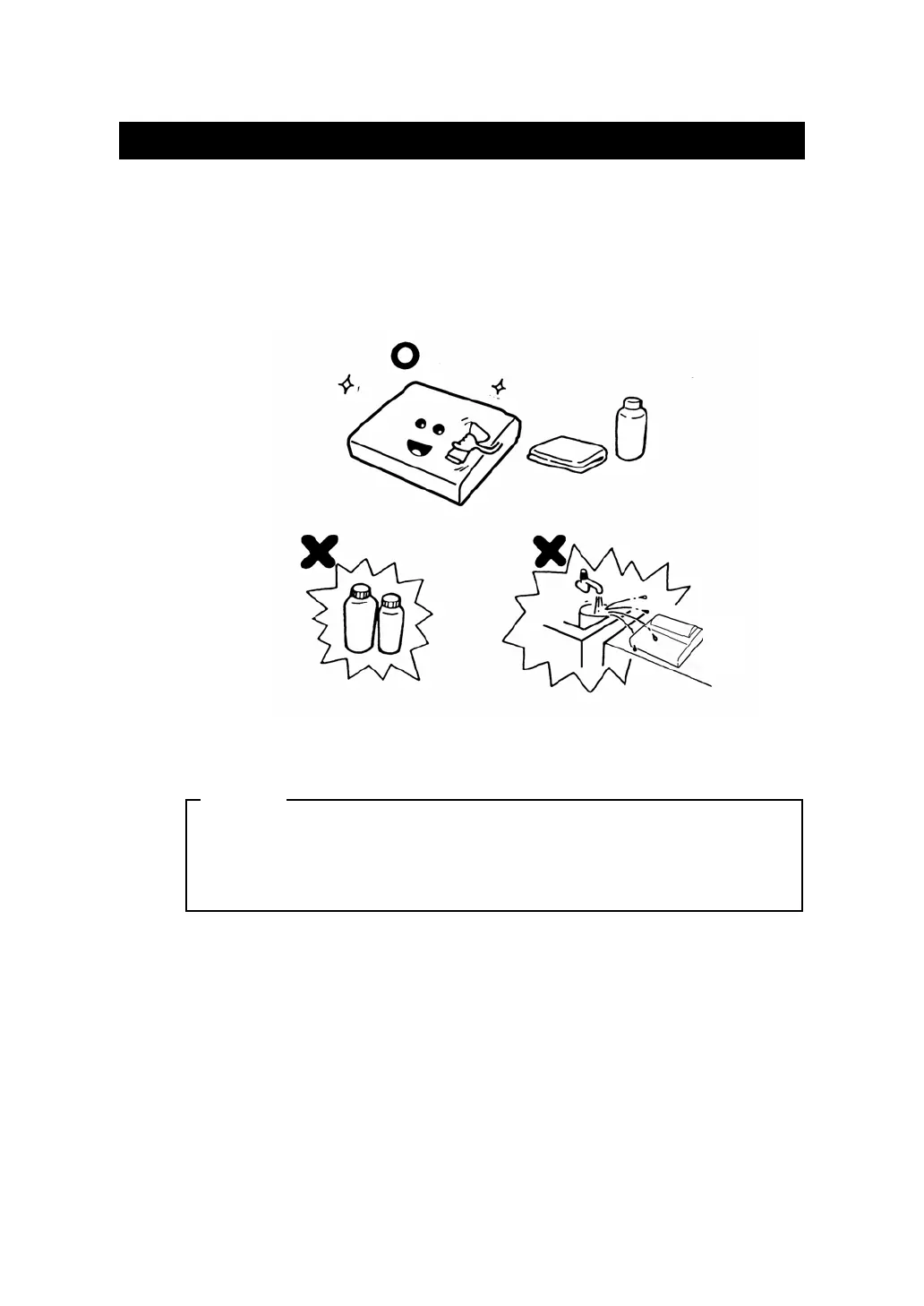
If the outside of your printer gets dirty, wipe it with a soft, dry cloth. If it gets
very dirty, wet a soft cloth with mild detergent diluted with water, squeeze
it well, and clean the printer.
DO NOT use thinner, benzine, or other volatile chemicals.
DO NOT allow water to get inside the printer.
NOTE


 To Next Page