- 44 -
(3) Error processing
The following characters are printed when an error occurs.
? (3FH): Framing error
! (21H): Parity error
* (2AH): Overrun error
Turn the power off and check computer and DPU-414 SWDIP switch
settings.
Always power OFF the printer before the host computer. Powering
OFF the computer before the printer may cause the printer to print
several lines of "?" due to a FLAMING ERROR triggered by an
unstable signal output from the computer at power OFF. It does
not imply a printer malfunction.
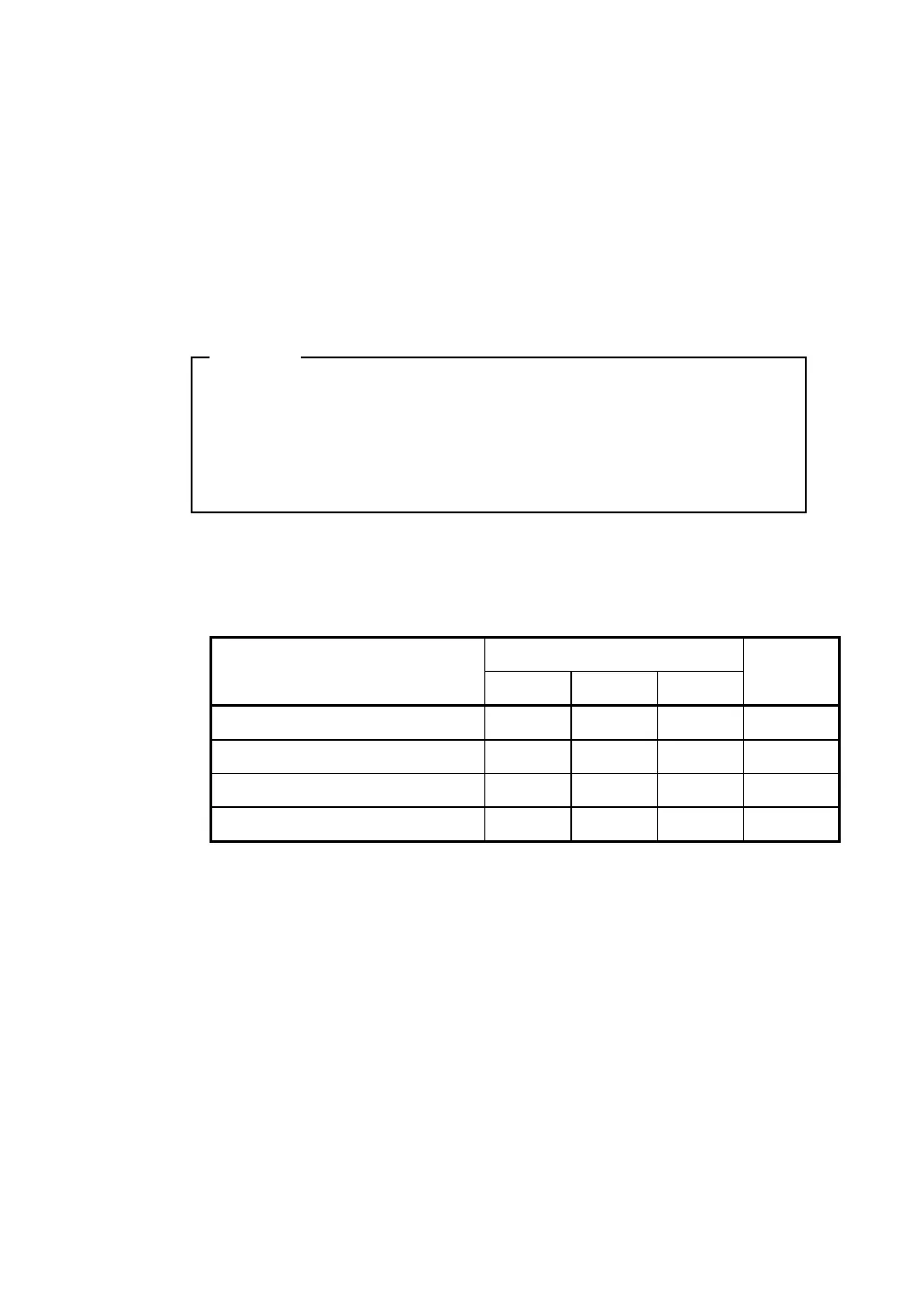
(4) Signal Conditions
Standard
Item
Min. Typ. Max.
Unit
Input: Low Level Voltage -15.0
-3.0 V
Input: High Level Voltage 3.0
15.0 V
Output: Low Level Voltage
-12.0
V
Output: High Level Voltage
12.0
V
NOTE


 To Next Page