13
English
B
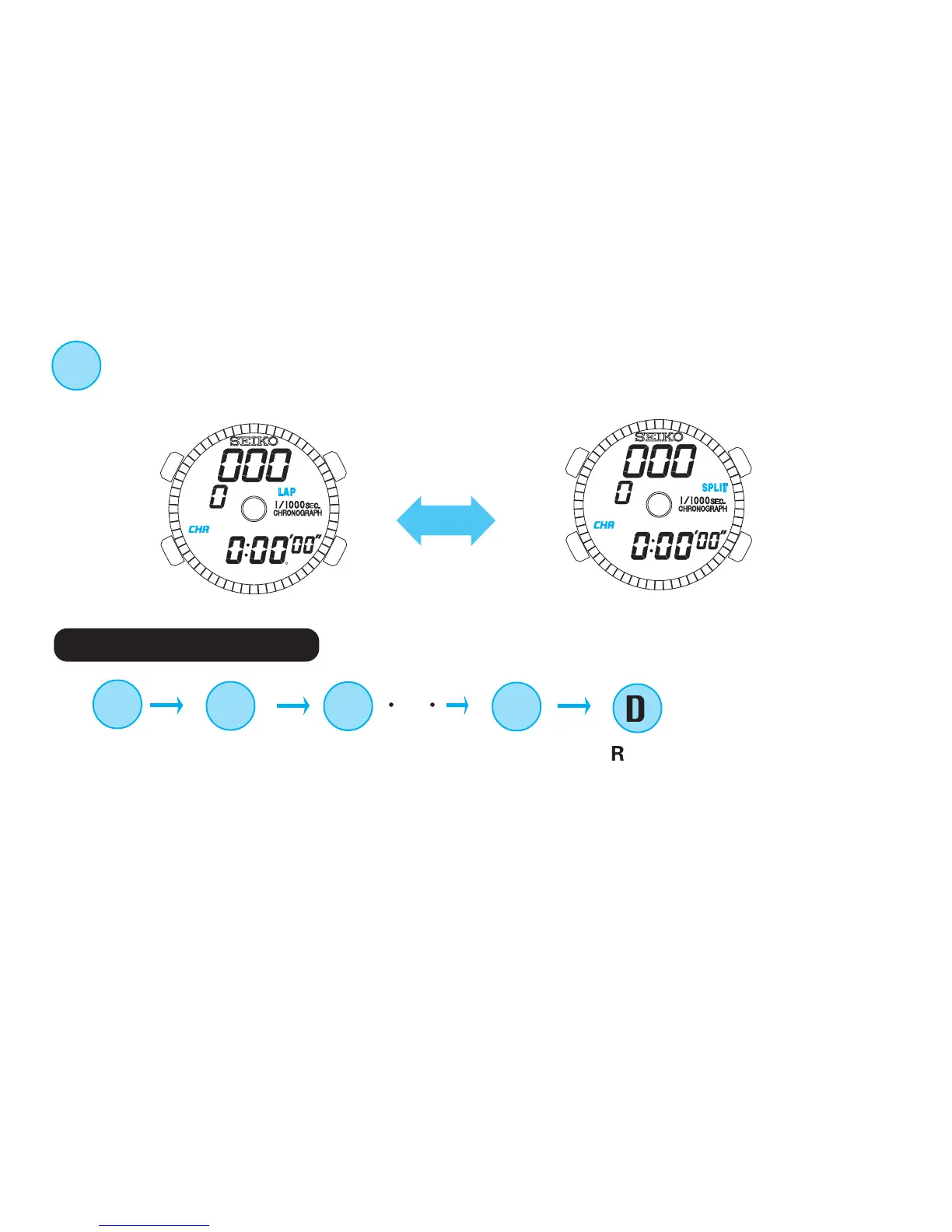
Press when the stopwatch is reset to select the lap time or split time display.
With each press of button B, the display indicator “LAP” and “SPLIT”
appear alternately.
C
START
3 Lap time measurement
D
LAP 1
D
LAP 2
○○
D
RESET
C
FINAL LAP/
STOP
* Timing and release of lap times can be repeated as many times as required by pressing Button D.
* The lap time measured remain displayed for 10 seconds together with the flashing lap indicator, and
then, the display automatically returns to the measurement in progress.
* When Button C is pressed at the end of timing, the final lap time is displayed for 10 seconds with the
flashing lap display indicator, and then the display automatically changes to show the final split time.


 To Next Page