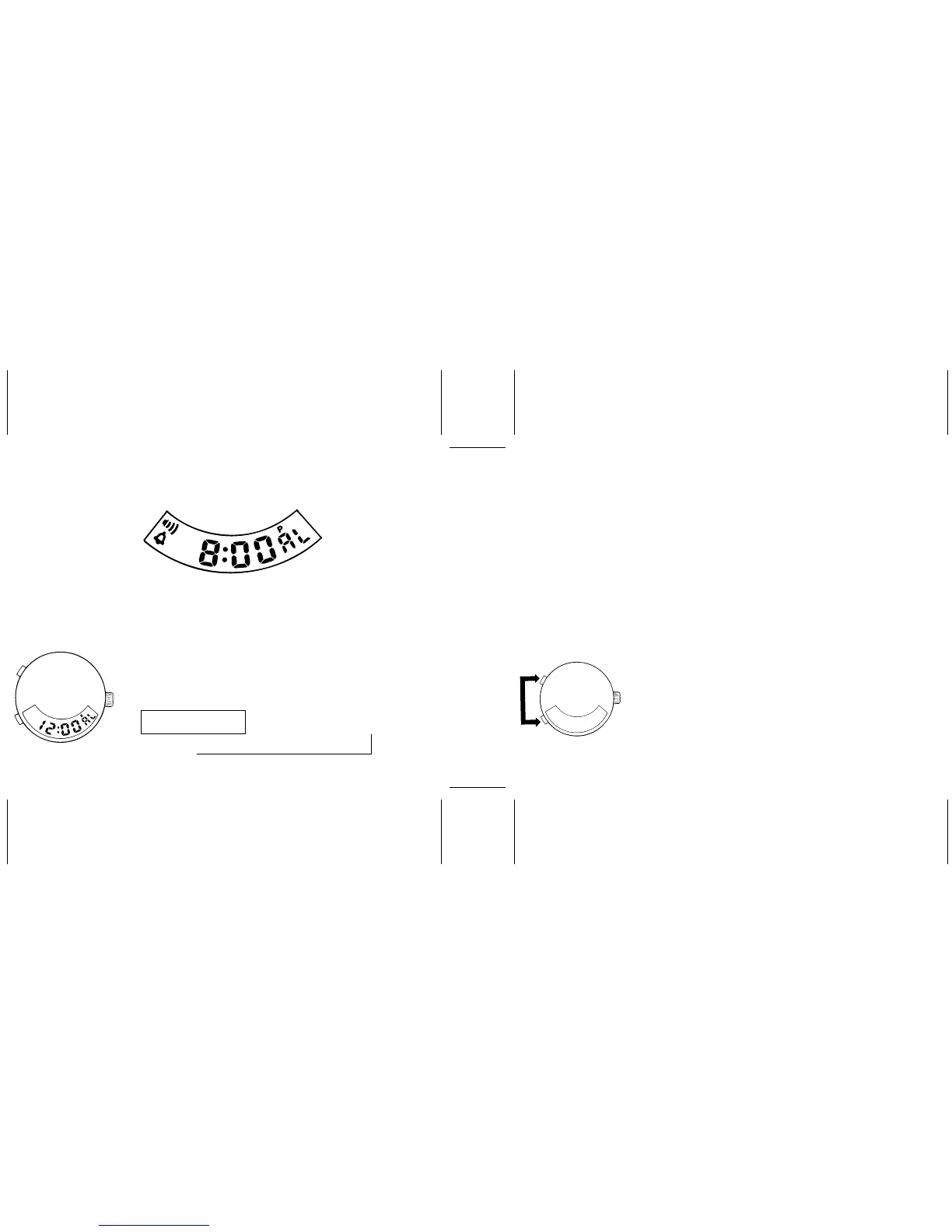
ALARM AND HOURLY TIME SIGNAL
3. Press “A” to set the digits.
* If “A” is kept pressed, the digits advance quickly.
4. Press “B” to return to the ALARM display.
* If the watch is left untouched in the ALARM display or with
digits flashing, the display will automatically return to the
CALENDAR display after 1 to 2 minutes.
Note: Check that AM/PM is set properly in the 12-hour indication.
Only “P” (PM) is displayed. For the AM setting, there is no
indication.
ALARM DISPLAY
2. Press “B” repeatedly to select the digits to be adjusted in the
following order.
↑
MINUTES
→→
HOUR
1. Press “A” to show the ALARM display, and then press “B” to
activate the ALARM SETTING function. HOUR digits flash.
Alarm time setting
Alarm and hourly time signal engagement
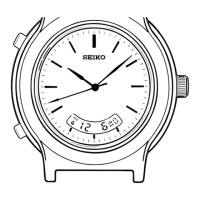
With each press of both “A” and “B” in the CALENDAR or TIME
display, the alarm and hourly time signal marks appear and
disappear in the following order.
Alarm set display mark
Hourly time signal mark
Alarm mark
Hour
Minutes
B
A
B
A


 To Next Page