STOPWATCH
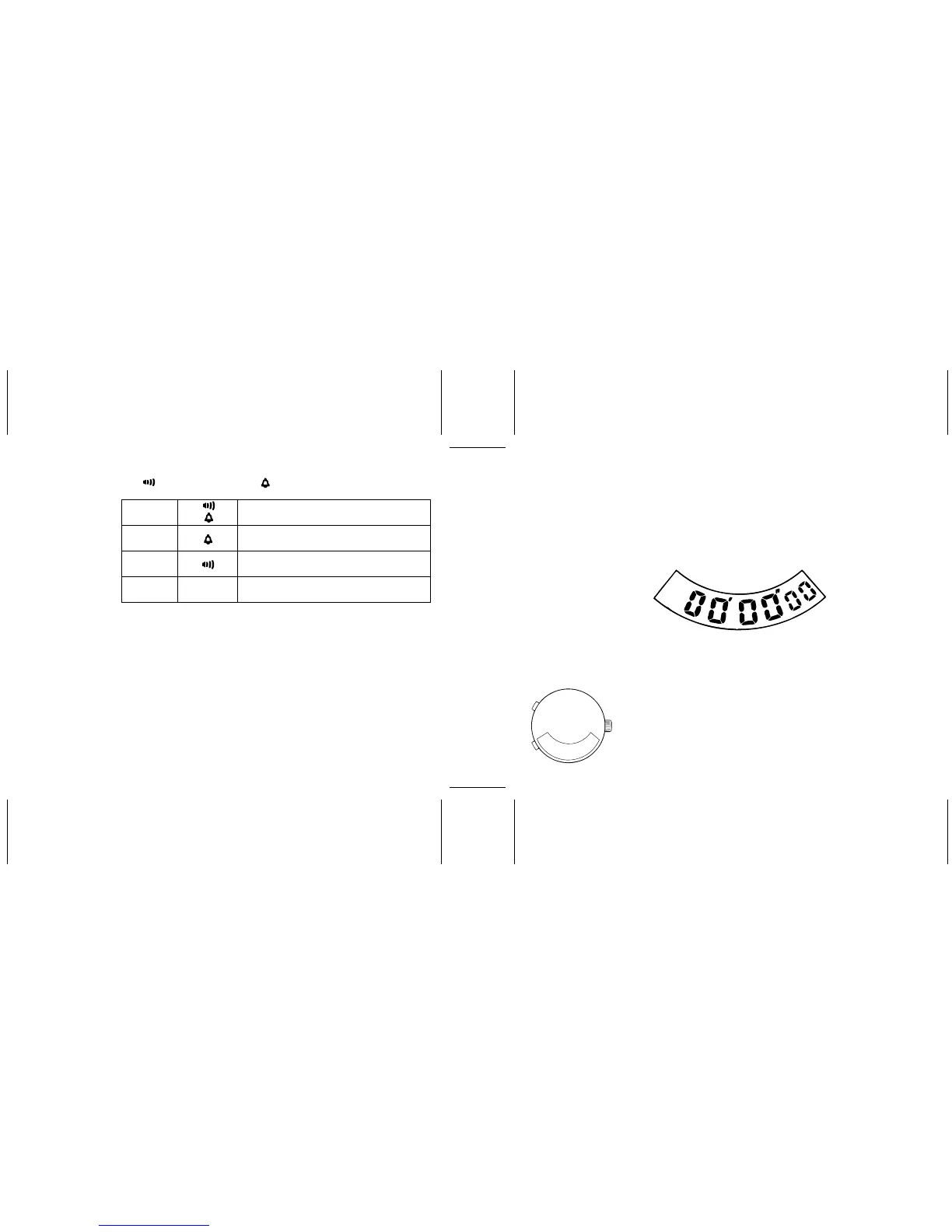
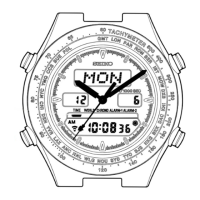
Press “A” to show the STOPWATCH display.
The stopwatch can measure up to 60 minutes. After 60 minutes, it will start counting
again from “00'00"oo”.
• Before use, be sure to press “B” to reset the digits to “00'00"oo”.
* The alarm can be tested by pressing “A” and “B” at the same
time for several seconds.
The alarm rings for 20 seconds. To stop it manually, press “A”
or “B”.
Alarm Hourly time signal
4 Neither engaged
3 Alarm engaged
2 Hourly time signal engaged
1 Both engaged
Standard measurement
To start : Press “B”
To stop : Press “B”
To reset : Press “B”
1/100 second
Seconds
Minutes
B
A


 To Next Page