English
5
ADJUSTING THE HAND POSITION
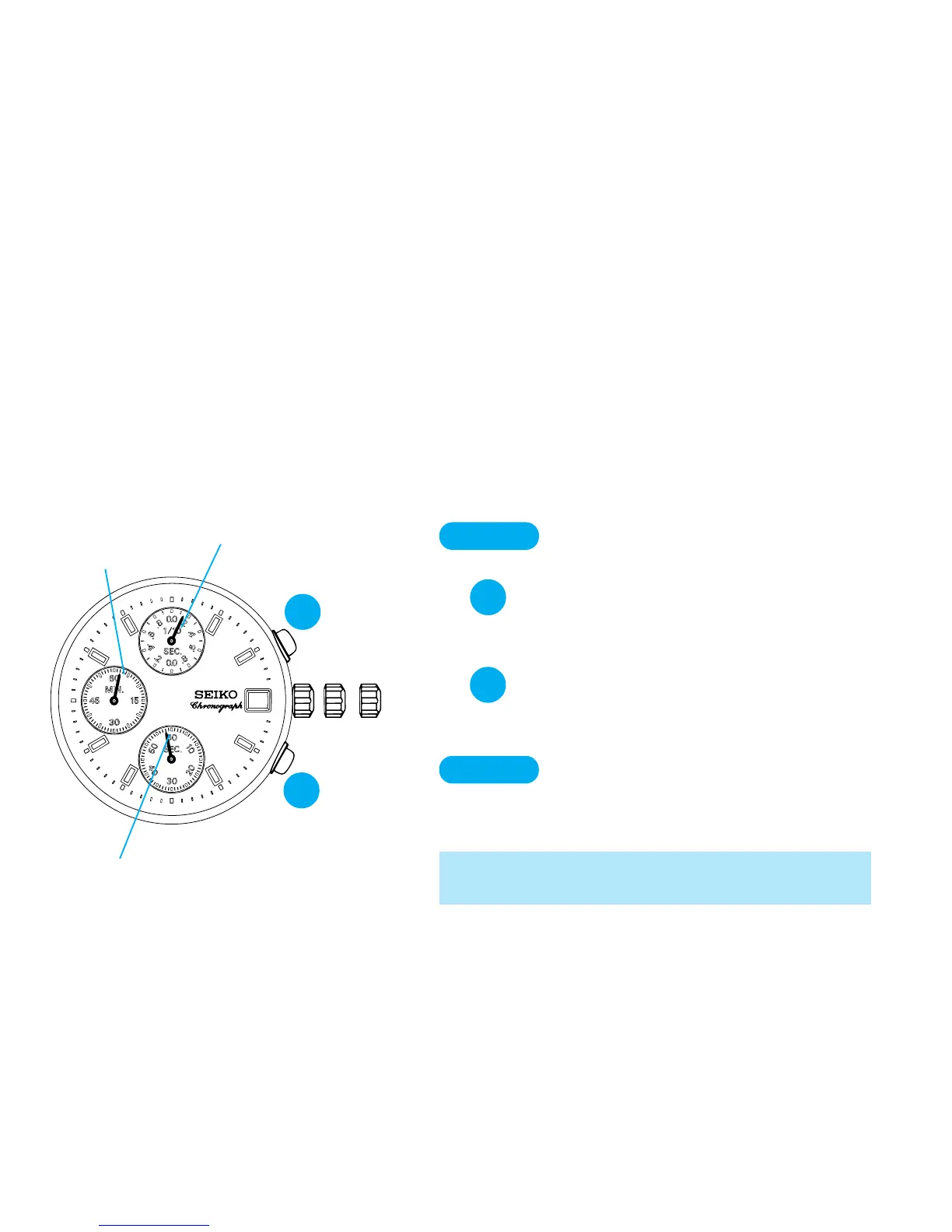
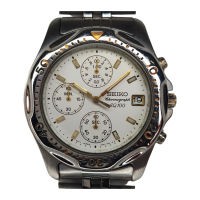
● Before setting the time, be sure to check that the STOPWATCH hands are in “0” position when
the stopwatch is reset. (For resetting the stopwatch, see “STOPWATCH”)
● If any of the STOPWATCH hands does not return to “0” position, follow the procedure
below.
A
STOPWATCH
minute hand
STOPWATCH
1/10 second hand
STOPWATCH second hand
B
➠
➠
CROWN
Pull out to second click.
▼
A
Press repeatedly to reset STOP-
WATCH 1/10 second hand to “0”
position.
▼
Press repeatedly to reset STOP-
WATCH second and minute
hands to “0” position.
B
▼
CROWN
Push back in to normal position.
* Hands move quickly if the respective buttons are
kept pressed.


 To Next Page