25
24
English
English
Press to show the characters to input.
s
Advance the flashing character in order.
Move back the flashing character.
C
D
or
Set the flashing character.
A
B
Return to SCHEDULE ALARM mode.
l
Press buttons C and D simultaneously to erase the message when advancing or
moving back the flashing cursor.
l
If no message is set, “NO MESSAGE” is displayed. In such a case, the schedule
alarm is not engaged.
s
s
s
A
s
s
Advance the flashing cursor in order.
Move back the flashing cursor.
C
D
or
[When editing MESSAGE:]
Press to show MESSAGE SETTING display when MESSAGE
is flashing.
A
B
Return to SCHEDULE ALARM mode.
s
Preset message setting
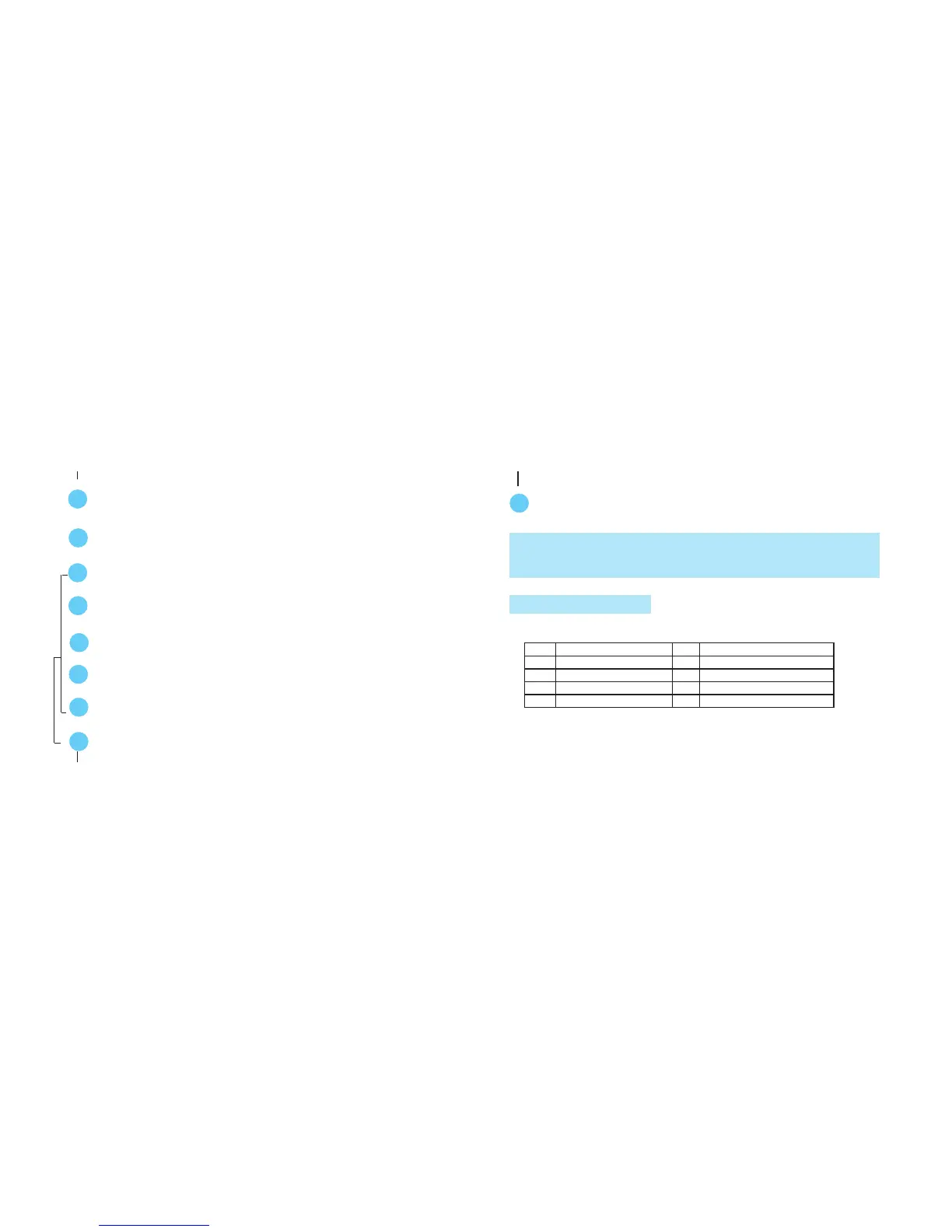
‘0 MEETING ‘5 LUNCH
‘1 BIRTHDAY ‘6 APPT
‘2 DATE ‘7 FLT
‘3 MOVIE ‘8 GYM
‘4 DINNER ‘9 PARTY
l
For setting a preset message, select the corresponding number to the
desired preset message in the table below.



 To Next Page