7
6
English
English
TIME/CALENDAR MODE
B
A
C
D
l
To return to the MENU display, press button A.
When button B is pressed, the opening animation display is shown before the
selected mode appears.
Select the desired mode.
A
B
or
s
ILLUMINATING LIGHT (LED PANEL)
E
Turn on the LED light.
The display panel is evenly illuminated
for 3 seconds.
E
l
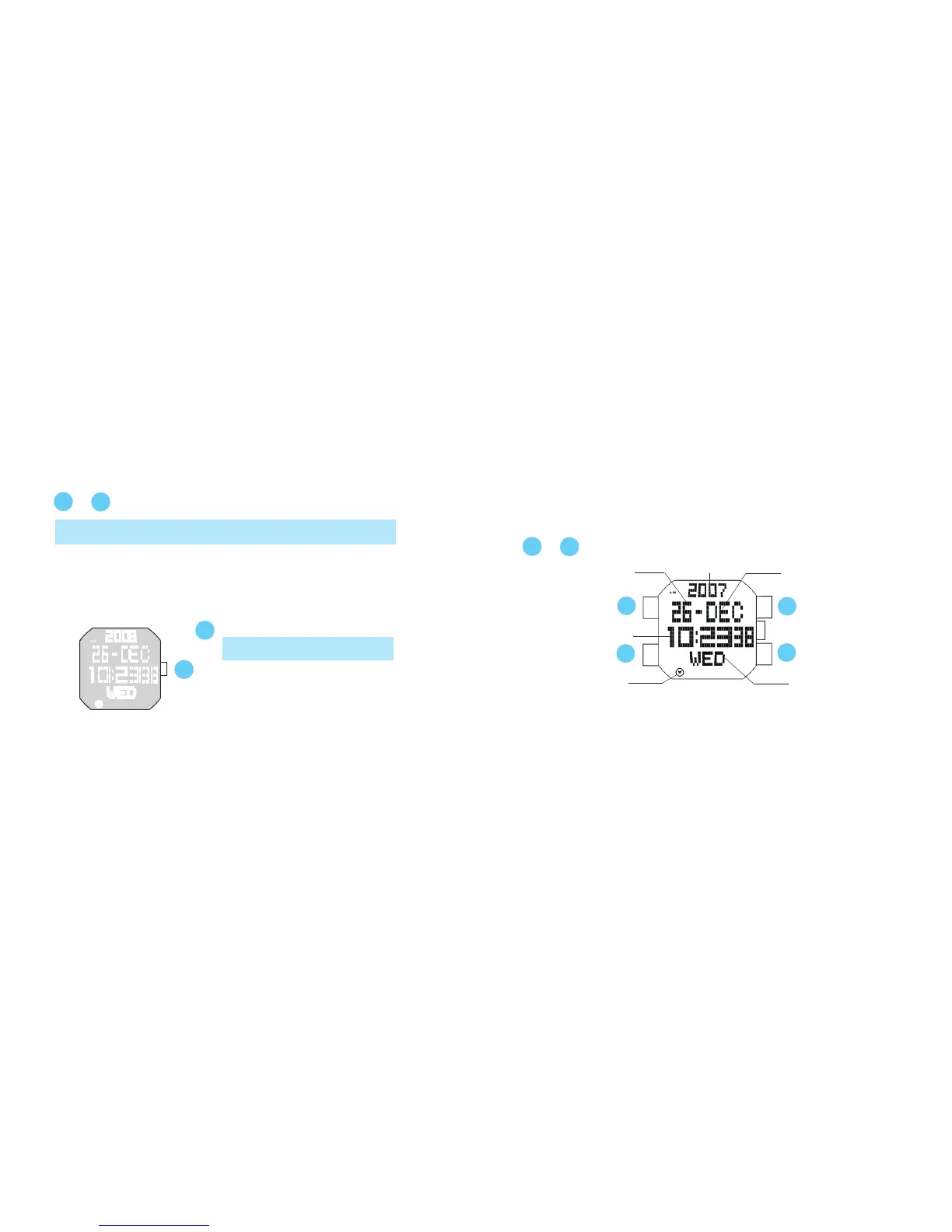
Once the time/calendar of your area is set in the TIME/CALENDAR mode, the
times of the 39 cities covered in the WORLD TIME mode will be set automatically.
Press in MENU display to show TIME/CALENDAR mode.
Date
Time
Month
Year
Day of the week
A
B
or
Mode indicator



 To Next Page