9
8
English
English
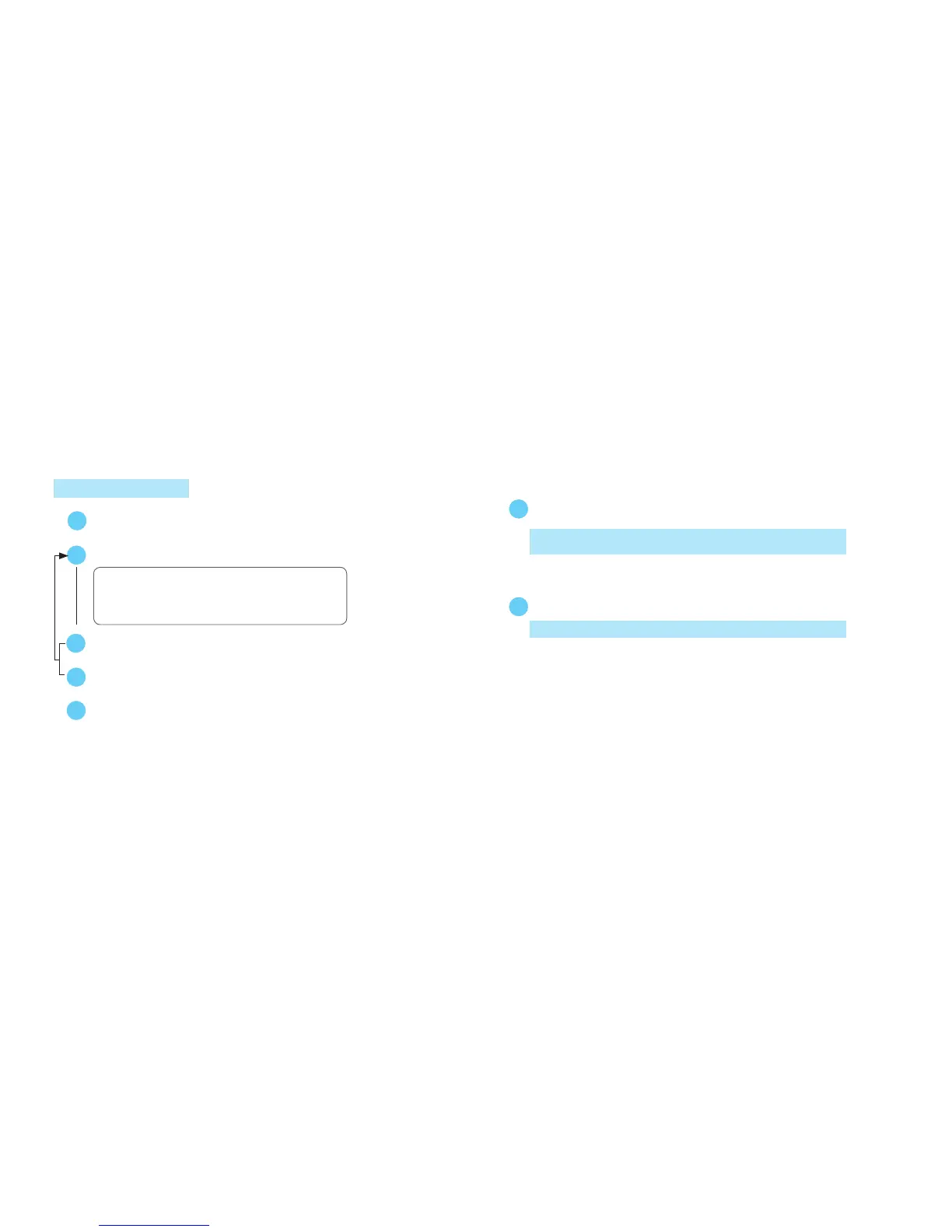
Press for 2 seconds to show TIME/CALENDAR SETTING display.
B
s
Press to select the digits to be adjusted.
Selection of the digits
SecondCity
12-/24-hour indication Year
Month
Date
A
s
Set the flashing digits. (Increasing digits)
Set the flashing digits. (Decreasing digits)
C
D
or
s
B
Return to TIME/CALENDAR mode.
MinuteHour
➾ ➾➾ ➾
➾
➾
➾ ➾
TIME/CALENDAR SETTING
l
CHANGEOVER BETWEEN STANDARD TIME AND DAYLIGHT SAVING TIME
If the daylight saving time is effective in the selected city, press
to show the daylight saving time.
C
With each press of button C, the standard time and daylight saving time of
the city are alternatively shown.
l
CHANGEOVER BETWEEN HOME TIME AND WORLD TIME
Press for 2 seconds to show WORLD TIME mode.
D
Press button D again to return to TIME/CALENDAR mode.



 To Next Page