29
28
English
English
[LCD CONTRAST]
l
The contrast on the liquid crystal display can be adjusted in 7 steps from level “ -3”
to “+3”. The contrast becomes higher as the digits indicating the contrast level in-
crease and becomes lower as they decrease.
l
The contrast level has been initially set at “0” at the factory.
l
With each press of button C, the contrast level increases and decreases by one, re-
spectively.
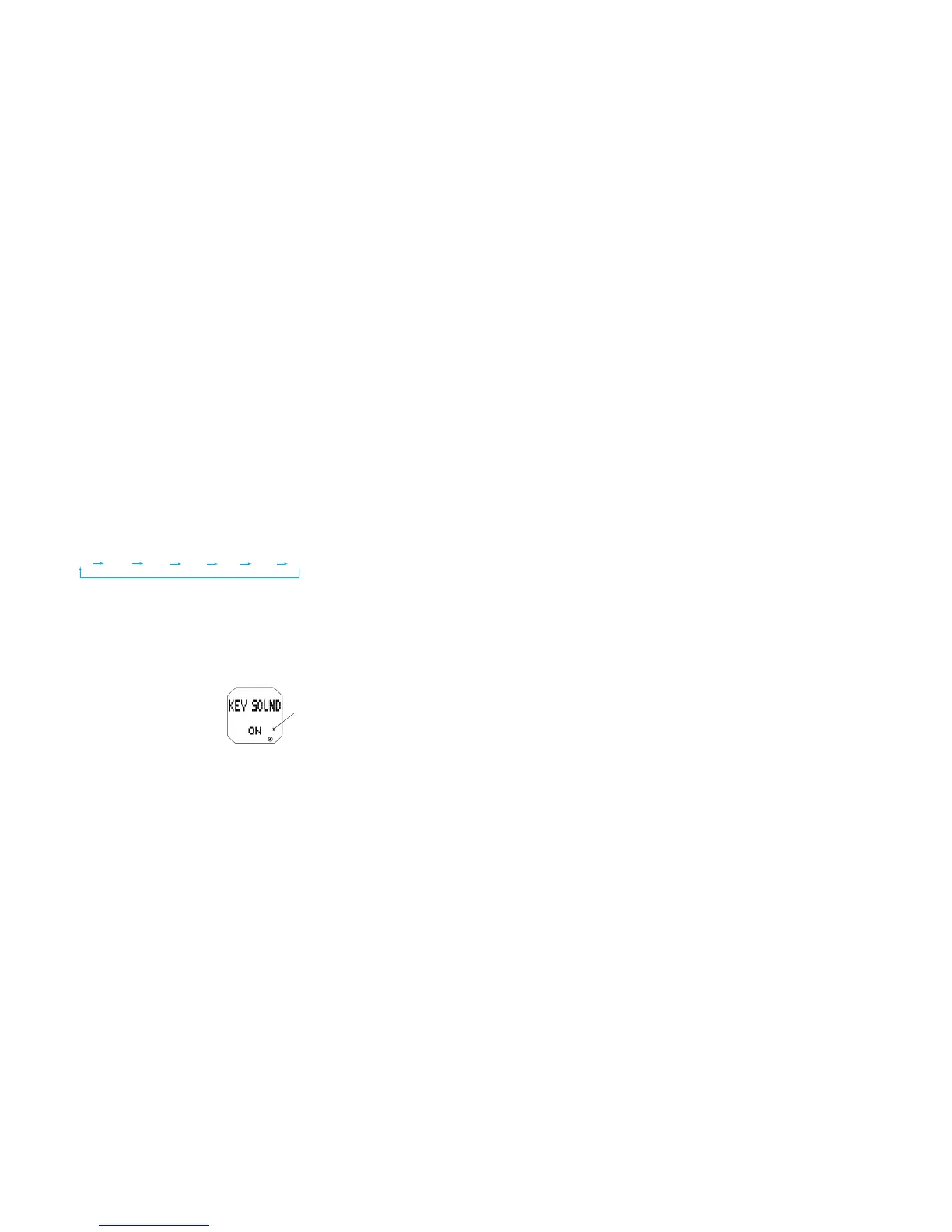
-3 -2 -1 0 1 2 3
[LED COLOR]
l
The color of the LED panel can be selected between two colors.
A: Amber
B: Blue
[KEY SOUND (Confirmation sound for button operation)]
l
The confirmation sound for button operation can be engaged (ON) or disengaged (OFF).
l
When the key sound mark is displayed, the confirmation sound beeps with each press
of the buttons.
Key sound mark
[ALARM SOUND]
l
The alarm sounds can be selected between three types of sounds.
[SCHEDULE ALARM SOUND]
l
The schedule alarm sounds can be selected between three types of sounds.
[ADJUSTMENT OF THE PRESET MESSAGES]
l
The preset messages can be adjusted. After selecting the message to be edited
by pressing button C, press button B for 2 seconds to show the MESSAGE setting
mode, and follow the procedure for editing messages in SCHEDULE ALARM SET-
TING display.



 To Next Page