Schweitzer Engineering Laboratories, Inc. SEL-411L Data Sheet
13
In-Line Transformers
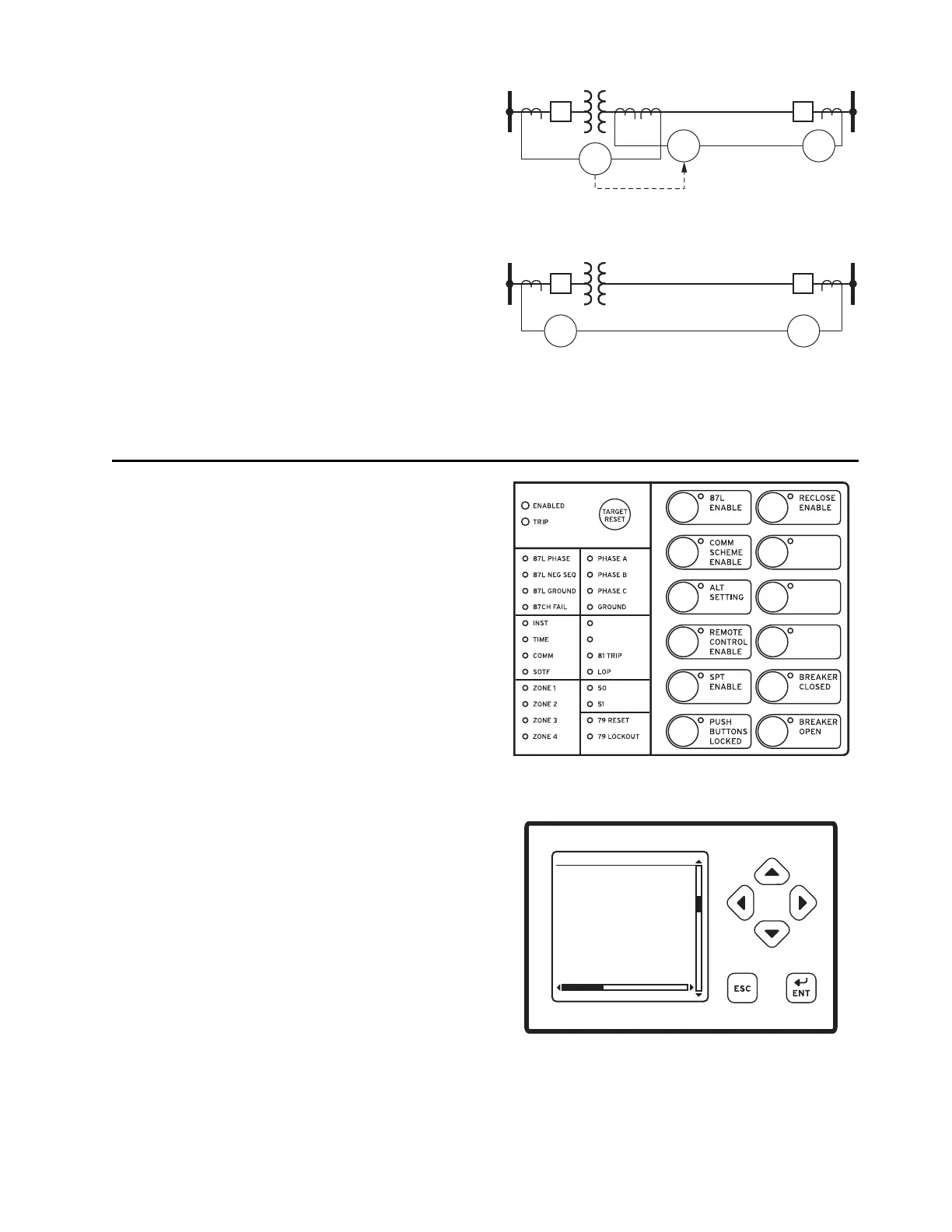
For lines with transformers, the preferred application is
to apply separate relays for the line current differential
zone and the transformer differential zone, as shown in
Figure 19. This allows application of fault location
(transformer vs. line faults, exact location for line faults)
and reclosing features. A direct transfer trip from the 87T
to the 87L allows fast clearing of transformer zone faults.
However, another solution is to use the SEL-411L as a
current differential relay for the combined line and trans-
former zones as shown in Figure 20. This is an economic
alternative if neither reclosing nor multiterminal fault
locating are necessary.
Additional Features
Front-Panel Display
The LCD shows event, metering, setting, and relay self-
test status information. The target LEDs display relay
target information as shown in Figure 21.
The LCD is controlled by the navigation pushbuttons
(Figure 22), automatic messages the relay generates, and
user-programmed analog and digital display points. The
rotating display scrolls through alarm points, display points,
and metering screens. If none are active, the relay scrolls
through displays of the fundamental and rms metering
screens. Each display remains for a user-programmed
time (1–15 s) before the display continues scrolling. Any
message the relay generates because of an alarm condition
takes precedence over the rotating display.
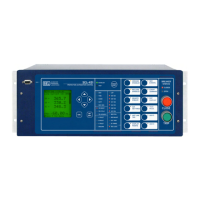
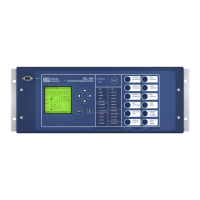
Figure 21 and Figure 22 show close-up views of the front
panel of the SEL-411L. The front panel includes a 128 x
128 pixel, 3" x 3" LCD screen; LED target indicators; and
pushbuttons with indicating LEDs for local control func-
tions. The asserted and deasserted colors for the LEDs
are programmable. Configure any of the direct-acting
pushbuttons to navigate directly to any HMI menu item
for fast viewing of events, alarm points, display points, or
the SER.
Figure 19 Preferred Application for Lines With
Transformer
Figure 20 In-Line Transformer With Combined Line and
Transformer Current Differential
87T
87L 87L
Communications
Channel
DTT
87
L+T
87
L+T
Communications Channel
Figure 21 Factory Default Status and Trip Target LEDs
(12 Pushbutton, 24 Target LED Option)
Figure 22 Factory-Default Front-Panel Display and
Pushbuttons
03/15/11 GROUP 1
00:00:05.387
EVENT: BCG T
LOCATION: 48.47
FREQ: 60.00
SHOT: 1P=0 3P=1
BK1 OPEN
BK2 CLOSED
EVENT SUMMARY 10002


 To Next Page