EasyManua.ls Logo

Selco Genesis 284 PSR - User Manual

Selco Genesis 284 PSR
304 pages
Go to English
Print Icon
To Next Page IconTo Next Page
Loading...
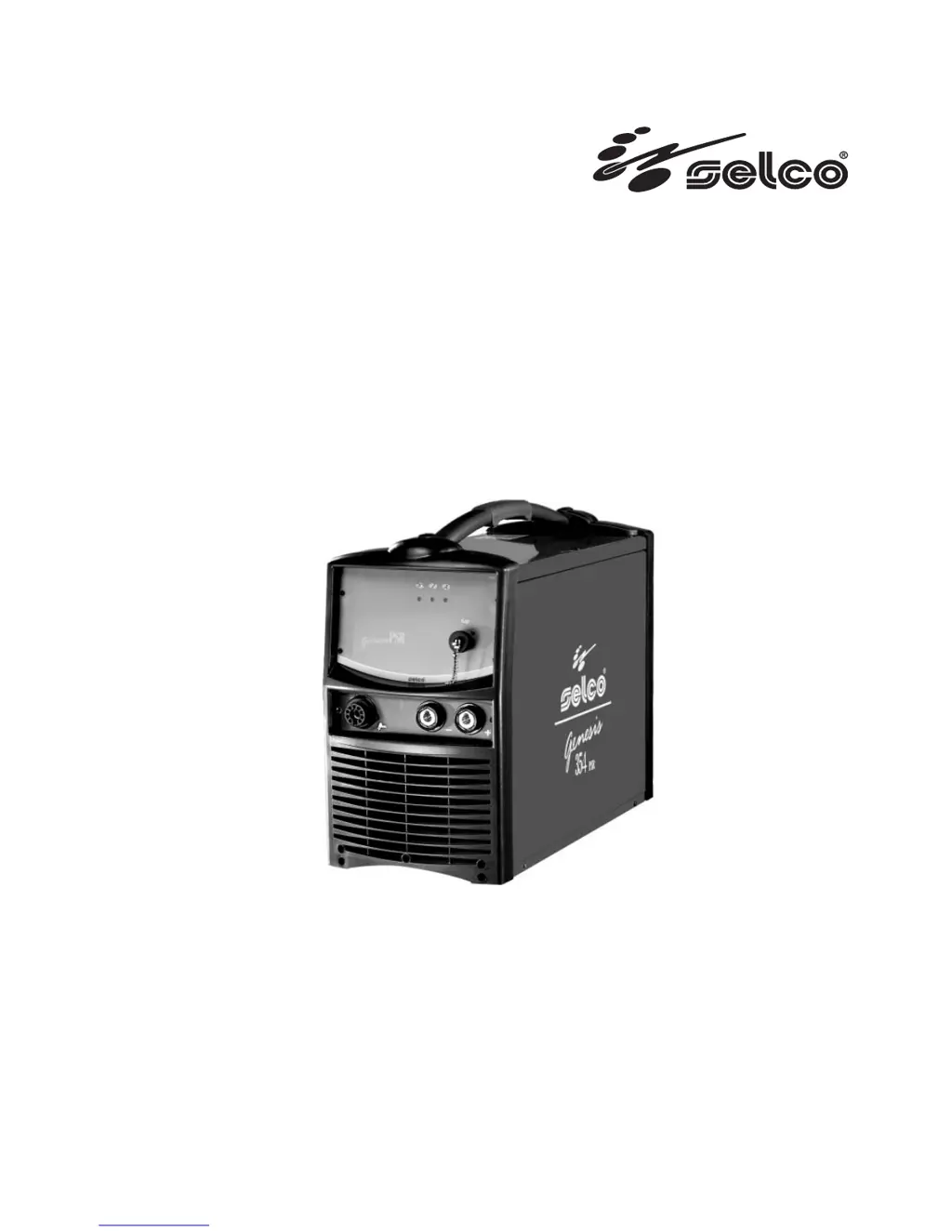
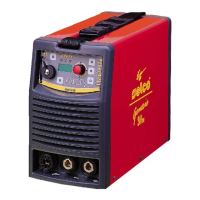
Genesis 284 PSR
Genesis 354 PSR
Genesis 504 PSR
ISTRUZIONI PER L’USO
INSTRUCTION MANUAL
BETRIEBSANWEISUNG
MANUEL D’INSTRUCTIONS
INSTRUCCIONES DE USO
MANUAL DE INSTRUÇÕES
GEBRUIKSAANWIJZING
BRUKSANVISNING
BRUGERVEJLEDNING
BRUKSANVISNING
KÄYTTÖOHJEET
OΔΗΓΙΕΣ ΧΡΗΣΗΣ

Table of Contents

Questions and Answers

Summary

CE - Declaration of Conformity

1 WARNING

1.1 Work Environment

Specifies requirements for the operating environment, temperature, and humidity.

1.2 User and Personnel Protection

Details protective clothing, safety goggles, headphones, and avoiding moving parts.

1 WARNING

1.3 Protection Against Fumes and Gases

Discusses the hazards of welding fumes, gases, and powders, and ventilation requirements.

1.4 Fire and Explosion Prevention

Covers clearing the work area, flammable materials, and avoiding pressurized containers.

1.5 Gas Cylinder Safety

Outlines safety measures for handling and storing gas cylinders.

1.6 Electrical Shock Protection

Emphasizes avoiding live parts, proper earthing, and using insulated equipment.

1 WARNING

1.7 Electromagnetic Fields and Interference

Explains electromagnetic fields, their potential effects, and EMC classification.

1.8 IP Protection Rating

Details the IP rating (IP23S) for protection against foreign bodies and water.

2 INSTALLATION

2.1 Lifting, Transport, and Unloading

Provides guidance on safely handling, lifting, and transporting the equipment.

2.2 Equipment Positioning

Specifies rules for placing the equipment in a suitable location, considering access and ventilation.

2.3 Connection

Details mains power connection, voltage checks, and earthing requirements.

2.4 Installation Procedures

Covers correct earthing of the system and electrical connections by skilled technicians.

3 SYSTEM PRESENTATION

3.1 General System Overview

Introduces the Genesis PSR series as digital multiprocessor welding systems for MMA and TIG DC.

3.2 Front Control Panel Overview

Identifies the main controls and indicators on the front panel, like power supply and alarms.

3 SYSTEM PRESENTATION

3.3 Front Control Panel (RC 300)

Describes the functions of the RC 300 remote control panel, including displays and buttons.

3.4 Starting Screen

Explains the initial checks performed by the generator upon startup and system communication checks.

3 SYSTEM PRESENTATION

3.5 Saving Screen

Details the automatic saving of welding parameters on the synergic board and control board.

3.6 Main Screen

Describes the main screen which controls the system and displays key welding settings and parameters.

3 SYSTEM PRESENTATION

3.7 Quick Choice Menu

Allows selection and regulation of commonly used welding parameters for quick access.

3.8 Set Up Parameters

Permits detailed setup and adjustment of additional parameters for improved welding control.

3 SYSTEM PRESENTATION

3.9 Programs Screen

Allows storage and management of 50 user-programmable welding programs.

3.9 Programs Screen

Program Storage

Guides on how to introduce a description and store welding programs.

Program Retrieval

Explains how to select and retrieve stored welding programs.

Program Cancellation

Details the process for selecting and deleting stored welding programs.

3 SYSTEM PRESENTATION

Interface Personalisation

Allows customization of parameters displayed on the main screen and in the quick choice menu.

Lock and Unlock Settings

Describes how to lock control panel settings using a security password.

3 SYSTEM PRESENTATION

External Controls Management

Explains how to set welding parameter management methods via external devices like RC or torch.

Guard Limits

Covers setting warning and guard limits for welding current, voltage, and gas flow.

3 SYSTEM PRESENTATION

Alarms Screen

Details how alarms are indicated and provides codes and types for troubleshooting.

3 SYSTEM PRESENTATION

Rear Panel Overview

Describes the connectors and switches located on the rear of the welding equipment.

Sockets Panel

Details the power and signal sockets on the front panel of the welding equipment.

4 ACCESSORIES

4.1 General Accessory Information

Explains how remote controls are activated and interact with the power source.

Remote Controls and Torches

Covers RC remote controls and MT300 series torches as accessories.

5 MAINTENANCE

5 MAINTENANCE

Routine Maintenance Procedures

Details routine maintenance, safety precautions, and periodic checks for the welding system.

6 TROUBLESHOOTING

6 TROUBLESHOOTING

Troubleshooting Common Issues

Provides a structured list of common welding problems and their potential causes and solutions.

6 TROUBLESHOOTING

Troubleshooting Specific Welding Defects

Addresses specific welding defects like hot cracks, cold cracks, and suggests parameter adjustments.

7 WELDING THEORY

7.1 Manual Metal Arc Welding (MMA)

Explains the principles of MMA welding, including edge preparation and electrode selection.

7 WELDING THEORY

Welding Polarity and Processes

Details DCSP, DCRP, and DCSP-Pulsed polarities and processes for various welding types.

7.2 TIG Welding Principles

Covers TIG welding theory, including arc striking, electrode handling, and specific applications like steel and copper.

8 TECHNICAL SPECIFICATIONS

9 Rating Plate Information

10 Meaning of Power Source Rating Plate

11 Circuit Diagrams

12 Connectors Identification

13 Spare Parts List

Selco Genesis 284 PSR Specifications

General IconGeneral
BrandSelco
ModelGenesis 284 PSR
CategoryWelding System
LanguageEnglish

Related product manuals