Digital Entrance Panel Programming Instructions
System Function Programming
- 10 -
Digital Audio
Installation Manual
Function 1 (Lock Release)
Press 1 on the Digital Panel keypad and then press the PROG button.
Enter between 1 and 255 seconds and press CALL.
This will set the Lock Release duration time for that Panel.
Function 2 (Door Open Alarm Duration)
Press 2 on the Digital Panel keypad and then press the PROG button.
Enter between 1 and 255 minutes and press CALL.
This will set the Door Alarm Duration time.
Function 3 (Door Open Alarm Delay)
Press 3 on the Digital Panel keypad and then press the PROG button.
Enter between 1 and 255 minutes and press CALL.
This will set the Door Alarm Delay time.
Function 4 (Service Access Code)
Press 4 on the Digital Panel keypad and then press the PROG button.
Enter up to 5 digits and press CALL.This will establish a Service Access Code.
If a 5 digit service code has already been entered the Digital Panel will display AC?
alternating with the remaining 4 numbers, i.e. AC1 - 2345.
This can, if required be deleted by pressing the CANCEL button.
Press the TRADES button, Enter Code and then press Trades or Call to release the Door.
Function 5 (Engineering Access Code)
Press 5 on the Digital Panel keypad and then press the PROG button.
Enter up to 5 digits and press CALL.This will establish an Engineering Access Code.
If a 5 digit engineering code has already been entered the Digital Panel will display
EA1 alternating with the remaining 4 numbers, i.e. EA1 - 2345.
This can, if required be deleted by pressing the CANCEL button.
Press the TRADES button, Enter Code and then press Trades or Call to release the Door.
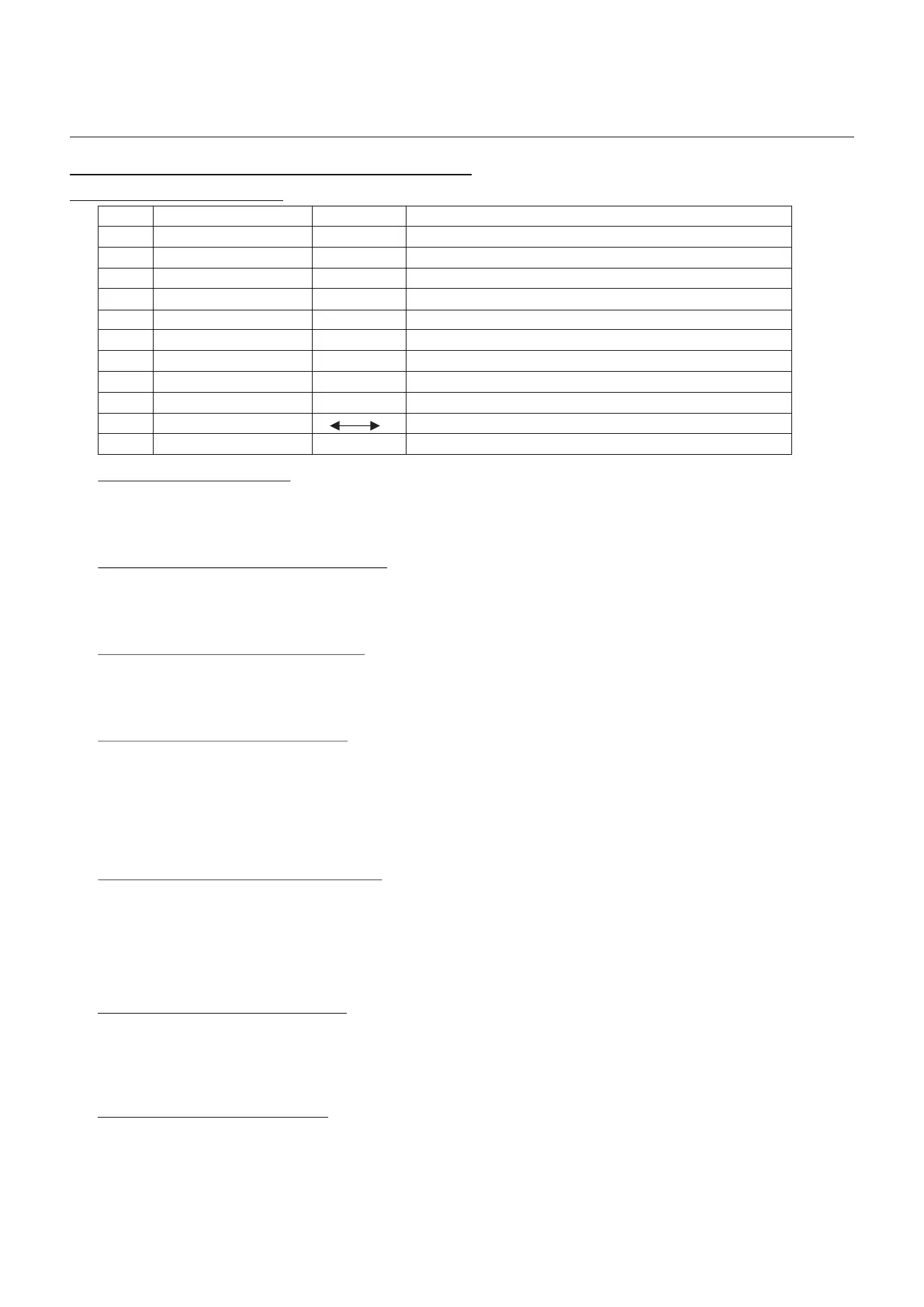
Function Description Parameters Notes
1 Lock Release Time
1 - 255 Seconds
2
Door Alarm Delay Time
1 - 255 Minutes
10
27
Panel Facility Configuration
Erase All Memory and Reset
-
9 Communication Test facility
-
Controller Interface Data Continuity Test
90 Second Erase on a 30 count will automatically re-set the default values
Alpha Numeric, Cameras, Concierge and Door Tone On/Off
8 Set Digital Panel Number
1 - 9
A F
7 Call Duration Time
1 - 255 Seconds
6 Monitor Ring Time
1 - 255 Seconds
5 Engineers Access Code (EA)
1 - 5 Digits
Code + Trades to release door
4 Service Access Code (AC)
1 - 5 Digits
Code + Trades to release door
3
Door Open Duration Time
1 - 255 Minutes
Zero minutes will disable the Door Alarm
Function 6 (Telephone Ring Time)
Press 6 on the Digital Panel keypad and then press the PROG button.
Enter between 1 and 255 seconds and press CALL.
This can if required be deleted by using the CANCEL button.
This will set the Digital Panel to Telephoner ring time.
Function 7 (Call Duration Time)
Press 7 on the Digital Panel keypad and then press the PROG button.
Enter between 1 and 255 seconds and press CALL.
This can if required be deleted by using the CANCEL button.
This will set the Digital Panel to Telephone Call Duration time.
Digital Audio
Revision 1.09 Date: 05/12/2011



 To Next Page