6
Step 4: Connecting the Antenna and the Set top box
Once you have installed the antenna in an open loop space and mounted the way you want it to be the next
step is to connect it all together.
In order to be able to watch your favorite satellite programs, you need to connect your satellite antenna to a
receiver by a cable. The cable between the antenna and the Satellite receiver should not exceed 30m as it will
decrease the quality of the signal. The use of a long or bad quality cable and not isolated jacks can cause a loss
of the signal level, it would be preferable to use an RG6 Coaxial cable (HF 17VATC or 19VATC cable), in order
to minimize a signal loss.
S4
N1
N1
N1
S4
S3
S3
B3
B3
B4
B4
Use anchor bolt.
It is not included.
Wall
Wall
B2
B2
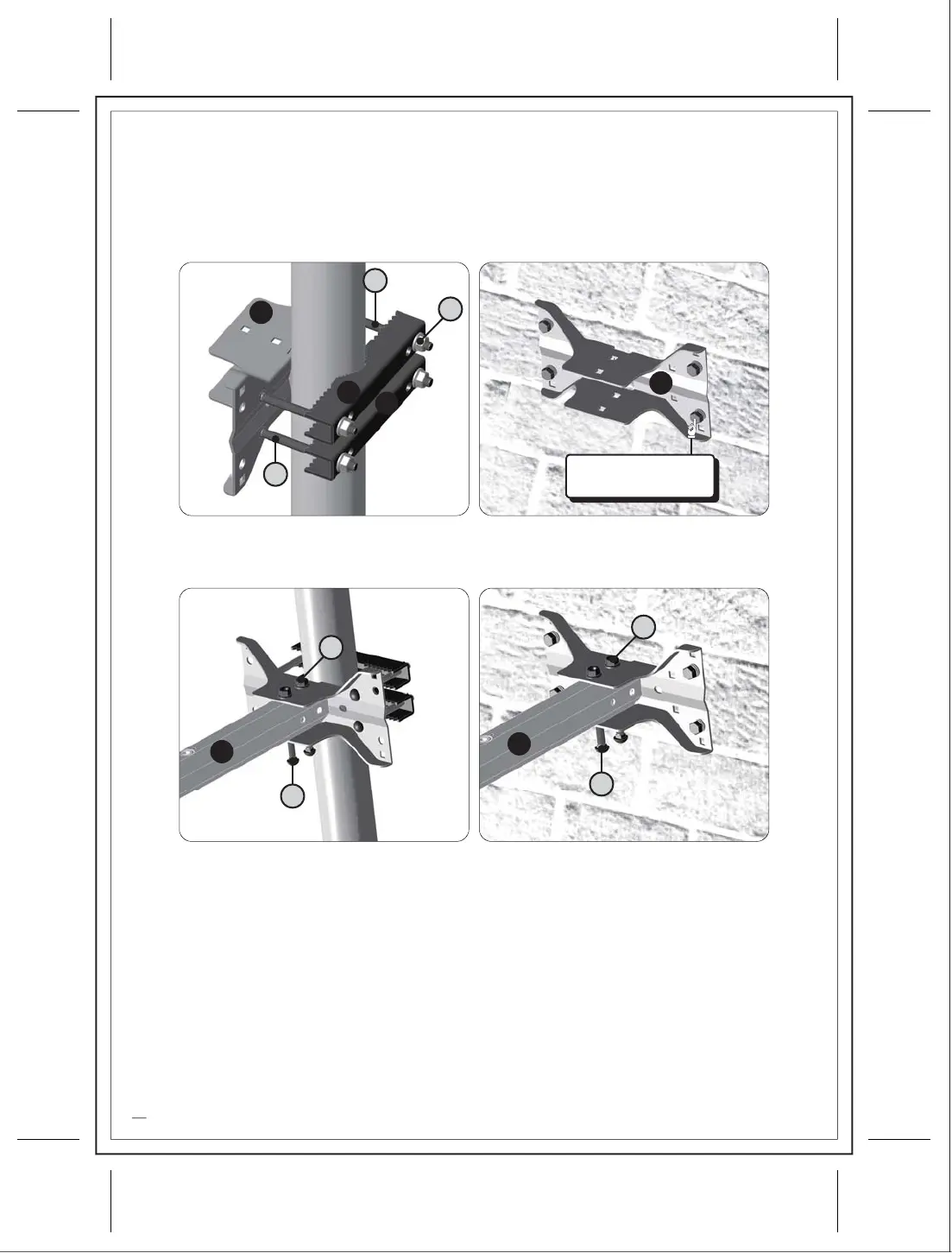
Installation of Fix Bracket A
You need to install Fix Bracket A(B3) considering installation place (Clamp Type, Wall Mounting Type).
Make sure that direction should be toward satellite. In order to support antenna, nut (N1) should be
jointed as tightly as it can. Please purchase anchor bolt separately for wall mounting installation.
3)
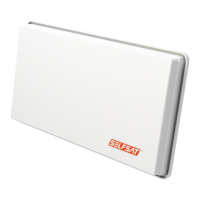
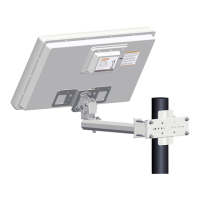
Joint Antenna Body and Fix Bracket A(B3)
Joint assembled Antenna Body and Fix Bracket A.
In order to support antenna, nut (N1) should be jointed as tightly as it can.
4)




 To Next Page