ENGLISH - 13
4. Software Update
3-3. Quick reference
Turn on the remote control and select the unit that matches the MAC
Address(starting with WM-) of your antenna.
Use the left and right arrow buttons to select the satellite and press the SET
button.
Wait for the message 'FOUND SAT' to appear on the remote control screen.
When the satellite search is complete, watch the broadcast.
1.
2.
3.
4.
SELECT MAC
WM - E9 : FC : E4
PRESS SET
When you physically move unit, the unit must be returned to HOME
position to prevent damage.
WARNING
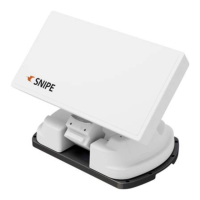
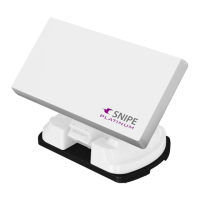
SNIPE PLATINUM will be automatically folded back to HOME position if
vehicle moves faster than 30km/h when the unit is powered.
SNIPE PLATINUM supports the ignition function. If the ignition cable is
connected, the antenna automatically moves to the home position when
the vehicle starts.
NOTE
Download and install the Sat Connect app from the App store
Turn on the receiver power and PI BOX
1.
2.
Pair the app with the antenna. At this time, the antenna should select a MAC
address starting with WM (instead of a MAC address starting with WP-)
Select [F/W Update] from the menu to update the antenna
After completing the update, must unpair the WM- MAC address of antenna
and re-pairing with the WP- MAC address
3.
4.
5.



 To Next Page