EasyManua.ls Logo

SellEton Scales SL-7515 - User Manual

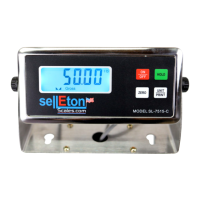
SellEton Scales SL-7515
15 pages
Print Icon
To Next Page IconTo Next Page
Loading...
www.selletonscales.com
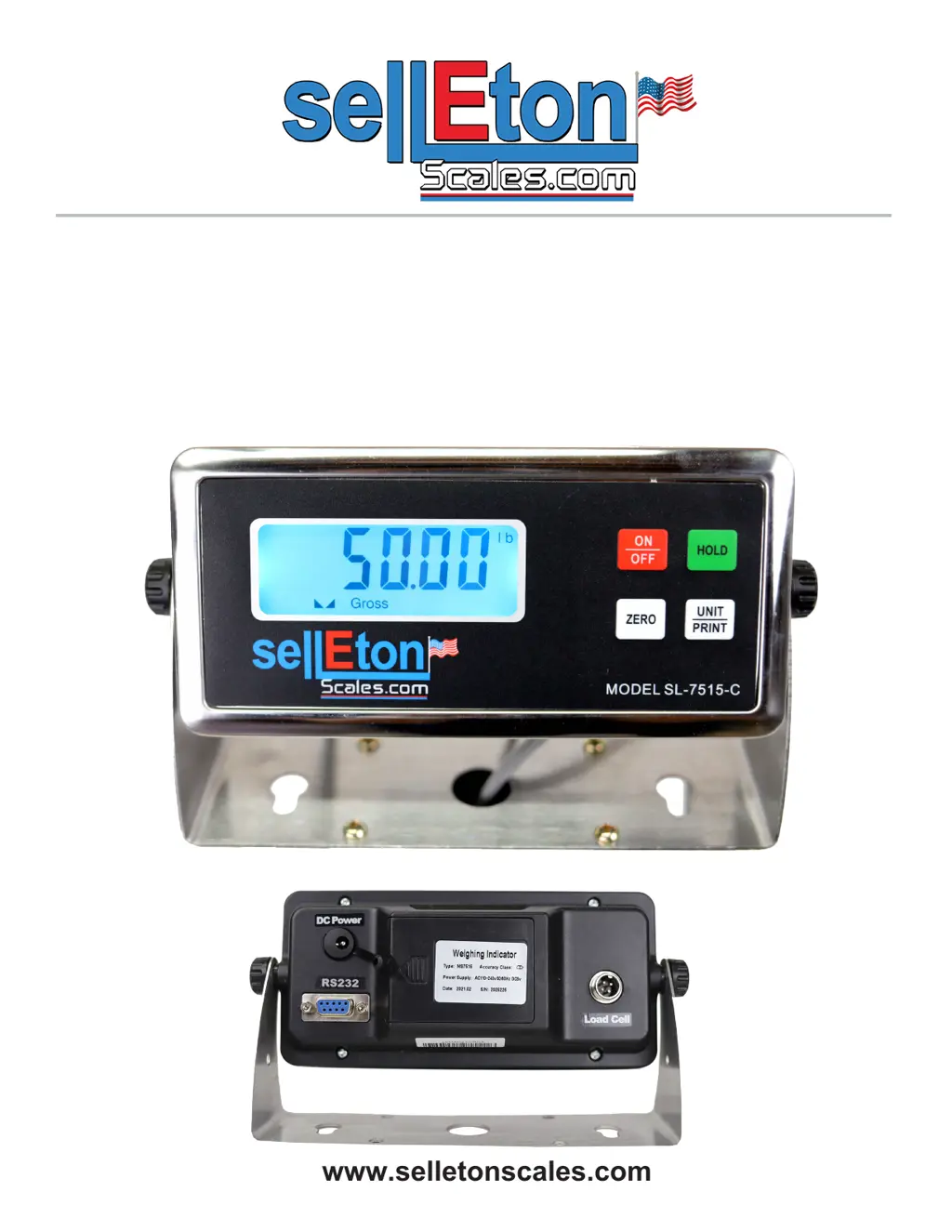
SL-7515 INDICATOR
USER’S MANUAL

Questions and Answers

  • M
    Mia StevensonAug 4, 2025
    What to do if my SellEton Scales Measuring Instruments show 'ERR3'?
    • N
      Nathan AustinAug 4, 2025
      If your SellEton Scales Measuring Instruments display 'ERR3', take the following steps: First, check all wire connections. Second, inspect the load cell. Third, recalibrate the device. If these steps don't resolve the issue, a PCB replacement may be necessary.
  • S
    Summer WilliamsAug 9, 2025
    Why do my SellEton Scales Measuring Instruments display 'ERR1'?
    • R
      Rachel TurnerAug 10, 2025
      If your SellEton Scales Measuring Instruments are showing 'ERR1', ensure you are using the correct weight within the defined range of the device.
  • T
    Tiffany CarpenterAug 14, 2025
    What to do if my SellEton Scales Measuring Instruments display 'ERR2'?
    • K
      Katelyn ScottAug 14, 2025
      If your SellEton Scales Measuring Instruments show 'ERR2', the calibration weight minimum is 10% of the maximum capacity set in C04. It is recommended to use 60%-80% of maximum capacity if possible.
  • T
    Troy RamirezAug 19, 2025
    What does 'UUUUUU' mean on my SellEton Scales Measuring Instruments?
    • A
      Ann MorganSep 12, 2025
      If your SellEton Scales Measuring Instruments display 'UUUUUU', it could be due to several reasons: * The scale is overloaded, in which case you should reduce the weight. * There is a wrong connection with the load cell, so you should check the load cell connection. * The load cell has a quality problem, so inspect the load cell and check the input/output.
  • J
    Jose JonesAug 25, 2025
    Why do my SellEton Scales Measuring Instruments display 'ERR4'?
    • D
      Danielle SnyderAug 25, 2025
      If your SellEton Scales Measuring Instruments are showing 'ERR4', make sure to start calibration after the platform is stable.
  • A
    adamskennethAug 30, 2025
    How to fix 'nnnnnnn' error on SellEton Scales Measuring Instruments?
    • D
      Dr. Cody BrownAug 30, 2025
      If your SellEton Scales Measuring Instruments are showing 'nnnnnnn', it could be due to a few reasons: * The calibration is not correct, so ensure the scale is level. * There is a wrong connection with the load cell, so check the load cell connection. * The load cell has a quality problem, so check the load cell input and output resistance.

Summary

Safety Precautions

Preparation & Set Up

Features

Technical Parameters

Power Supply

Display and Key Description

Operating Instructions

Powering On or Off

Instructions for turning the weighing indicator on and off, including auto power off.

Zero;Tare

Explanation of the zero and tare functions and their usage.

Print

Procedure for printing data and required communication settings.

Hold

Hold Functions Overview

Details five different hold functions: Peak, Manual, Auto, Average, and Auto Average Hold.

Calibration

To Enter Calibration Settings

Steps to enter calibration mode, select units and capacity range.

Calibration cont.

If FS = 6

Procedure for calibrating custom settings (FS=6) including decimal places and division.

For FS values of 0-6

General calibration steps for FS values 0-6, including zero and loading calibration.

Parameter Settings

Power Management Settings

Configure automatic power off and display backlight for power savings.

Weighting & Hold Settings

Set units, hold types, hold times, and average weight sampling.

Zero and Negative Range Settings

Define zeroing limits and acceptable negative weight deviation.

Communication Setting

Configure serial interface data output method and connection type.

Helpful Definitions

Troubleshooting

Connectors

Quick Disconnect

Diagram and pinout for connecting load cells.

DB9 Connection (9 pin Serial Connector)

Pin assignment and description for the DB9 serial connector.

Communication Modes

Continuously Send Mode

Indicator continuously sends data to the RS232 port.

Manually Send Mode

Press UNIT for 1 second to send current data to RS232 port.

Command Send Mode

Send ASCII R character to trigger indicator response.

Communication Format

ASCII format for data transmission including status, mode, and value.

Specifications

Contact Us

SellEton Scales SL-7515 Specifications

General IconGeneral
Capacity75 lb / 34 kg
Platform Size12 x 14"
Accuracy0.01 lb / 0.005 kg
DisplayLCD
Auto Power OffYes
Tare FunctionYes
LCD DisplayYes
PowerAC Adapter or 4 x AA Batteries
Units of Measurementlb / kg
Power Supply4 x AA batteries or AC adapter

Related product manuals