52 SAE
fon
- operating instructions
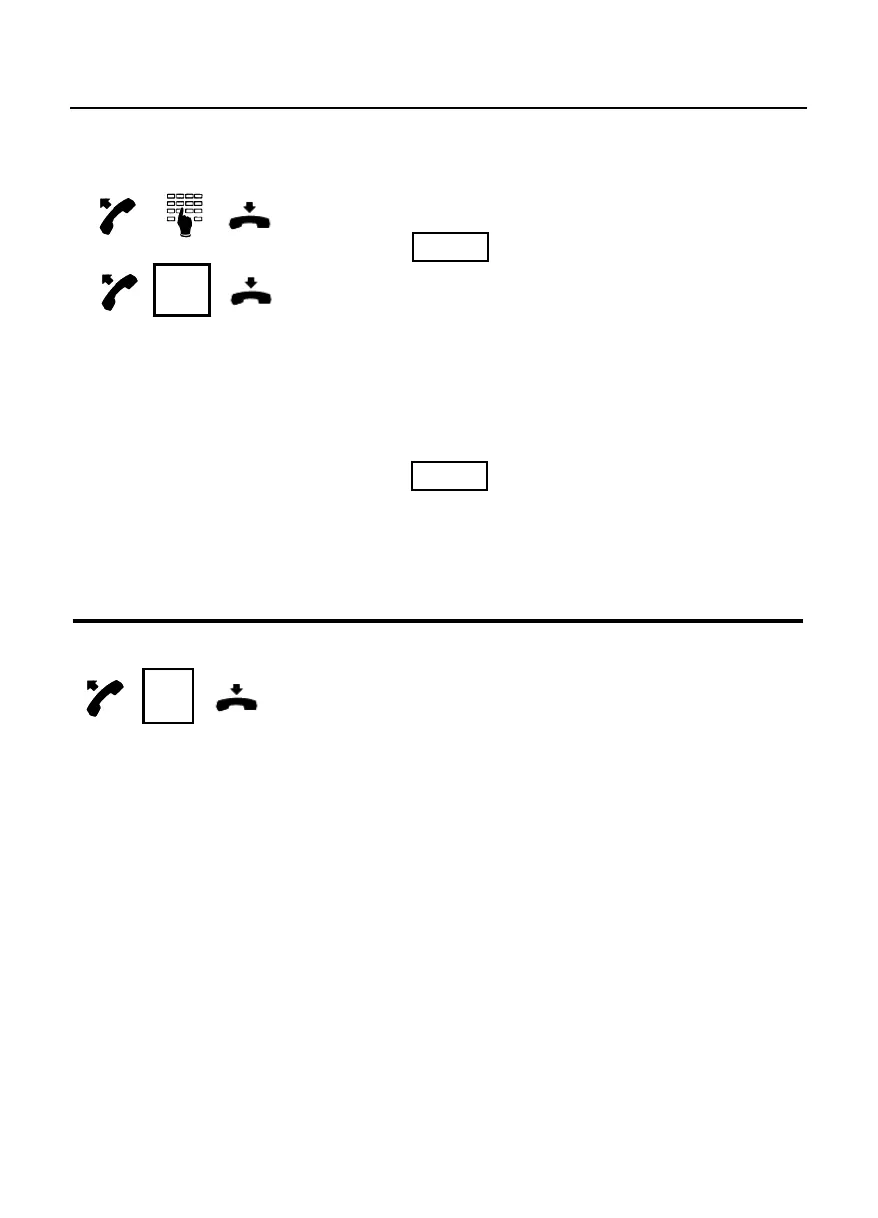
How to forward calls to another extension
Lift the handset and dial the “call forwarding”
code , followed by the destination
extension telephone number (Variable call
forwarding) or press the key programmed as
“call forwarding” in the case when the
destination has already been programmed
within the SAE exchange (fixed call
forwarding).
To cancel the call forwarding feature, dial the
“disable variable/fixed call forwarding”
code .
In the case of fixed call forwarding, press the
key programmed for “call forwarding” again;
the led next to the key indicates the current
state of the fixed call forwarding.
How to enable the “do not disturb” facility
Lift the handset and press the key
programmed for “do not disturb”.
Only the attendant and the enabled internal
users can call you.
To remove the “do not disturb” repeat the
operation.
The led next to the key indicates the current
service state.
C.forw.
D.n.d.



 To Next Page