SAE
fon
- operating instructions 57
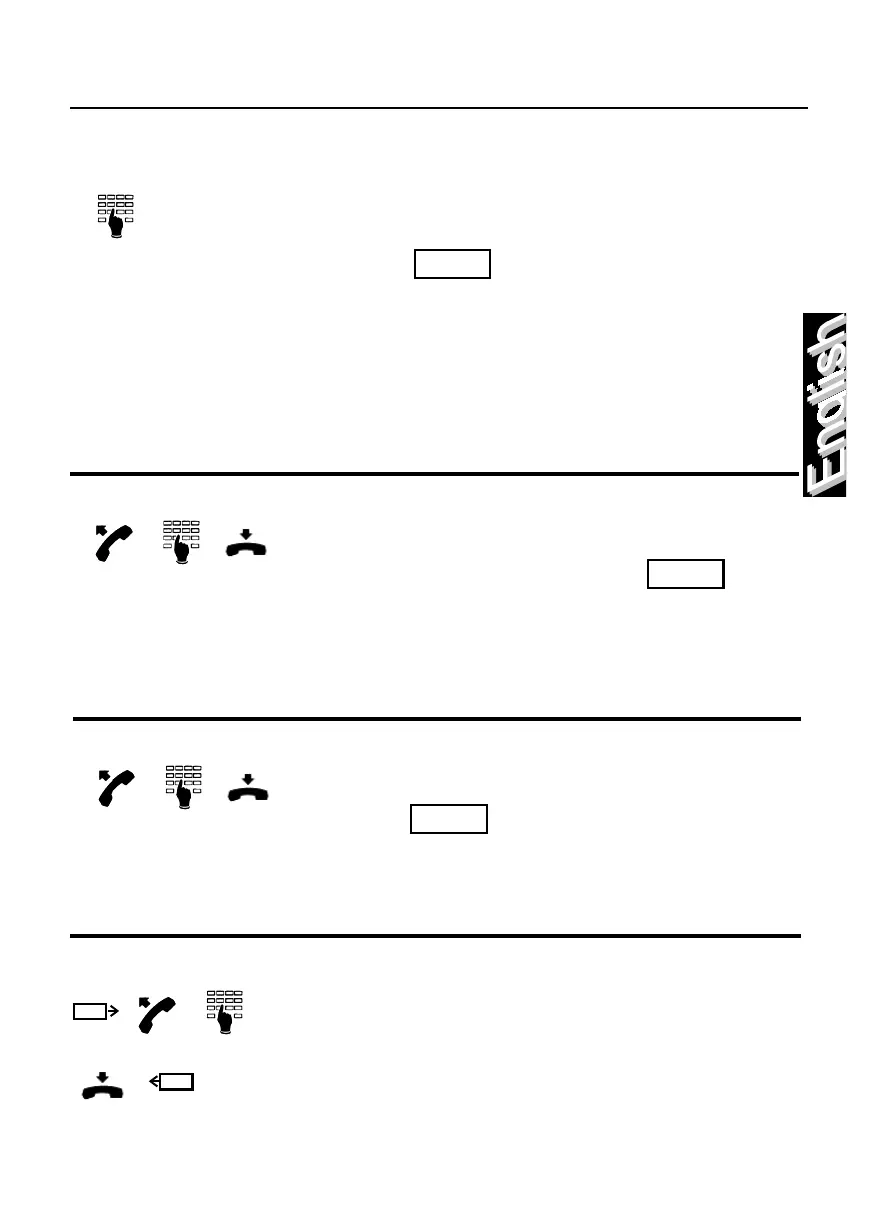
How to disable your telephone from executing trunk line calls
Lift the handset and dial the “activate
individual class with code” code ,
followed by a secret code, then press digit “3”
and hang-up.
To re-enable the telephone, repeate the
previous manoeuvre, substituing digit “3” with
digit “1”.
How to enable a telephone for trunk calls with a user badge card
To enable the telephone insert the user badge
card and lift the handset.
To disable the telephone hang-up and extract
the user badge card.
How to place many users in a conference
Call each user individually and during the
conversation, dial the “add-on conference call”
code .
After dial the second telephone number,
followed by the “conference of N lines” code.
Repeat the operation for each of the users to
be placed in conference.
To place yourself in the conference, dial your
own number followed by the “add-on
conference call” code.
How to modify the secret code of the user
Lift the handset and dial the “modify password”
code , followed by the user’s number
and the secret code that you want modify.
Enter the new code and, upon hearing the
confirmation tone, hang-up.



 To Next Page