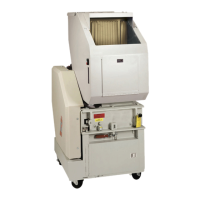
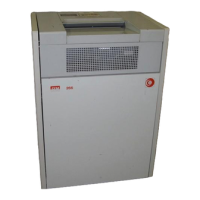
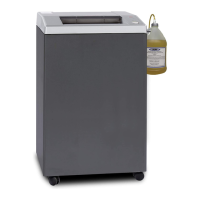
SEM Model 0205 EMD E-Media Destroyer
9
508.366.1488 | www.semshred.com
3.5 Display Messages
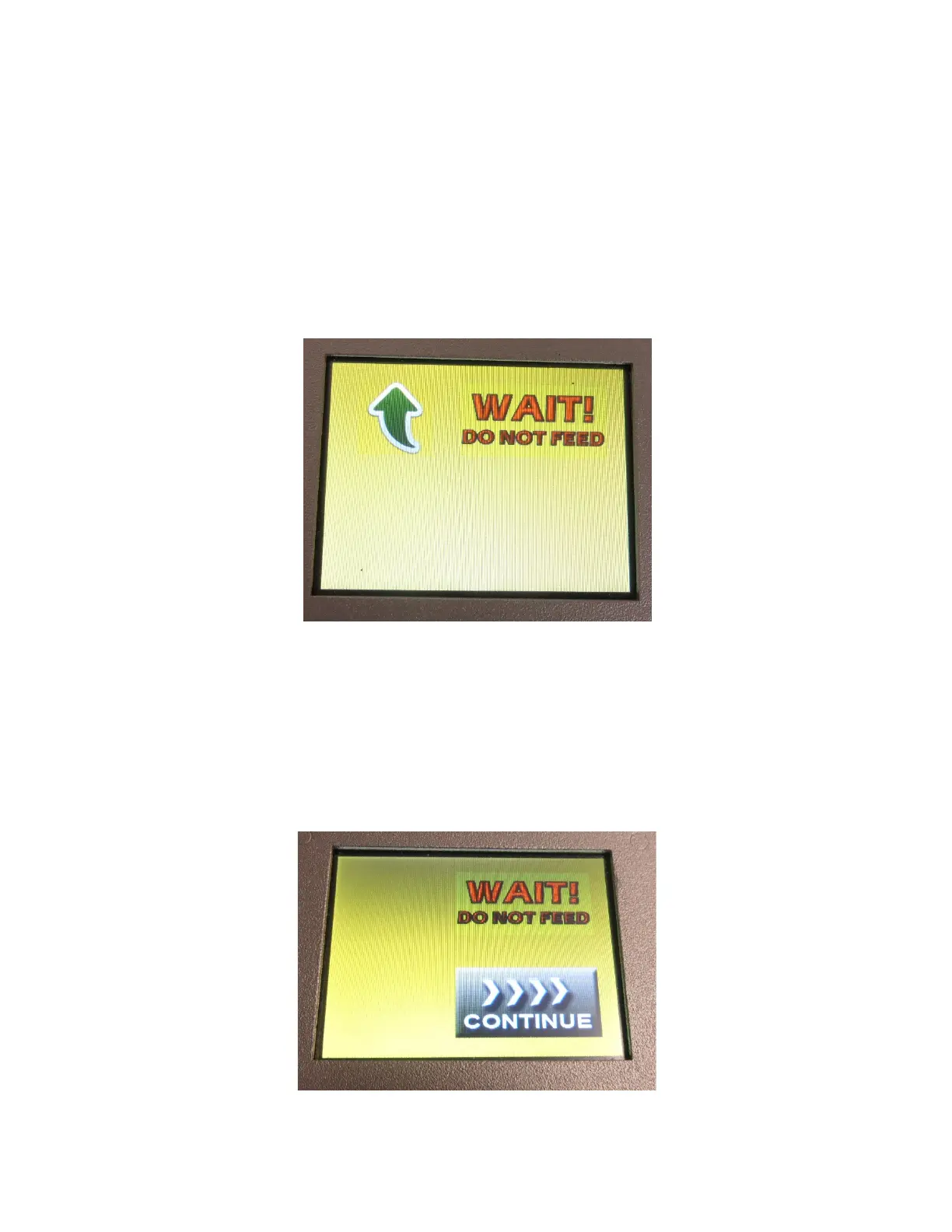
The shred cycle will run for 10 seconds. Once the shred cycle starts, the WAIT! DO NOT FEED message will be
displayed.
NEVER feed media while this message is displayed, as the unit is busy shredding or not ready to accept media.
Feeding additional media before the unit has not completed the shred cycle may result in jamming the unit.
The green direction arrow is also displayed, indicating that the unit is running in the forward (shred) direction.
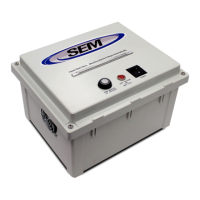
If the waste bin door, unjam door, or feed flap is opened by the user during a shred cycle, the unit will stop
shredding and the CONTINUE button will be displayed. When ready to continue press your finger on the CONTINUE
button. The unit will now run for an additional 10 seconds, since the previous cycle was interrupted, and the media
may not have fully passed through the shredder.
NOTE: The CONTINUE button will also appear anytime the waste bin door or unjam door are opened.


 To Next Page